2-4
PDW-700/V1 (E)
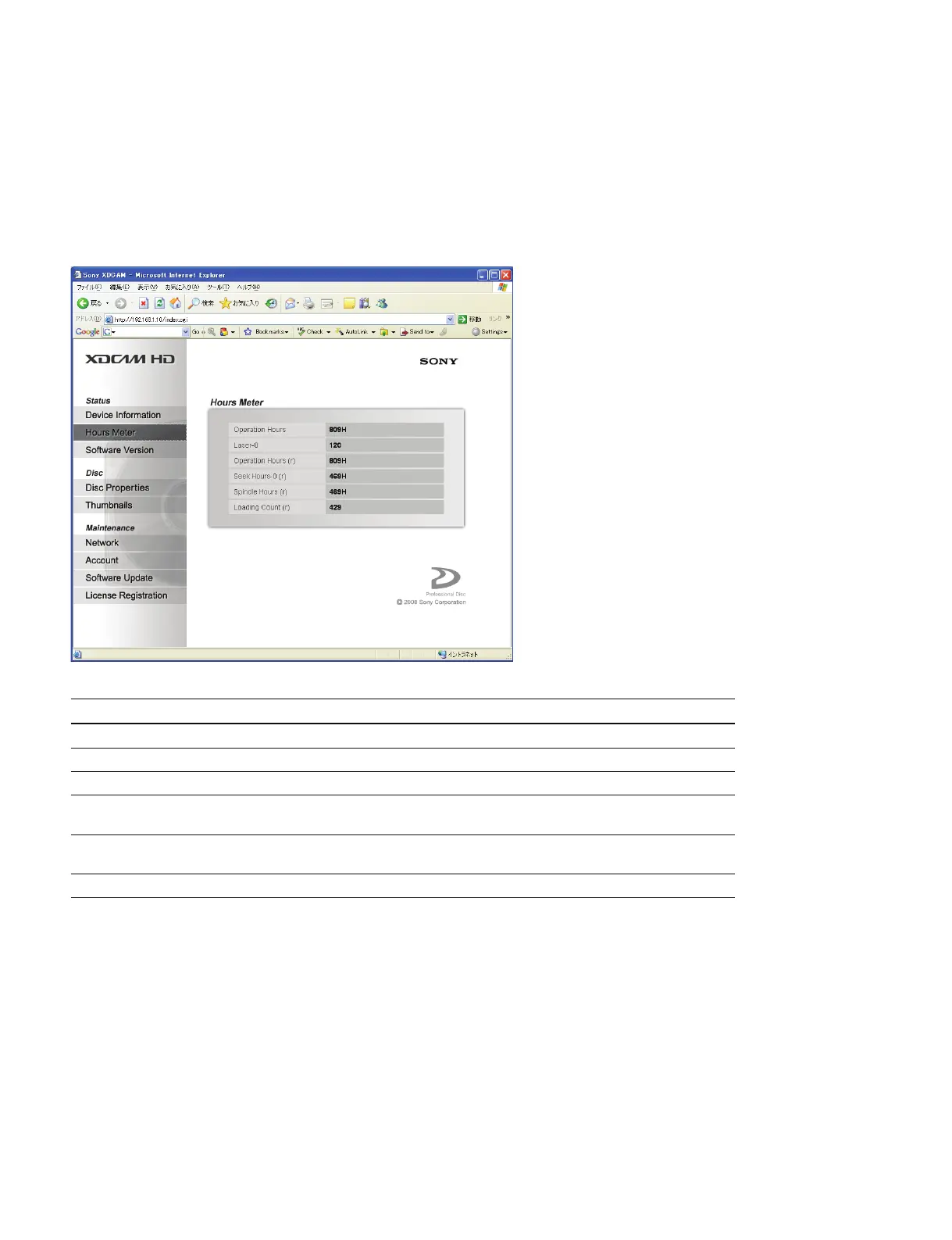
2-2-2. Hours Meter
The hours meter of the camcorder can be displayed on the Hours Meter page of the Status menu.
n
The function is the same as that of the HOURS METER of the DIAGNOSIS menu on the camcorder.
For “How to reset the hours meter”, contact your local Sony Sales Office/Service Center.
Item Setting Function
Operation Hours Display only Displays the total operation hours
Laser-0
*1
Display only Displays the output count of laser on optical block assembly
*2
Operation Hours (r) Display only Displays the total operation hours (Unit: hour, Resettable)
Seek Hours-0 (r) Display only Displays the total running hours of seek on optical block assembly
(Unit: hour, Resettable)
Spindle Hours (r) Display only Displays the total running hours of spindle motor
(Unit: hour, Resettable)
Loading Count (r) Display only Displays the total loading counts of disc (Resettable)
*1 : Not resettable for this unit.
*2 : Increment of the counter depends on recording/playback ratio and operating temperature.



 To Next Page