4-88
PDW-700/V1 (E)
4-10-6. LOADER
This menu allows you to check loader operations.
n
Check that the loader is correctly installed on the optical
drive before starting the check.
Menu hierarchy:
[DRIVE MAINTENANCE]
→ [CHECK]
→ [LOADER]
1. A confirmation screen appears.
2. Insert a cartridge.
The result appears.
The loader moves to the DOWN position.
LOADER
INSERT DISC
POSITION:EJECT
REC INHI:INHI
DOWN SENSOR:NOT DOWN
SENSOR HOLE:
LOADER
CHECKING...OK
POSITION:DOWN
REC INHI:NOT INHI
DOWN SENSOR:DOWN
SENSOR HOLE:2 3 4
Appears just
for a moment
LOADER
CHECKING...ERROR
POSITION:DOWN
REC INHI:NOT INHI
DOWN SENSOR:DOWN
SENSOR HOLE:2 3 4
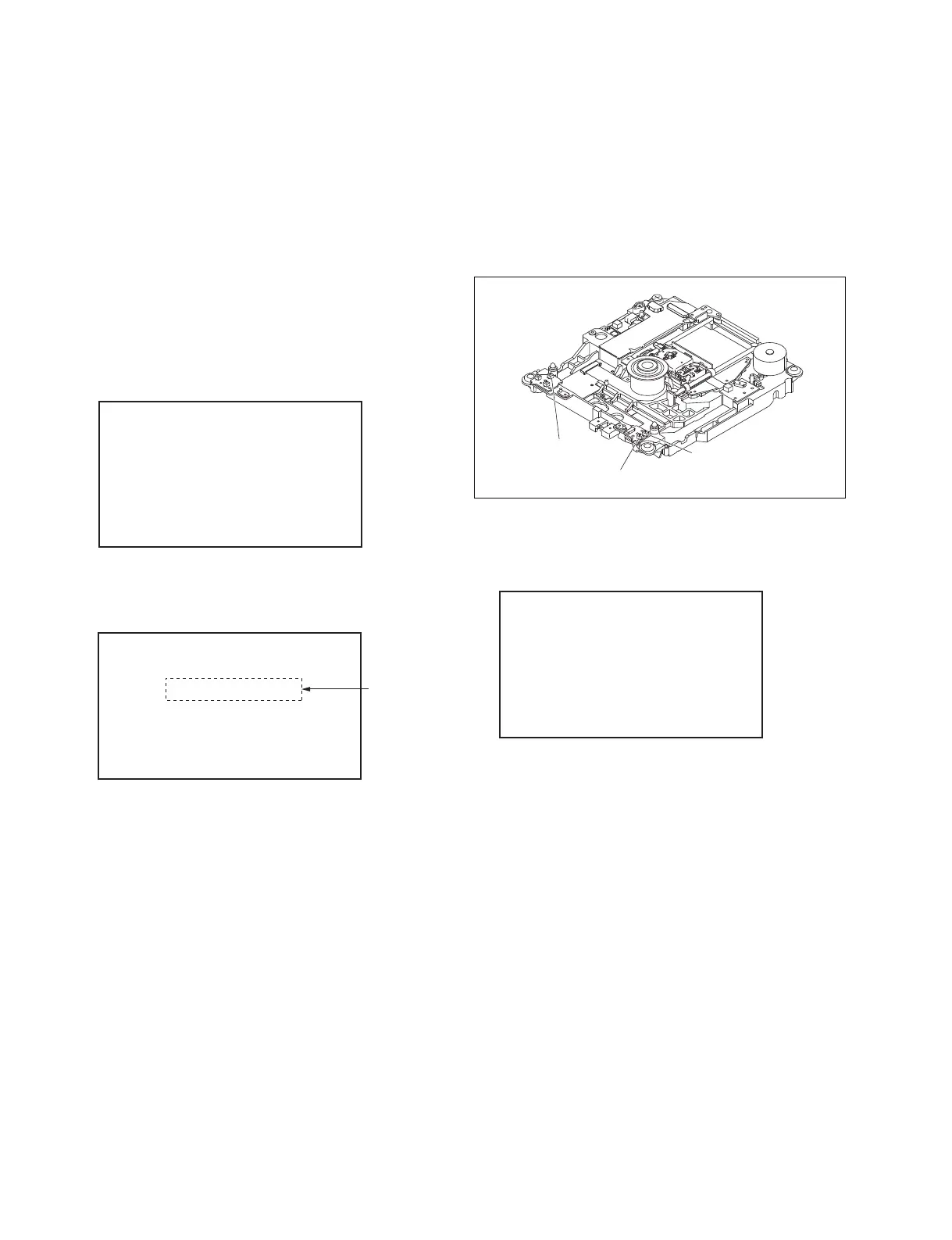
SENSOR HOLE
. When insert 23.3 GB SL disc such as PFD23A, the
message “SENSOR HOLE:2 3 4” is displayed.
. When insert 50 GB SL disc such as PFD50LA, the
message “SENSOR HOLE:3 4” is displayed.
In cases other than above, check the corresponding detection
sensor because of possibility of failure.
If failed:
The following screen appears.
The following describes four procedures:
. Moving DOWN Position to EJECT Position
. Moving DOWN Position to STBY Position
. Moving STBY Position to EJECT Position
. Moving STBY Position to DOWN Position
Detection sensor 2
Detection sensor 4
Detection sensor 3



 To Next Page