9-5
PDW-700/V1 (E)
9-2-3. VA Gain Adjustment
m
. Use an 89.9%-reflective chart in this adjustment as
possible. For details, refer to “9-1-5. Gray-Scale Chart
and its Maintenance”.
. If the “16:9” chart is not available, shoot a “4:3” chart so
that the chart width is aligned with the underscanned
monitor frame.
Fixtures and Equipment:
. Oscilloscope, SD waveform monitor
. Grayscale chart (16:9)
Preparation:
. Connect an SD waveform monitor to the TEST OUT
connector.
. OUTPUT/DCC switch (inside panel) → CAM/ON
. WHITE BAL switch (inside panel) → PRST
. Shoot a grayscale chart (16:9) in the full underscanned
monitor frame.
Adjustment Procedure:
1. AUTO W/B BAL switch (front panel) → BLK
(Perform the automatic black balance adjustment.)
2. On the menu, set as follows.
MENU: MAINTENANCE
PAGE: WHITE SETTING
ITEM: COLOR TEMP. <P> : 3200
ITEM: C TEMP BAL <P> : 0
MENU: PAINT
PAGE: SW STATUS
ITEM: GAMMA → OFF
ITEM: DETAIL → OFF
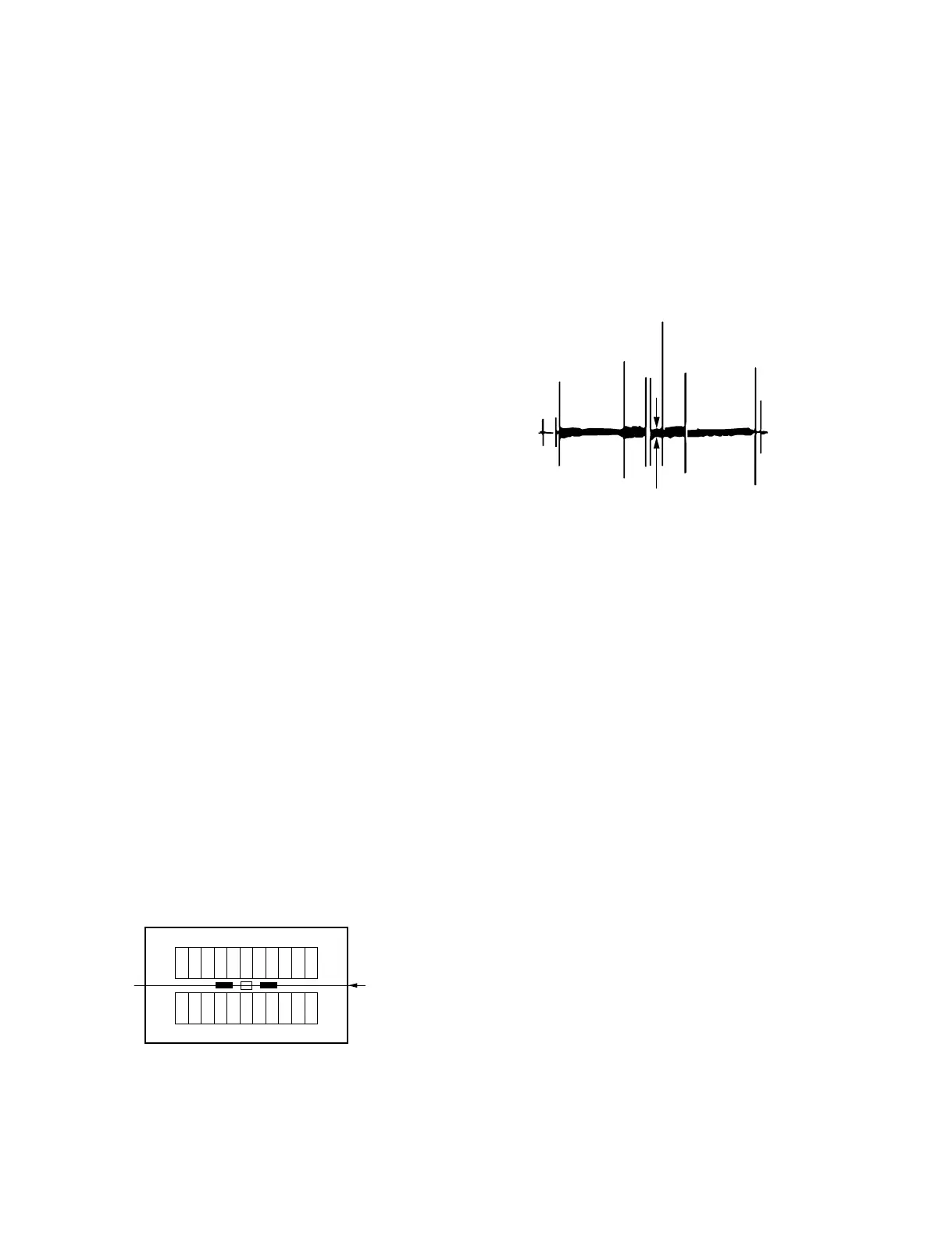
3. Select the center portion by using the waveform
monitor.
4. Set the waveform monitor to the CHROMA mode.
5. Equipment: Waveform monitor
Test point: TEST OUT connector
Adj. point: MENU: SERVICE
PAGE: CCD ADJUST
ITEM: R CCD GAIN
ITEM: B CCD GAIN
Spec.: Minimize carrier leakage C by using the
variable resistors alternately.
Setting after Adjustment:
. On the menu, set as follows.
MENU: PAINT
PAGE: SW STATUS
ITEM : GAMMA → ON
ITEM : DETAIL → ON
C



 To Next Page