4-61
PDW-700/V1 (E)
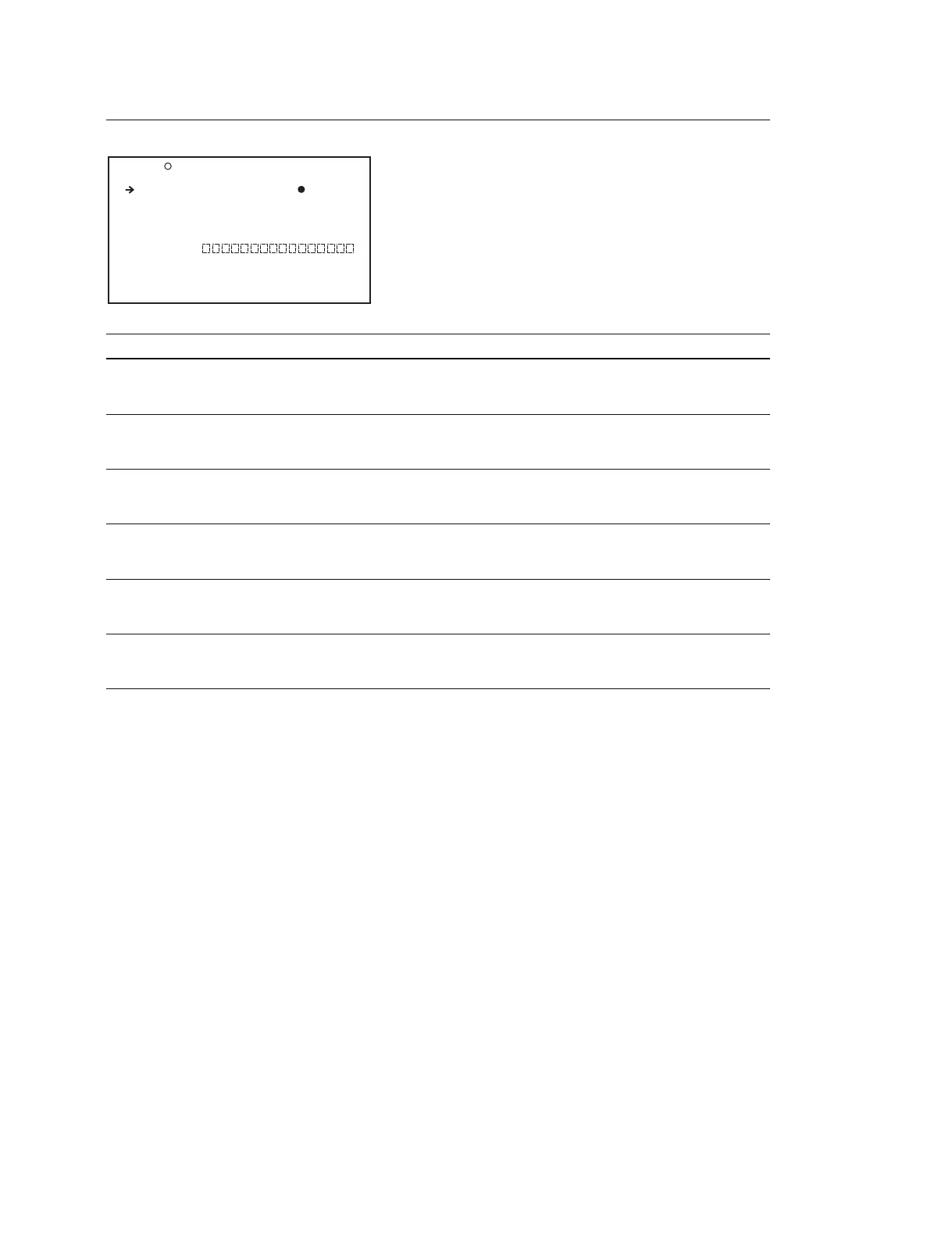
REFERENCE Display (Operating the REFERENCE file)
Item Setting Function
REFERENCE STORE Press the MENU knob and Saves the REFERENCE file in the main unit
select YES for the confirmation
message to execute this menu item
REFERENCE CLEAR Press the MENU knob and Returns the setting of the REFERENCE file to the
select YES for the confirmation standard setting
message to execute this menu item
REFERENCE LOAD Press the MENU knob and Reads the REFERENCE file from a Memory Stick
select YES for the confirmation
message to execute this menu item
REFERENCE SAVE Press the MENU knob and Saves the REFERENCE file in a Memory Stick
select YES for the confirmation
message to execute this menu item
F.ID 16 characters Sets the file ID
(alphanumeric numbers, (When REFERENCE STORE of REFERENCE
symbols and space) SAVE is executed, this ID is saved)
SCENE WHITE DATA OFF/ON Turns ON/OFF the function to read out the white
balance data that are saved in SCENE file during
execution of SCENE FILE RECALL
F05 REFERENCE TOP
REFERENCE STORE : EXEC
REFERENCE CLEAR : EXEC
REFERENCE LOAD : EXEC
REFERENCE SAVE : EXEC
F.ID :
SCENE WHITE DATA: OFF



 To Next Page