4-90
PDW-700/V1 (E)
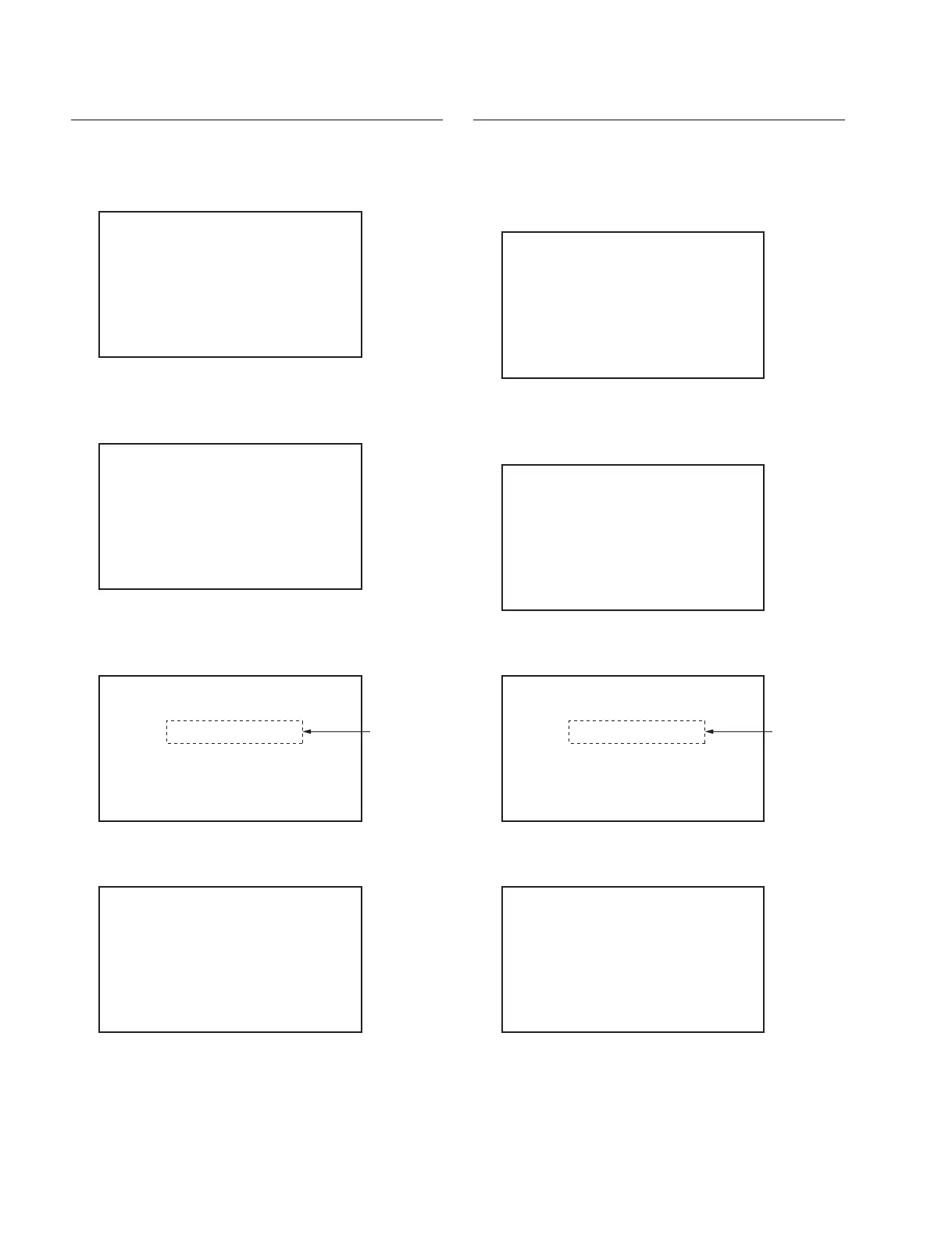
Moving STBY Position to DOWN Position
1. The item selection screen appears.
2. Select “MOVE TO DOWN POS” by turning the
MENU knob, and press the MENU knob.
A confirmation screen appears.
3. Select “YES” by turning the MENU knob, and press
the MENU knob.
The result appears.
The loader moves to the DOWN position.
If failed:
The following screen appears.
LOADER
MOVE TO EJECT POS
*MOVE TO DOWN POS
POSITION:STBY
REC INHI:INHI
DOWN SENSOR:NOT DOWN
SENSOR HOLE:
LOADER
MOVE TO DOWN POS
CHECK START?
*YES
NO
LOADER
CHECKING...OK
POSITION:DOWN
REC INHI:INHI
DOWN SENSOR:DOWN
SENSOR HOLE:2 3 4
Appears just
for a moment
LOADER
CHECKING...ERROR
POSITION:STBY
REC INHI:INHI
DOWN SENSOR:NOT DOWN
SENSOR HOLE:
Moving STBY Position to EJECT Position
1. The item selection screen appears.
2. Press the MENU knob.
A confirmation screen appears.
3. Select “YES” by turning the MENU knob, and press
the MENU knob.
The result appears.
The loader moves to the EJECT position to eject the
cartridge.
If failed:
The following screen appears.
LOADER
*MOVE TO EJECT POS
MOVE TO DOWN POS
POSITION:STBY
REC INHI:INHI
DOWN SENSOR:NOT DOWN
SENSOR HOLE:
LOADER
MOVE TO EJECT POS
CHECK START?
*YES
NO
LOADER
CHECKING...OK
POSITION:EJECT
REC INHI:INHI
DOWN SENSOR:NOT DOWN
SENSOR HOLE:
Appears just
for a moment
LOADER
CHECKING...ERROR
POSITION:STBY
REC INHI:INHI
DOWN SENSOR:NOT DOWN
SENSOR HOLE:



 To Next Page