1-42
PDW-700/V1 (E)
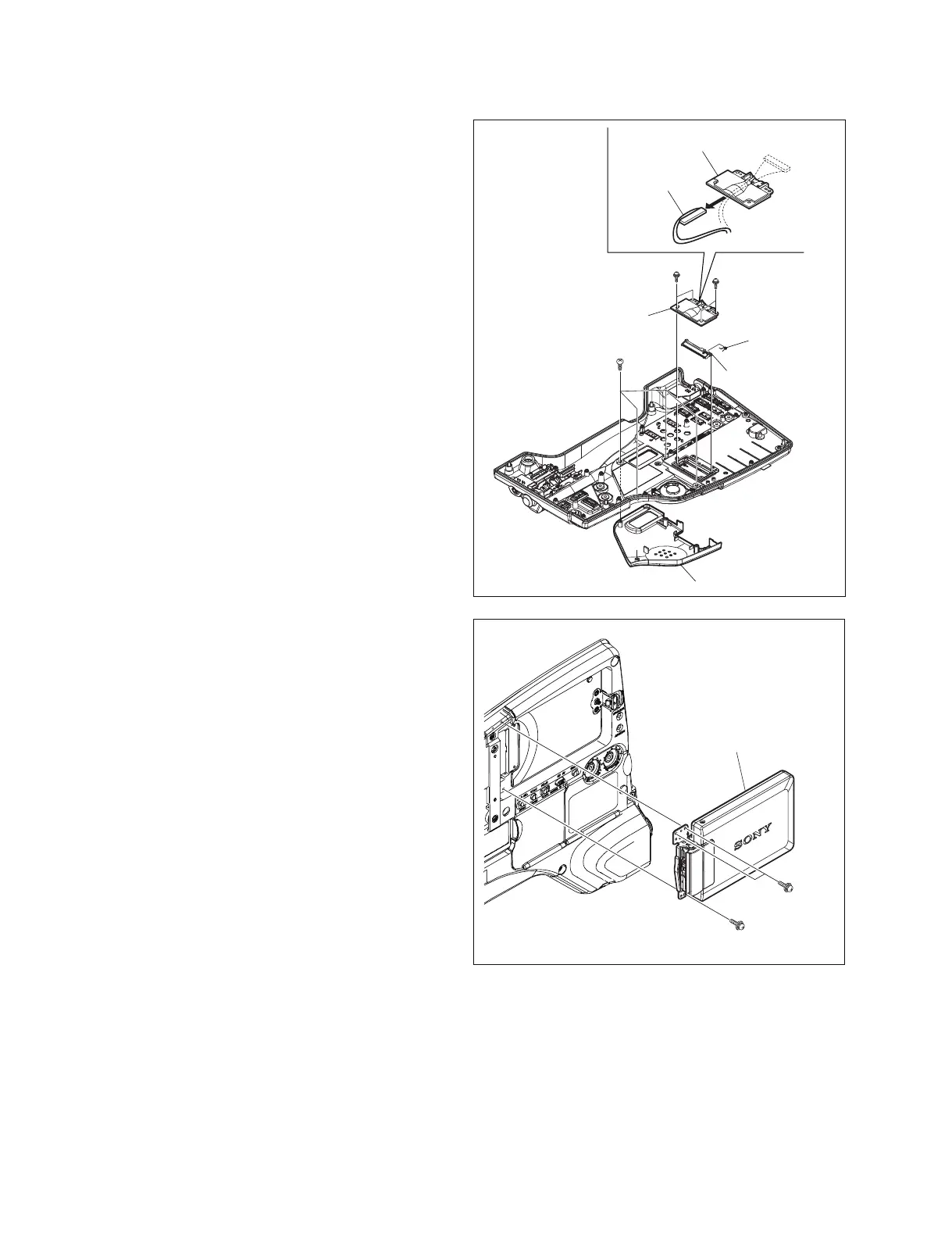
8. Remove the four screws (PSW2 x 5) , remove the
LCD harness cover.
9. Remove the LCD harness through the hole of the
harness cover.
10. Remove the hinge blind plate and helical torsion
spring.
11. Remove the four screws (P2.6 x 6) , remove the inside
pad (L).
12. Remove the three screws (PSW2 x 5) , remove the
LCD block.
PSW2 x 5
P2.6 x 6
PSW2 x 5
LCD harness cover
LCD harness cover
LCD harness
Hinge blind plate
Helical torsion
spring
Inside pad (L)
PSW2 x 5
PSW2 x 5
LCD block



 To Next Page