4-5
PDW-700/V1 (E)
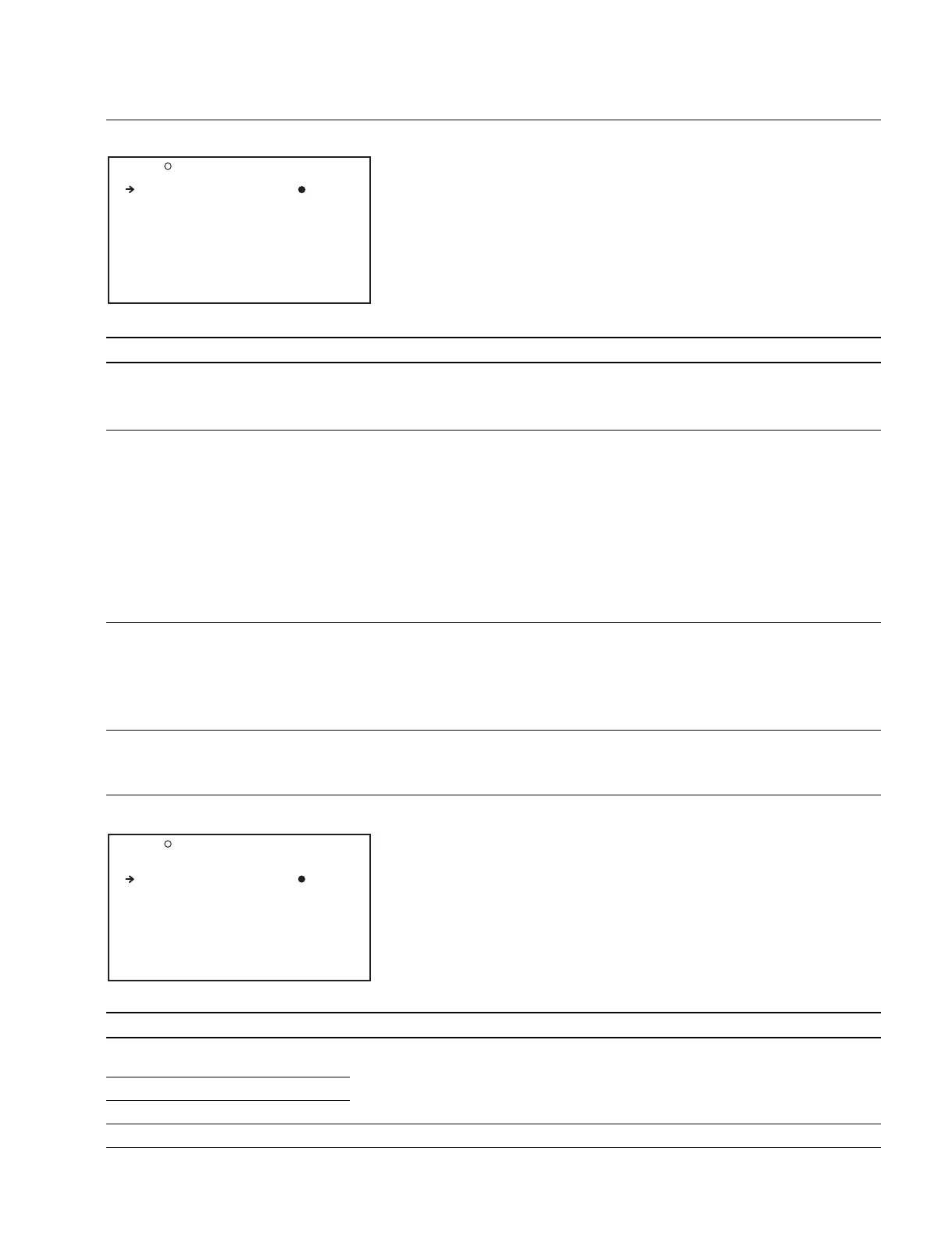
O02 OUTPUT2 TOP
LIVE & PLAY : OFF
DOWN CON MODE : CROP
WIDE ID : THROU
OUTPUT 2 Display (Setting the Output signal)
Item Setting Function
LIVE & PLAY OFF/ON Enables to view camera video in the viewfinder during playback from the
disc
OFF : Do not display camera video in the viewfinder during disc playback
ON : Output camera video to the viewfinder, even during disc playback
DOWN CON MODE
*
CROP/LETTR/SQEZE Selects the aspect ratio for down-conversion
SQEZE : Squeeze
Converting the 16:9 HD video signal to the SD signal while
maintaining the aspect ratio (16 : 9)
LETTR : LETTER BOX
Converting the 16 : 9 HD video signal to the 4 : 3 SD video signal
while maintaining the original aspect ratio of 16 : 9 (Black bars
are displayed on the top and bottom of the screen)
LETTR can be selected only when the LETTER BOX is set to
ENABLE on the SELECT FUNCTION page
CROP : Edge crop
Converting the HD video signal to the SD signal by extracting the
4 : 3 image portion from the HD video signal (4 : 3)
WIDE ID THROU/AUTO The setting whether or not to add the wide screen information recorded on
the disc to the output signal
THROU : Outputs the video signal played back from the disc without
adding the wide screen information
AUTO :Outputs the video signal by adding the wide screen information
when the wide information is detected from the disc during
playback
* : When the SYSTEM LINE is 1080, and the SYSTEM FREQUENCY is 23.9P, the menu does not appear and the mode is fixed to SQEZE.
SUPERIMPOSE Display (Setting the information output)
Item Setting Function
SUPER(VFDISP) OFF/ON Turns ON/OFF the output of text (superimposed) information from
the SDI OUT 2 connector
SUPER(MENU) OFF/ON
SUPER(TC) OFF/ON
SUPER(MARKER) OFF/ON Turns ON/OFF the marker display output from the TEST OUT connector
O03 SUPERIMPOSE TOP
<SDI OUT 2 & TEST(VBS)>
SUPER(VFDISP) : ON
SUPER(MENU) : ON
SUPER(TC) : OFF
<TEST OUT(VBS)>
SUPER(MARKER) : OFF



 To Next Page