Updating Controller Software Insight Software Method
Page 171
© Copyright 2021 Stratasys. All rights reserved.
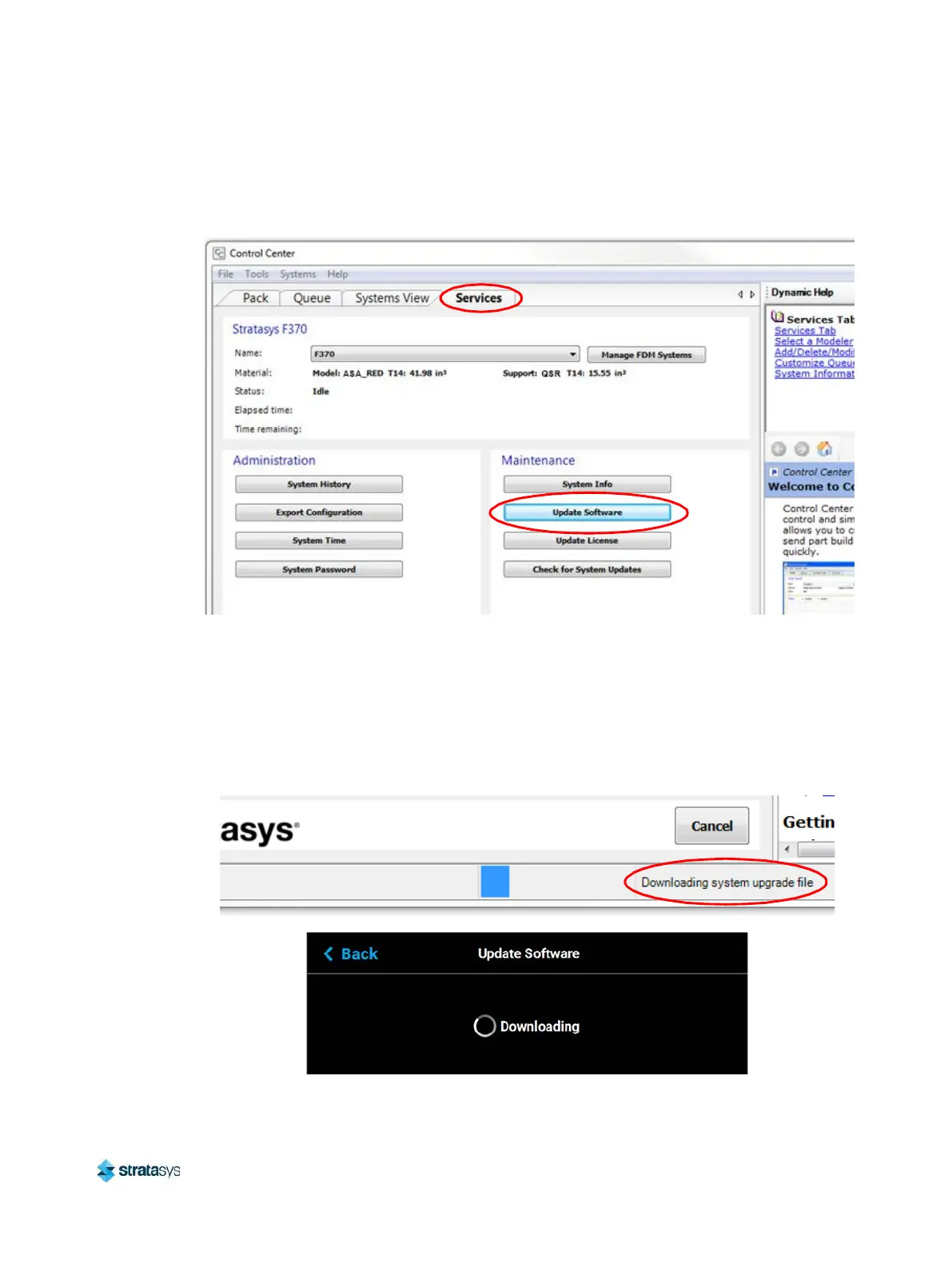
5. Within Control Center, select the Services tab. Ensure that your F770 printer is selected
from the drop-down menu then click the Update Software button.
Figure 8: Control Center Update Software
6. Control Center will begin establishing a connection with the printer. Once a connection is
established, the workstation PC’s file explorer will open.
7. Browse to the location of the .upg software upgrade file.
8. Select the *.upg file to be downloaded and then click Open. Control Center will begin
sending software to the printer. Progress is indicated within the bottom of the Control
Center window as well as on the touchscreen.
Figure 9: Software Download Progress














 To Next Page