Working with the Build Page Loading a File
Page 47
© Copyright 2021 Stratasys. All rights reserved.
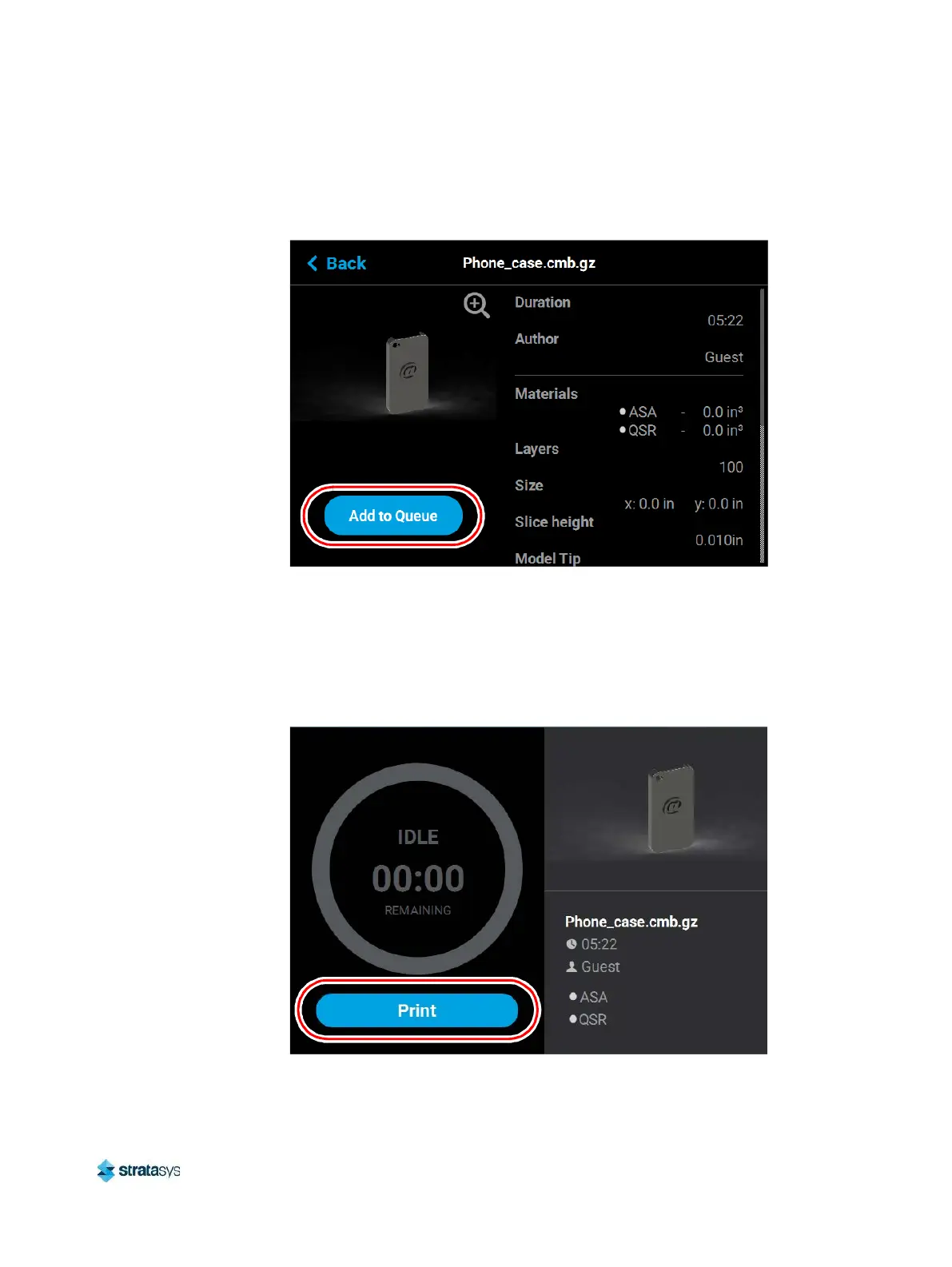
5. Within the Job Details page press the Add to Queue button; this will load the job into the
Job Queue.
Figure 7: Add File to Queue
6. After pressing the Add to Queue button you will be returned to the Build page. The Load
File button will no longer be visible. Instead, the details of the selected job file will be
displayed within the Print Job Information Panel.
7. Pressing the Print button within the Build page will initiate the build. Build progress will be
displayed within the Build Status Display, see “Build Status Display” (page 49) for details.
Figure 8: Build Page with Job Information














 To Next Page