Working with the Materials Page Viewing Head Details
Page 66
© Copyright 2021 Stratasys. All rights reserved.
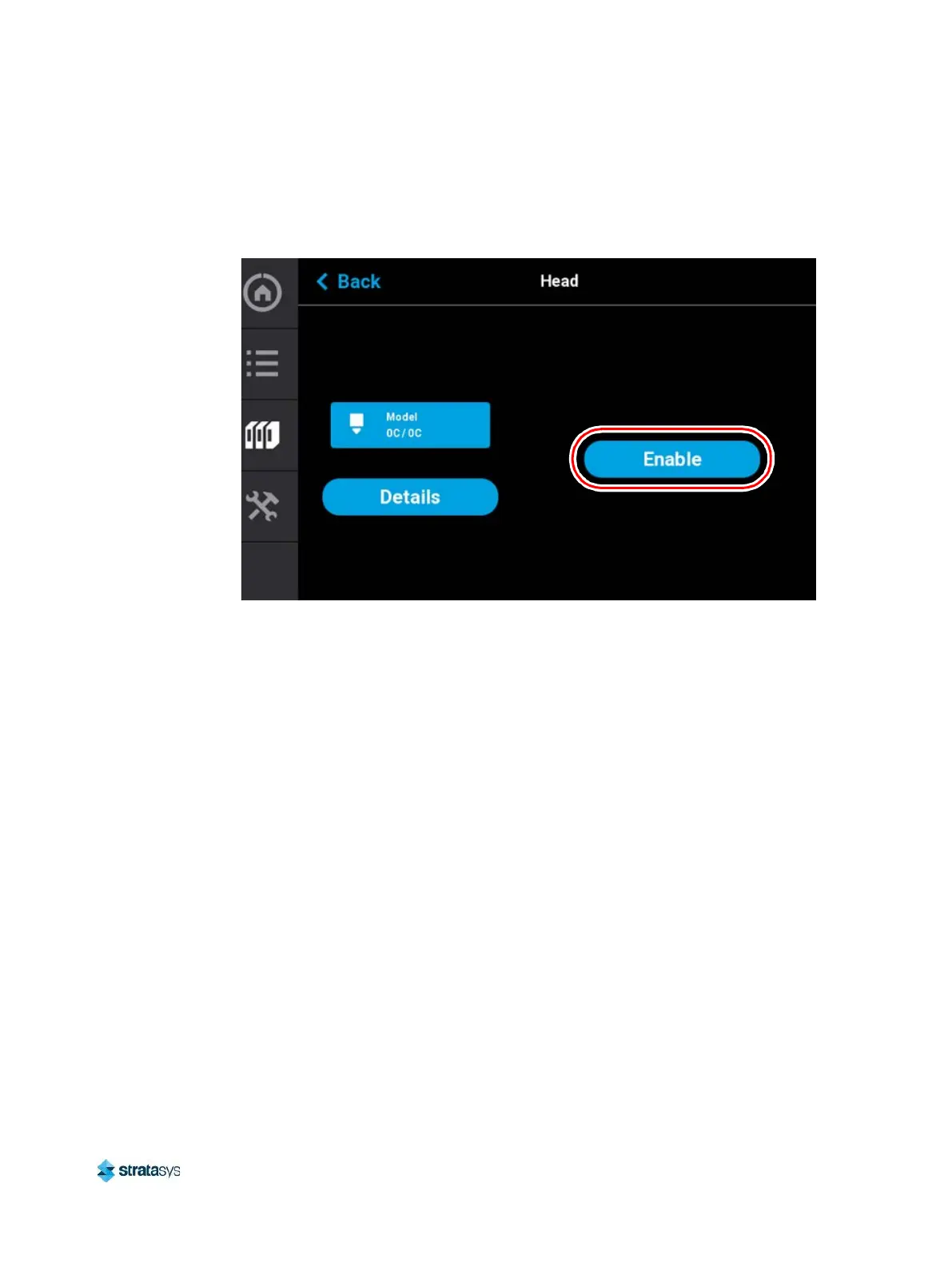
corresponding to the additional head maintenance functions available within this page. The
Enable button will toggle and instead display the Disable button. Pressing the Disable button
at any time when the head is not in use will take the head out of the maintenance state.
Figure 27: Head Maintenance Page - Main View
Purge
Pressing the Purge button instructs the printer to perform a long purge. After pressing this
button, the head will move to the purge position and will heat to a predetermined set point
temperature. Once the head reaches this set point, material will be purged from the tip for
about 10 seconds. When changing to or from colored material it is beneficial to perform
multiple purges as this will remove all material remaining within the liquefier tips and/or tubes to
ensure that color mixing doesn’t occur. The Purge button is selectable (i.e. a Purge can be
initiated) when the button is solid blue, and disabled (i.e. a Purge is in process or cannot be
initiated) when gray. A notification badge will be displayed within the button if any preconditions
exist preventing the purge from occurring.
Load Head/Unload Head
Depending on the load status of the selected head, either the Load Head or Unload Head
button will be displayed. Pressing the Load Head button instructs the printer to load material to
the corresponding head; the button will toggle to display the Unload Head button. Pressing the
Unload Head button instructs the printer to unload material from the corresponding head; the
button will toggle to display the Load Head button. A notification badge will be displayed within
the button if any preconditions exist preventing the load/unload from occurring (see “Load/
Unload Errors” (page 237)).
Heat/Cool
Depending on the state of the printer, either the Heat or Cool button will be displayed. Pressing
the Heat button instructs the printer to heat the corresponding tip to 270°C for no longer than 2
minutes; the button will toggle to display the Cool button. Pressing the Cool button will instruct














 To Next Page