Operating Elements 109
22.6.3 Activation / deactivation
Activation and deactivation is a pre-selection. The function is not carried out immediately
but is taken into consideration in subsequent actions.
22.6.4 Selecting functions
The selected function is carried out when the START illuminated button is pressed.
22.6.5 Status indicators
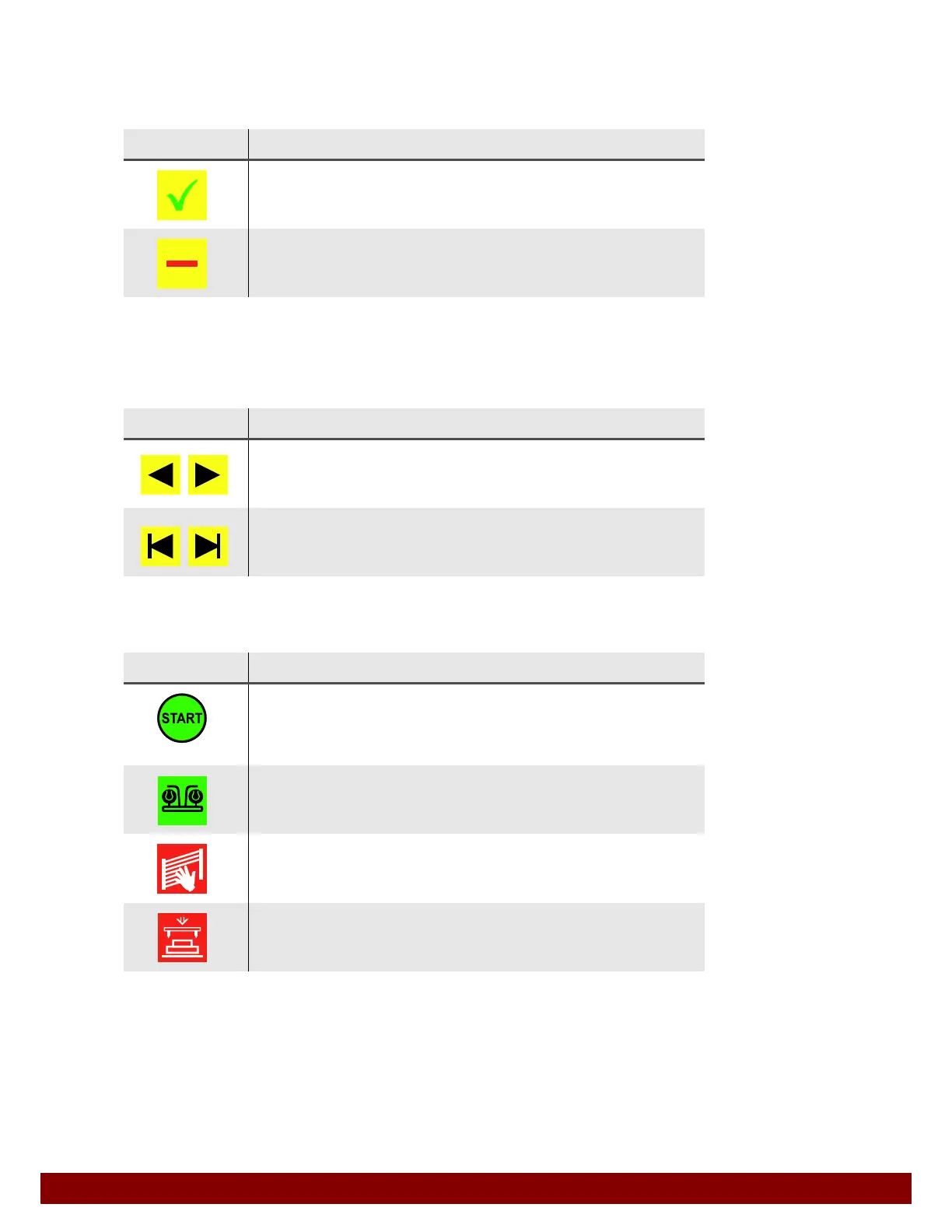
Symbol Meaning
Activated
The function is activated. The function is deactivated when the push button
is pressed.
Deactivated
The function is deactivated. The function is activated when the push button
is pressed.
Symbol Meaning
START FORWARDS – BACKWARDS Jog Mode
Starts a movement or function. The movement or function is carried out as
long as the START illuminated button is pressed.
START FORWARDS – BACKWARDS Sequence
Starts a movement or function. The movement or function is carried out in
full, even if the START illuminated button is released beforehand.
Symbol Meaning
START
The selected function can be carried out with the START illuminated button.
A START can also be activated by an external signal (via the automation
interface).
Two-hand operation
The selected function can be carried out with two-hand operation.
Light curtain interrupted
The light curtain of the safety enclosure is interrupted. The machine cannot
carry out any movements.
Ink cup lever unlocked!
The lever of the the ink cup fixing is open. The ink cup is not secured. The
machine cannot carry out any movements.



 To Next Page