Admin Settings 147
27.9 Foot switch
This menu only appears when the light barrier function is activated.
See Chapter 27.11 "Safety guard" on page 148.
Adjustable settings see Chapter 26.9 "Foot switch" on page 138.
Write protection
See Chapter 22.8.2 "Write protection" on page 112.
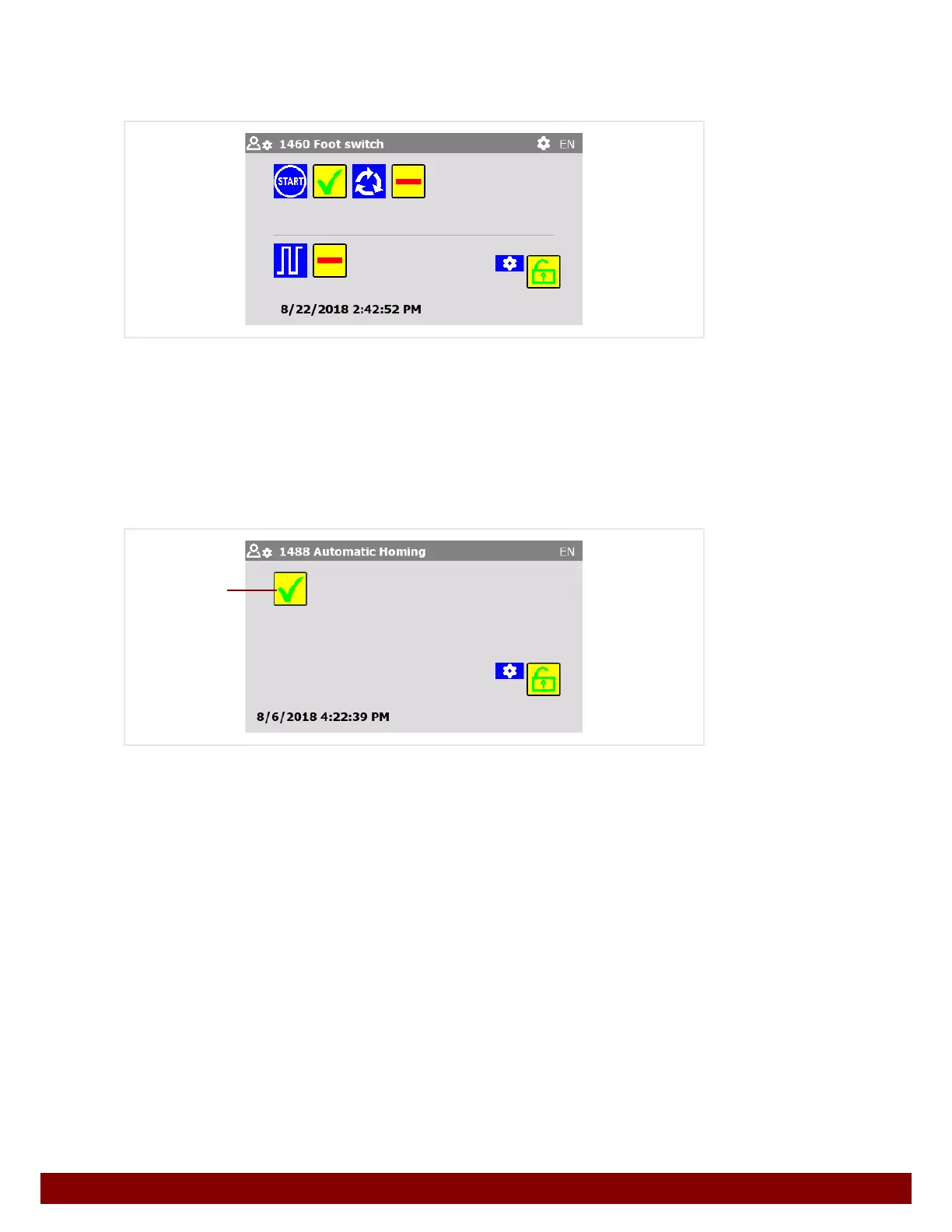
27.10 Automatic homing
Automatic homing takes place in certain operational situations.
See Chapter 23.3.1 "Automatic homing" on page 114
By pressing the push button
B the Automatic homing can be activated or deactivated.
Activated
If the machine is not in the home position, homing is initially carried out when a function is
started and the function is then carried out after this.
START = home position + function
Deactivated
If the machine is not in the home position, homing is initially carried out when a function is
started. The machine will then remain in the home position.
To carry out the function the start signal must be received once again.
START = home position
START = function
Write protection
See Chapter 22.8.2 "Write protection" on page 112.
B



 To Next Page