136 Settings
26.8.2 Load dataset
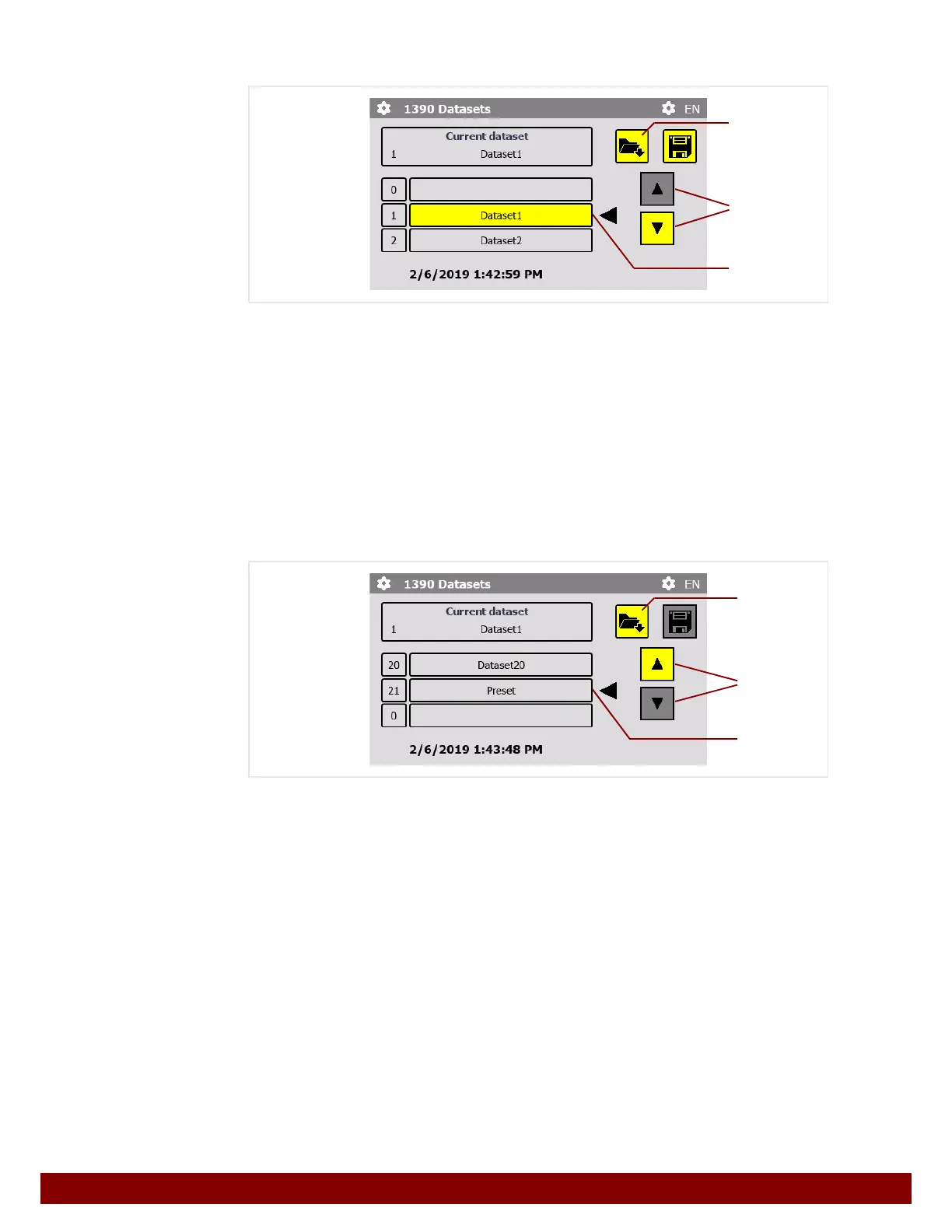
The list of datasets can be scrolled through using the push buttons scroll up / down D.
21 disk spaces (1 to 21) can be chosen from.
The selected disk space is displayed in the row
E marked with an arrow Ż .
Pressing the push button Load F loads the selected dataset.
26.8.3 Load preset
All menu settings were saved in dataset 21 (preset) by the manufacturer before the
machine was delivered. This dataset has been provided with write protection. It cannot be
modified, renamed or overwritten by the saving of a dataset.
If dataset 21 is loaded, the presets will be reinstated.
The list of datasets can be scrolled through using the push buttons scroll up / down
D.
Select dataset 21 (preset).
The selected dataset is displayed in the line E marked with an arrow Ż .
Pressing the push button Load
F loads the selected dataset.
D
E
F
D
E
F



 To Next Page