114 Switching on the machine
23.3 Home position
AUTOMATIC MODE and certain functions in MANUAL MODE require the machine to be in
the home position. Otherwise these functions cannot be carried out. A notification displays
the status.
23.3.1 Automatic homing
In MANUAL MODE, before certain functions are carried out a check is made to see whe-
ther the machine is in the home position. If this is not the case, the machine is first moved
to the home position via the START signal before the function is carried out.
IN AUTOMATIC MODE, before a print cycle is carried out, a check is made to see whether
the machine is in the home position. If this is not the case, the machine is first moved to
the home position via the START signal before the print cycle is carried out.
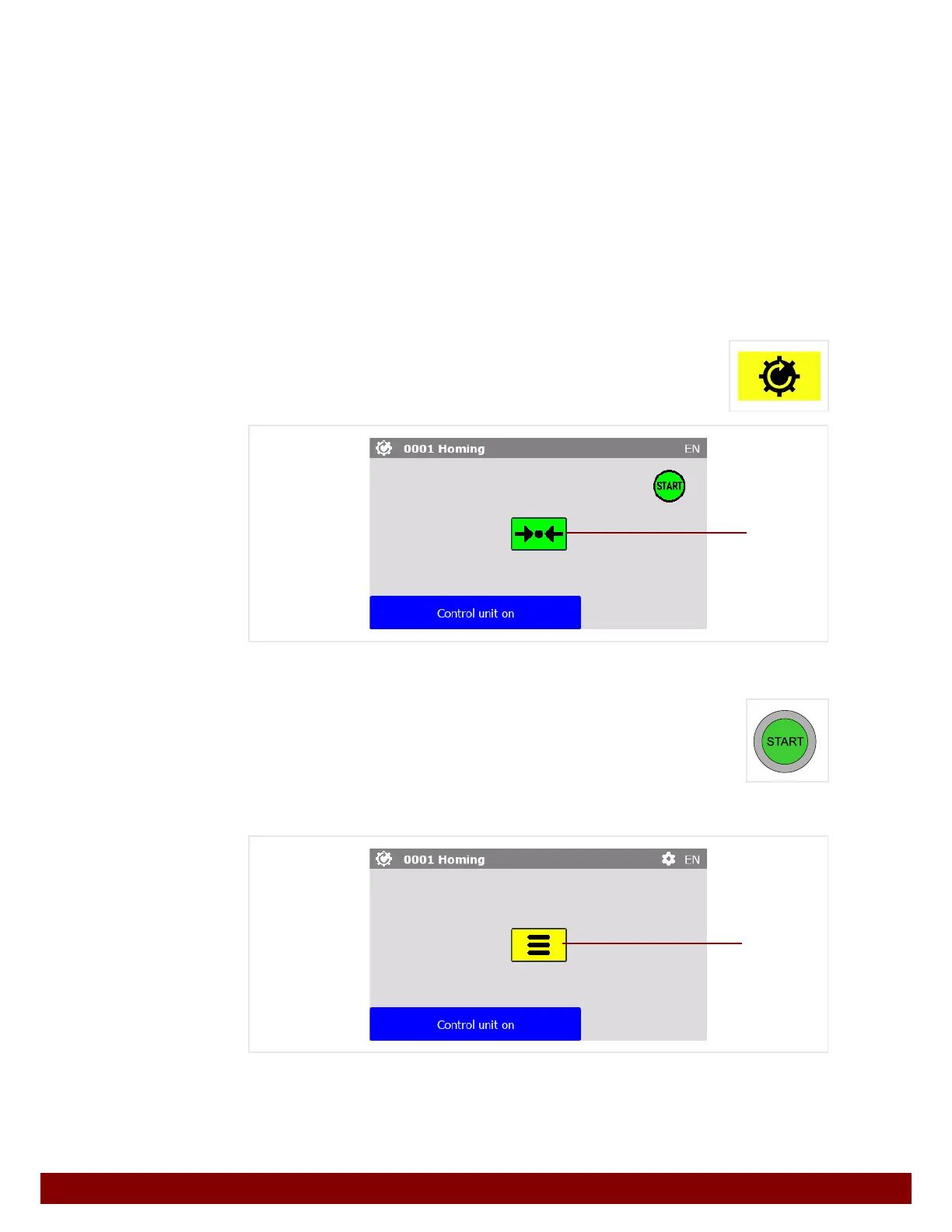
23.3.2 Manual homing
The Homing menu is called up with this push button.
The Homing
B push button is already selected.
Homing is carried out by pressing the START illuminated button.
All machine axes move to their home position.
If the machine is already in the home position, no movement will take place.
Press the Menu
B push button.
B
B



 To Next Page