118 Automatic
24.2 Starting a print cycle
The machine can be equipped with various safety guards.
Depending on the safety guard in place, the operation and functions of the machine will
differ.
See also Chapter 21 "Safety guard" on page 103
24.2.1 With light barrier safety guard
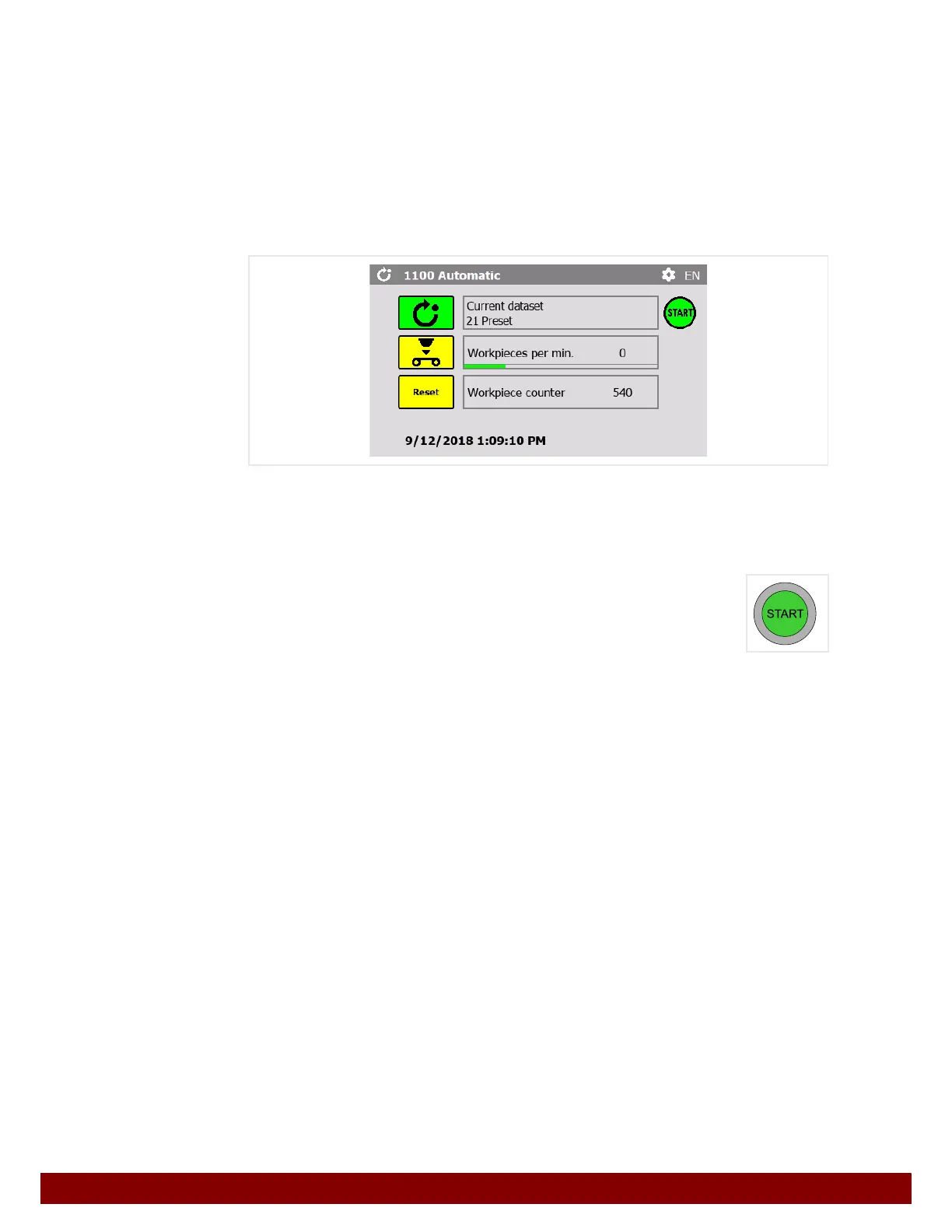
Press the Automatic push button.
The push button for the selected function is displayed in green.
The green START symbol is displayed when the machine is ready to start.
The START illuminated button lights up when the machine is ready to start.
Pressing the START illuminated button carries out a print cycle.
If the START illuminated button is continually pressed, successive print cycles will be car-
ried out for as long as the button is pressed.
Depending on the setting, a pad cleaning will automatically be carried out between print
cycles.


 To Next Page