134 Settings
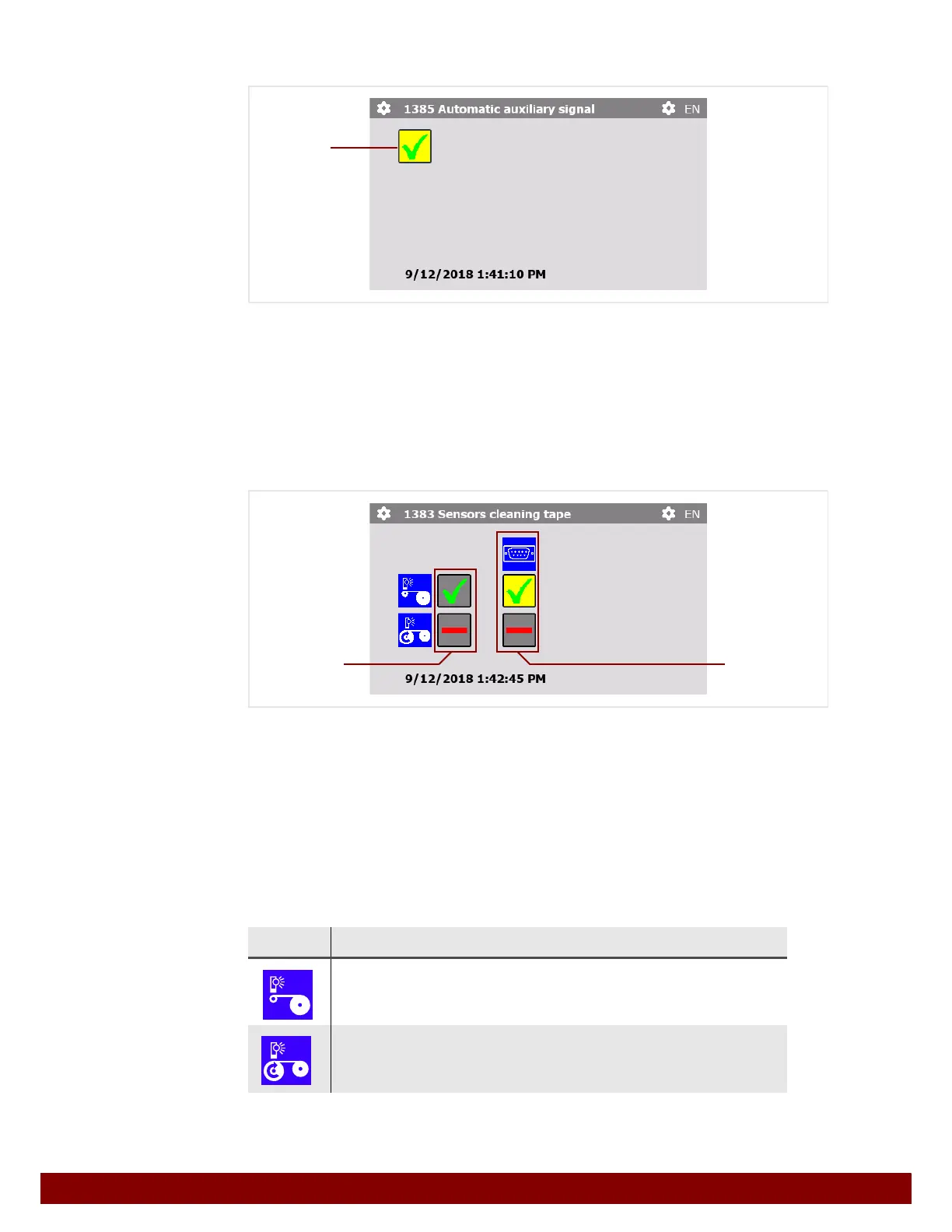
26.7.5 Automatic auxiliary signal
By pressing the push button B the Automatic auxiliary signal can be activated or deac-
tivated at an automation interface input.
The characteristics of the signal are described in Chapter 31 "Automation Interface" on
page 161.
26.7.6 Sensors cleaning tape
The signals of the cleaning tape sensors can be emitted at the Cleaning tape notification
output of the automation interface.
The characteristics of the signal are described in Chapter 31 "Automation Interface" on
page 161.
Column
B indicates whether the sensors are available and whether they have been acti-
vated in Admin Settings. See Chapter 27.7.6 "Sensors cleaning tape" on page 145.
The push buttons in column
C can be used to activate the signals of the available sen-
sors for the automation interface output.
Symbol Function
Lack of tape
HIGH signal when the pad cleaning tape is almost used up.
End of tape / torn tape
HIGH signal when the pad cleaning tape is completely used up or
torn.
B
CB



 To Next Page