138 Settings
26.9 Foot switch
This menu only appears when the light barrier function is activated.
See Chapter 27.11 "Safety guard" on page 148.
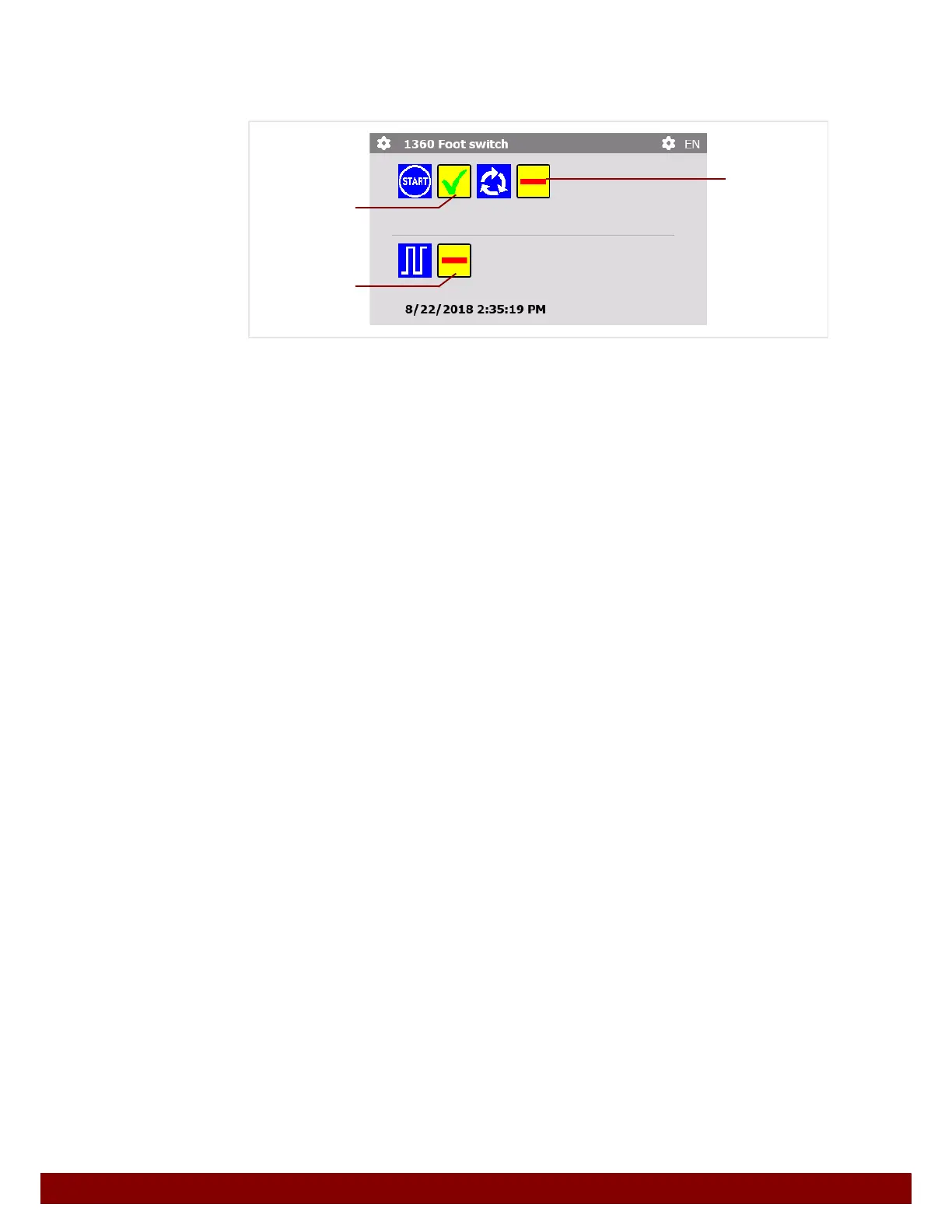
One of the displayed functions can be activated for the foot switch.
If no function is activated, the foot switch will do nothing when pressed.
B Pressing the foot switch in AUTOMATIC operation mode activates a print cycle.
C If the foot switch is pressed once in AUTOMATIC operation mode, print cycles will be
carried out continuously. To end the print cycles the foot switch must be pressed once
again.
D The foot switch has the same function as the Palm switch input to the automation
interface.
See also Chapter 31.5 "Control procedure information" on page 164.
B
C
D



 To Next Page