Settings 127
26 Settings
26.1 Overview
•
This operation mode can be selected from the “Operation mode” menu.
• The Settings menu is protected with a password prompt.
• The designation of the menu levels for the Settings is identical to the designation of
the menu levels in Manual Mode.
• In addition, some menu levels feature extended settings and further menu levels in
which top-level functions of the machine can be set.
• There is a Settings menu for all adjustable functions. The settings for the functions can
be changed there.
26.2 Settings selection
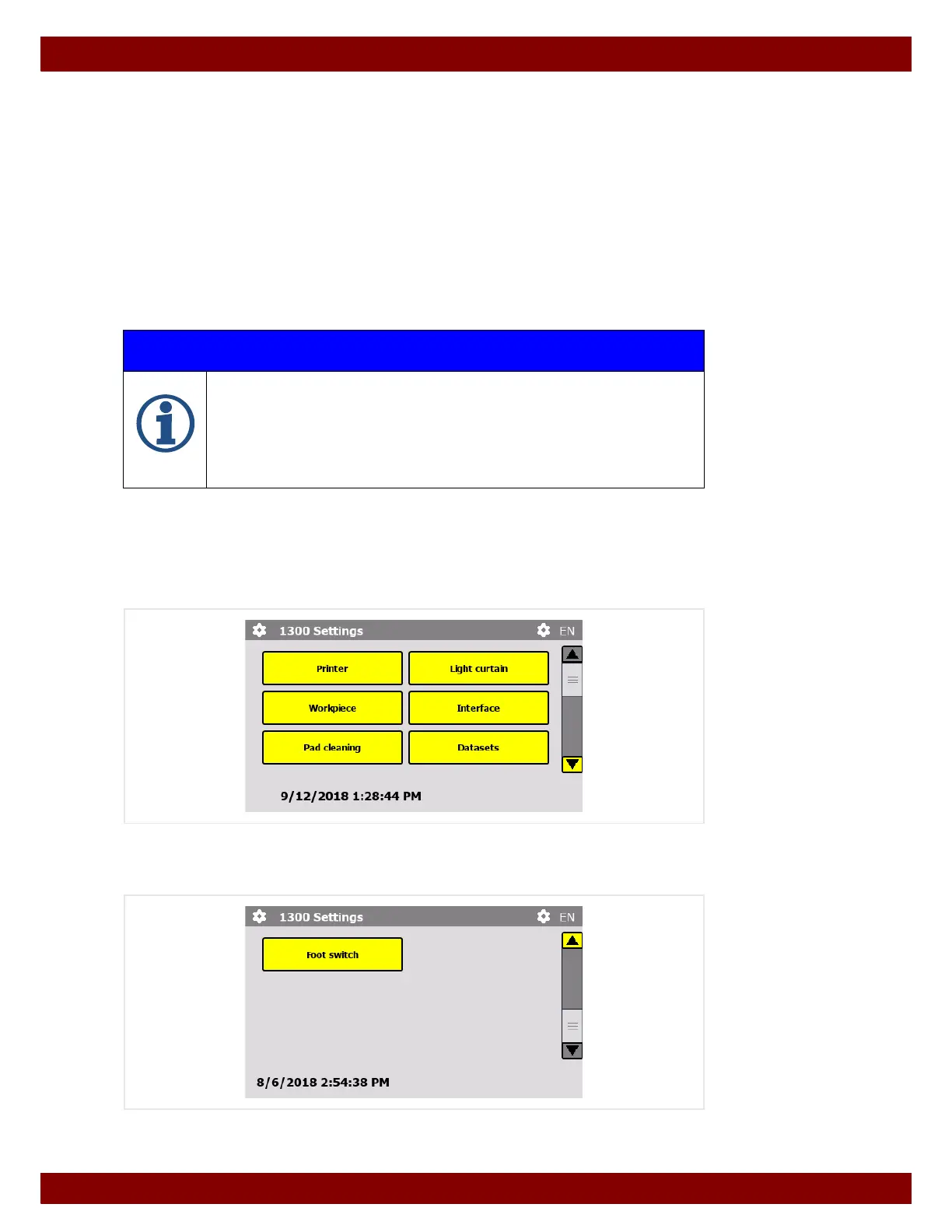
This menu provides access to functions whose settings need to be changed.
Each selectable function is described on the following pages.
The menu extends over several windows. The windows can be scrolled through using the
scroll bar at the side.
IMPORTANT INFORMATION
Depending on the configuration of the machine, individual menu levels can be hid-
den or provided with write protection.
See Chapter 22.8 "Menu Configuration" on page 112.
As the possible combinations are too varied, all functions will be described in full in
this instruction manual. Should the display in some menus differ from the descrip-
tions, individual adjustments have been made.



 To Next Page