Admin Settings 149
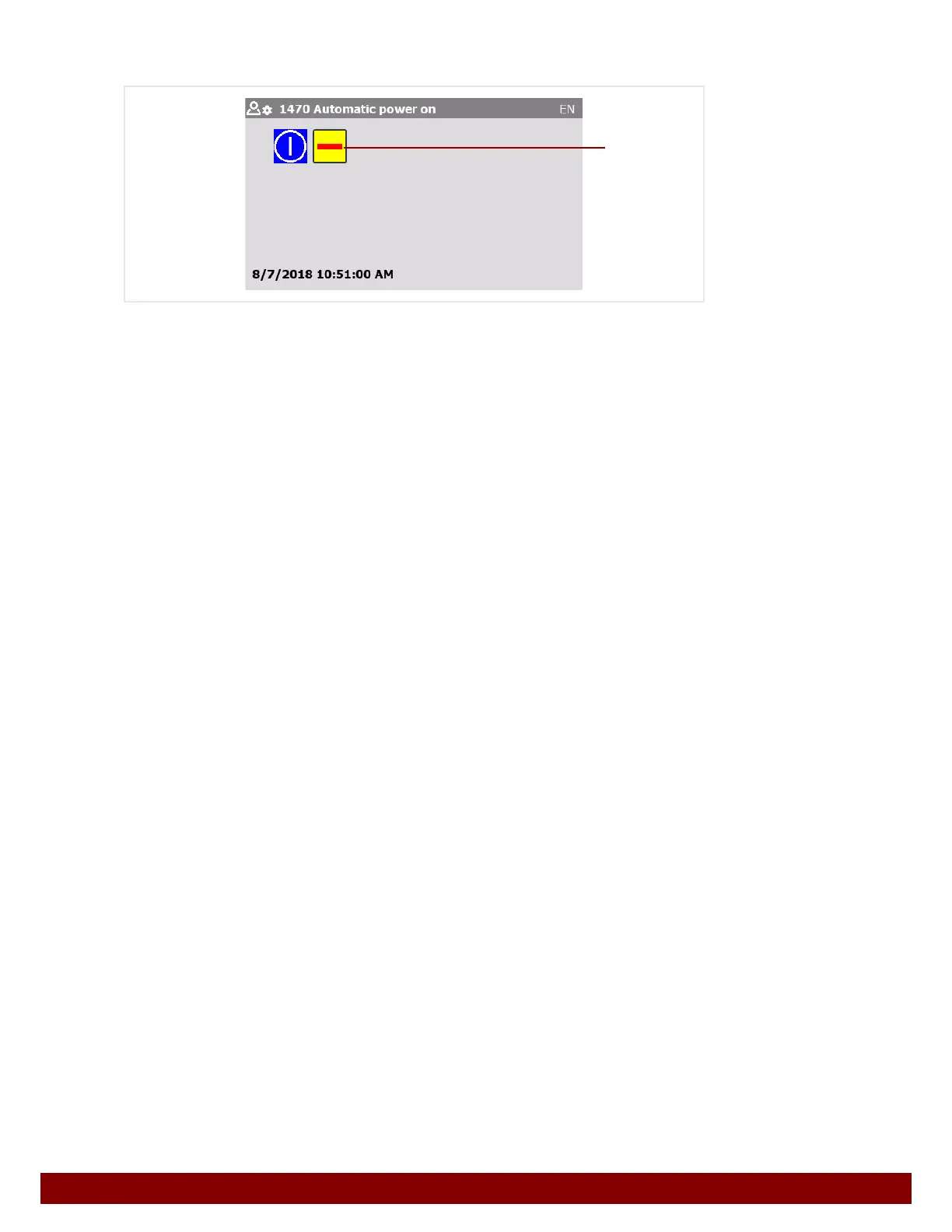
27.12 Automatic power on
By pressing the push button B, Automatic power on can be activated or deactivated.
If the function is activated the machine’s control unit will be switched on automatically.
Automatic power on takes place under the following conditions:
• Main switch ON (condition: STOP button unlocked and EMERGENCY STOP circuits
to automation interface closed.)
• Unlock STOP button (condition: main switch ON and EMERGENCY STOP circuits to
automation interface closed.)
• Close EMERGENCY STOP circuits to automation interface (condition: main switch ON
and STOP button unlocked.)
B



 To Next Page