Settings 131
26.7.1 Pad safety
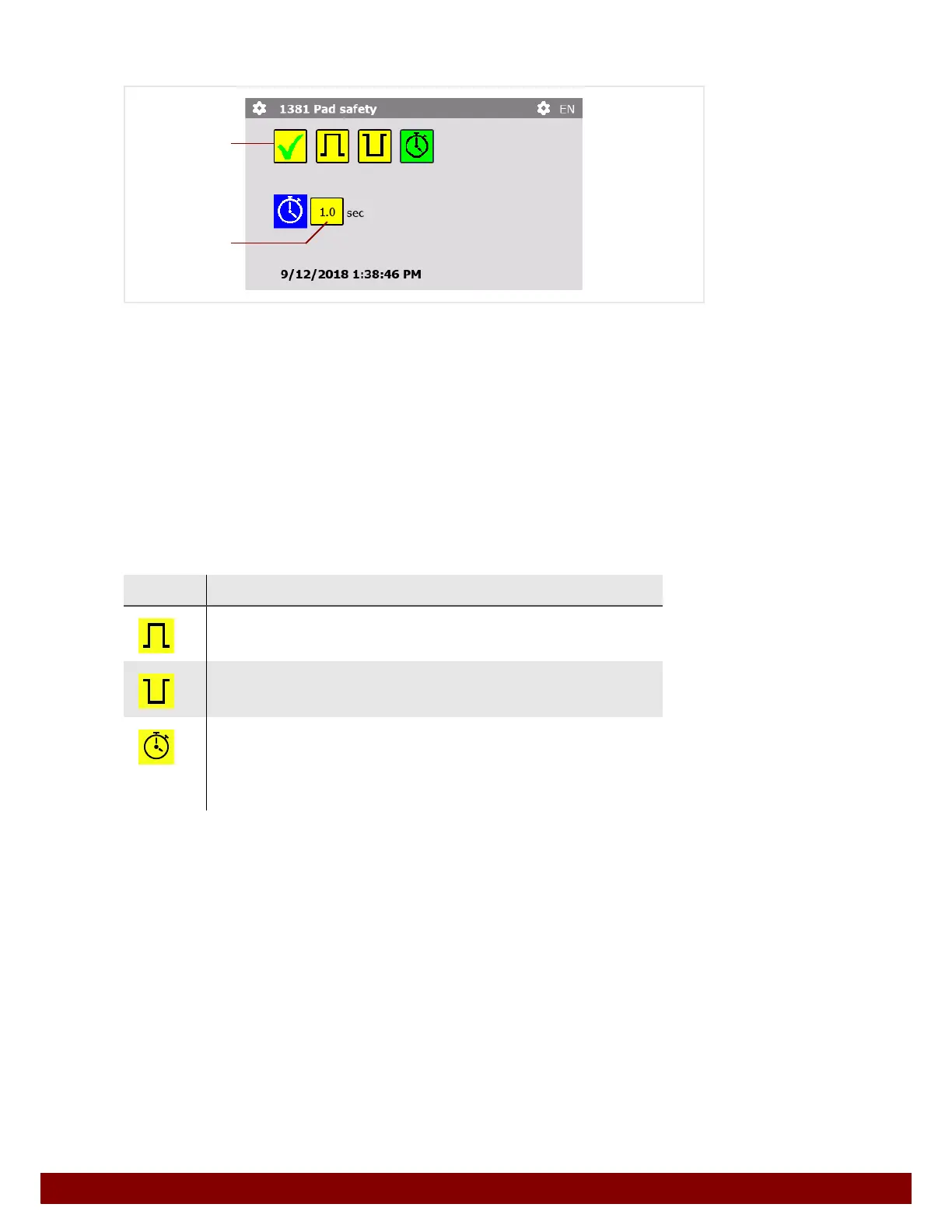
By pressing the push button B the Pad safety signal can be activated or deactivated at
an automation interface input.
The characteristics of the signal are described in Chapter 31 "Automation Interface" on
page 161.
If the function is activated, the pad safety signal is analyzed.
If the function is deactivated, the pad safety signal is ignored.
The pad safety signal must be present before the pad moves towards the workpiece.
Otherwise, the print process will be interrupted and will only continue when the signal is
present.
Symbol Function
HIGH
A HIGH signal is expected for the pad safety.
LOW
A LOW signal is expected for the pad safety.
TIMER
The machine will wait for the pad safety signal for the set time period
C.
If the signal is not present, the print will be carried out after the time
period has elapsed, even without the pad safety signal.
B
C



 To Next Page