110 Operating Elements
22.6.6 Change settings
Settings with a yellow push button background can be changed.
Pressing the yellow push button opens the input dialog.
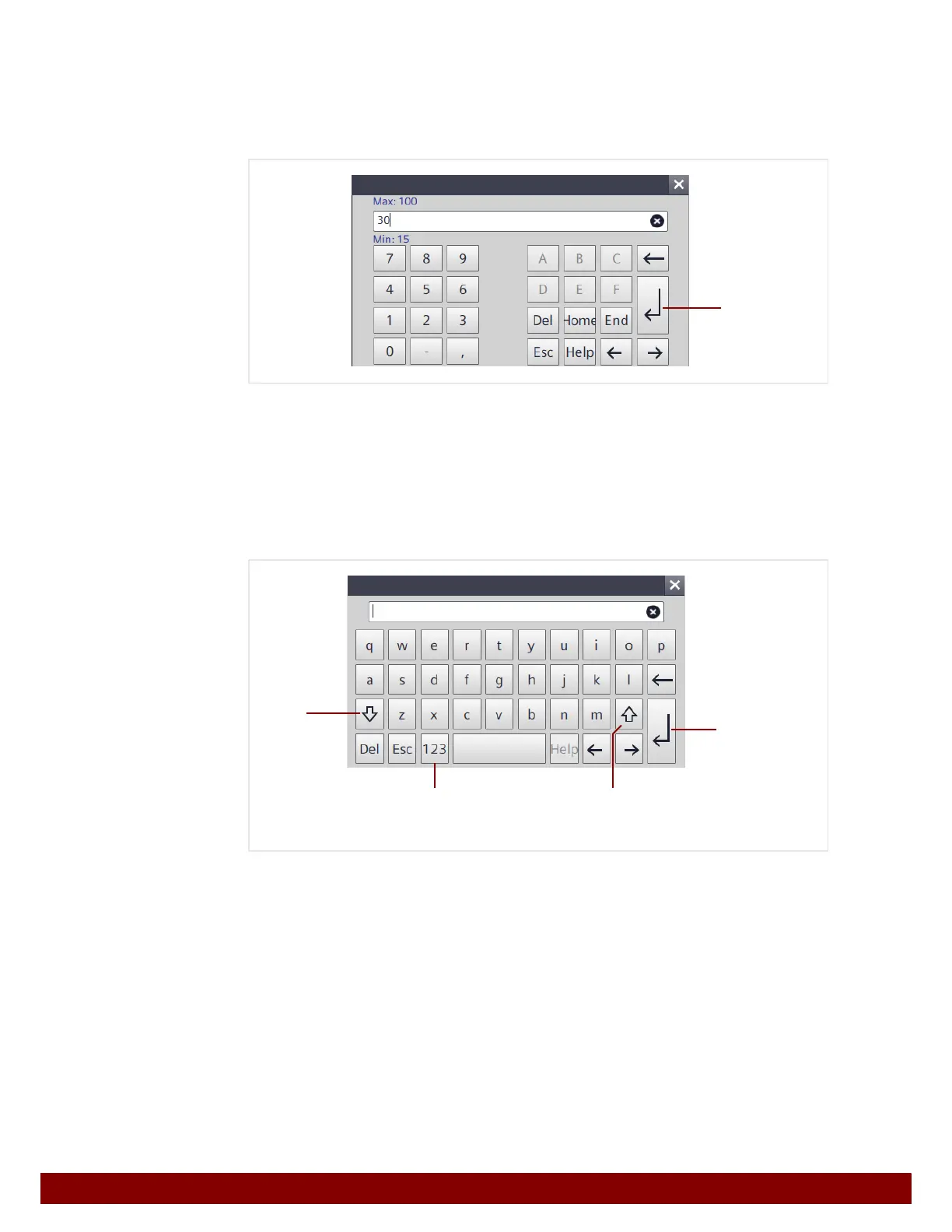
Input dialog for numerical values
The min and max permissible values for this setting are displayed above and below the
input line.
• The value can be changed via the number pad.
• By pressing the ENTER key B the entered value is applied and the input dialog is
closed.
Input dialog for alphanumerical values
• Pressing the SHIFT key B temporarily changes to upper case (for character input).
• Pressing the SHIFT LOCK key C enables permanent switching between lower and
upper case.
• Pressing the 123 key D changes to the input of numbers and special characters.
• Pressing the ENTER key E applies the entered value and closes the input dialog.
B
E
BD
C



 To Next Page