Manual Mode 121
25 Manual Mode
25.1 Overview
•
This operation mode can be selected from the “Operation mode” menu.
• The Manual Mode menu can be accessed without a password prompt.
• In Manual Mode individual machine functions can be called up and carried out. This
allows sub-functions of the machine to be tested and monitored.
• For adjustable functions, Manual Mode features a push button for skipping directly to
the related Settings menu.
25.2 Manual mode selection
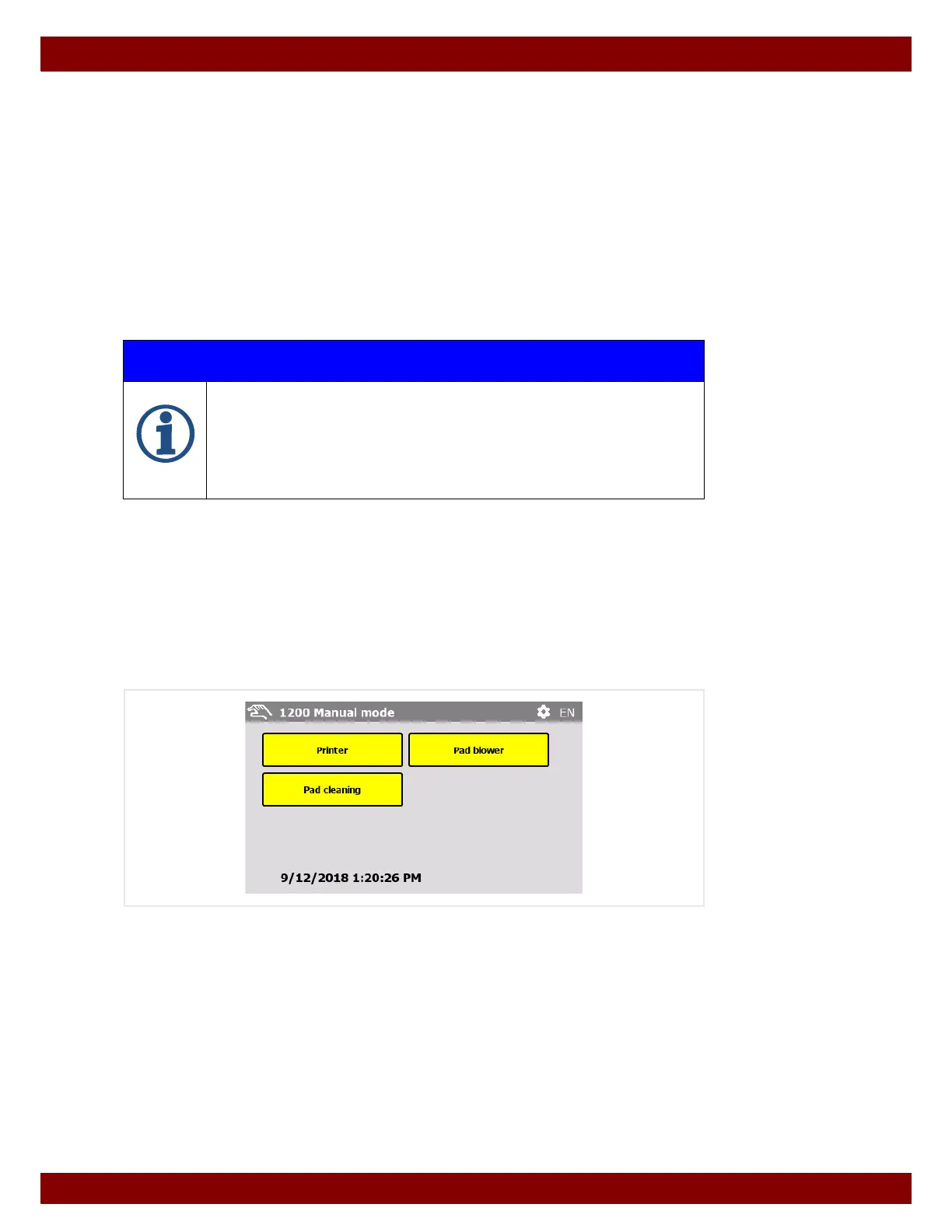
This menu provides access to functions that should be carried out in manual mode.
Each selectable function is described on the following pages.
IMPORTANT INFORMATION
Depending on the configuration of the machine, individual menu levels can be hid-
den or provided with write protection.
See Chapter 22.8 "Menu Configuration" on page 112.
As the possible combinations are too varied, all functions will be described in full in
this instruction manual. Should the display in some menus differ from the descrip-
tions, individual adjustments have been made.



 To Next Page