158 Notifications and Errors
30.2 Error Notifications
30.2.1 Display
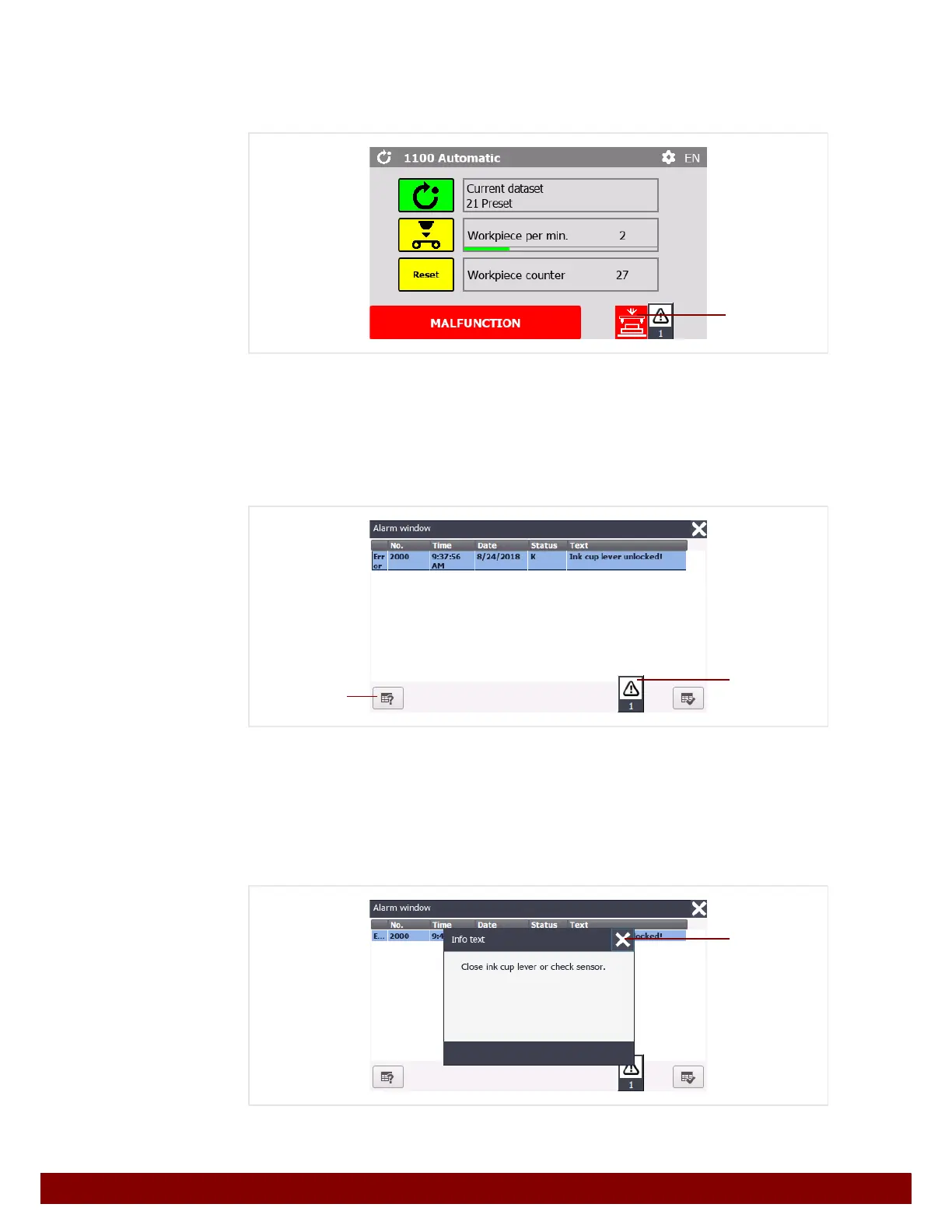
Error notifications appear at the lower edge of the current menu window in red.
The notification window can be viewed by pressing the
B push button.
Depending on the category of the notification, the notification window may also be dis-
played immediately.
See Chapter 30.2.2 "Notification window" on page 158.
30.2.2 Notification window
All pending error notifications are listed in the notification window.
The notification window can be closed again by pressing the
B push button.
A troubleshooting help text for each notification can be displayed by pressing the
C push
button.
The help text can be closed again by pressing the
D push button.
B
C
B
D



 To Next Page