124 Manual Mode
25.4.2 Tape feed
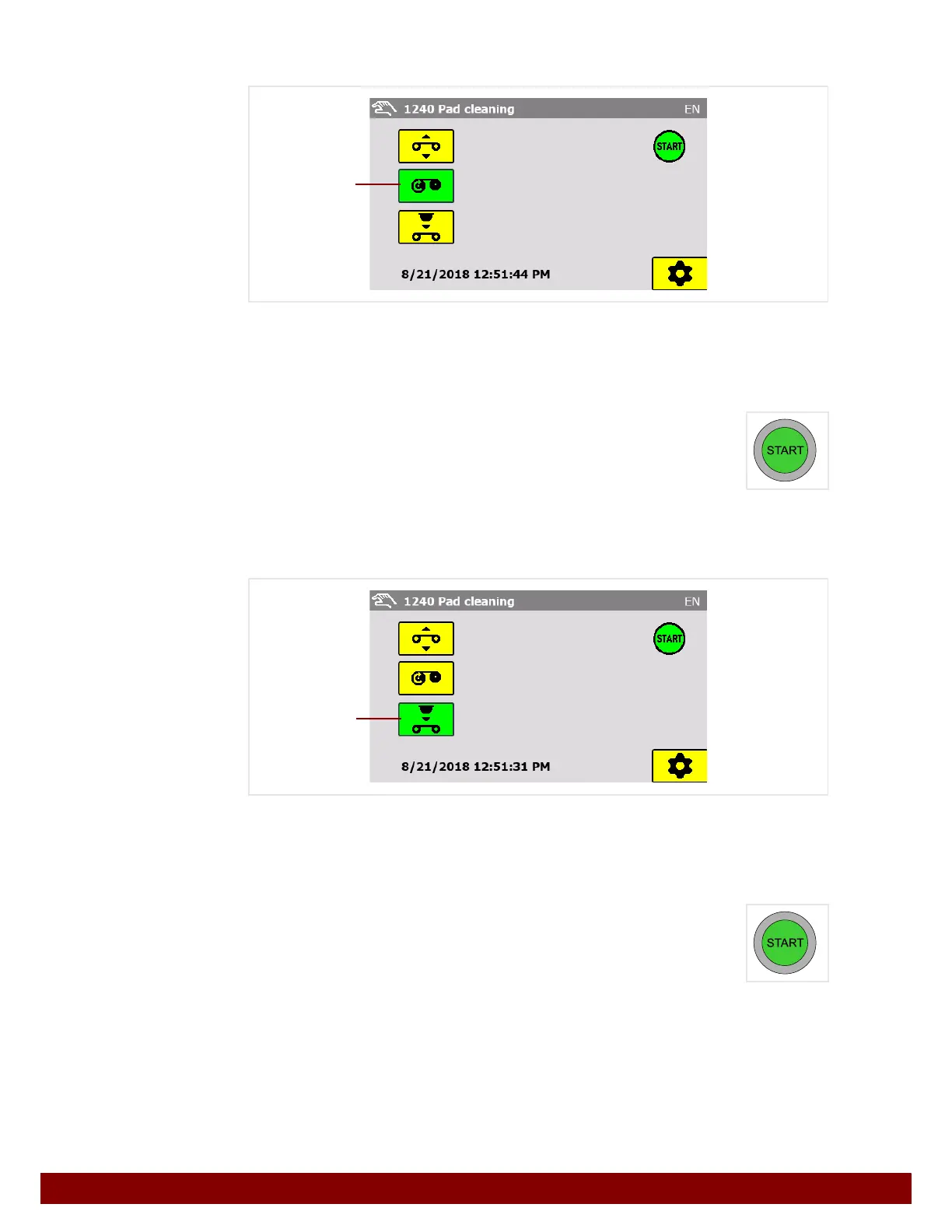
Press the Tape feed C push button.
The push button for the selected function is displayed in green.
The green START symbol is displayed when the machine is ready to start.
The START illuminated button lights up when the machine is ready to start.
Pressing the START illuminated button activates a tape feed.
The feed duration can be adjusted in the settings.
25.4.3 Cleaning cycle
Press the Cleaning cycle D push button.
The push button for the selected function is displayed in green.
The green START symbol is displayed when the machine is ready to start.
The START illuminated button lights up when the machine is ready to start.
Pressing the START illuminated button activates a cleaning cycle.
If the printer is not in the home position, homing will automatically be carried out before the
cleaning cycle.
C
D



 To Next Page