122 Manual Mode
25.3 Printer
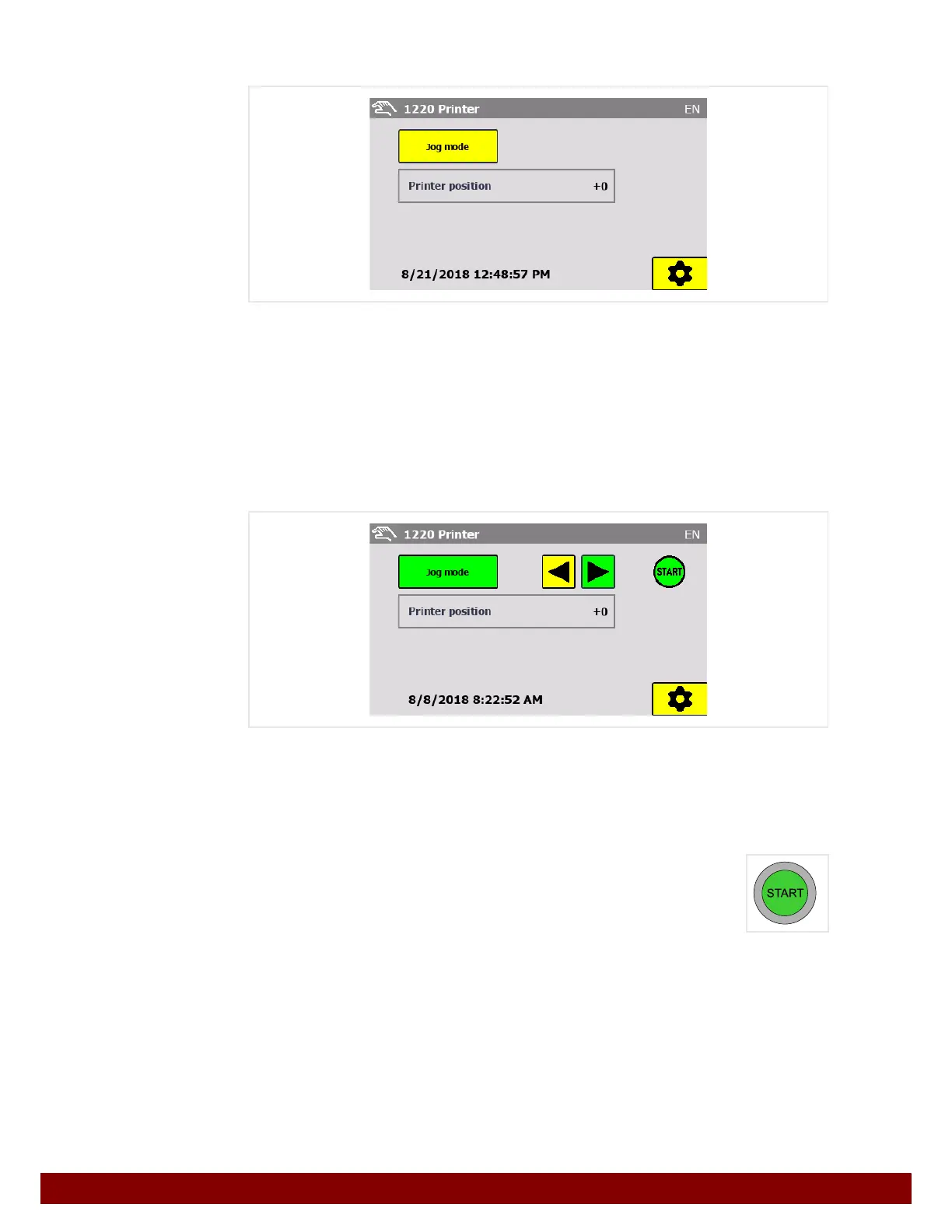
The desired function can be selected via the push buttons.
The push button for the selected function is displayed in green.
Settings push button
This calls up the settings for this function.
See Chapter 26.3 "Printer" on page 128.
25.3.1 Jog mode
Press the Jog mode push button.
Press one of the push buttons to select the direction.
The push button for the selected function is displayed in green.
The green START symbol is displayed when the machine is ready to start.
The START illuminated button lights up when the machine is ready to start.
Pressing the START button moves the machine in the pre-selected direc-
tion.
The machine will move as long as the button is pressed.
Printer position
This counter displays the position of the printer.
If the value 0 is displayed, this means that the machine is in the home position.



 To Next Page