130 Settings
26.6 Light curtain
This menu only appears when the light barrier function is activated.
See Chapter 27.11 "Safety guard" on page 148.
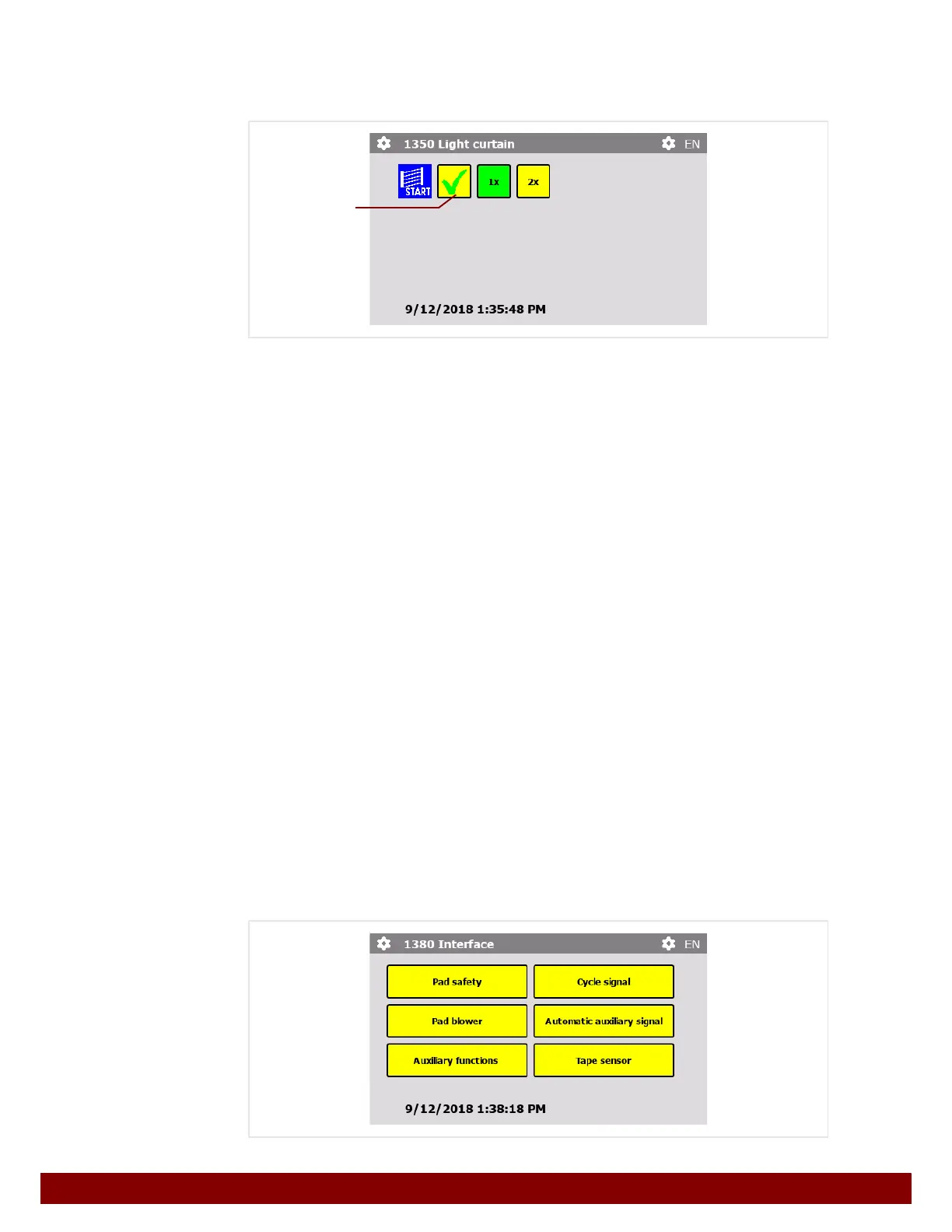
START via light curtain
If the machine is being operated in a safety enclosure with a light curtain, the start pulse
for a print cycle can be activated in AUTOMATIC operation mode by interrupting the light
curtain insertion area and then ending contact with it again.
See also Chapter 31.7 "Definition of safety zones" on page 171.
The function can be activated or deactivated via the push button
B.
Different settings can be selected depending upon the work process.
1x
If, when the light curtain is breached, the finished workpiece is removed and a new one is
inserted at the same time, the light curtain will only be interrupted once for the start pulse.
2x
If, when the light curtain is breached, the finished workpiece is removed and the light cur-
tain is breached again to insert a new workpiece, the light curtain will be interrupted twice
for the start pulse.
26.7 Interface
The Interface menu combines all settings which effect the automation interface. The
menu is divided into several sub-menus.
This menu provides access to functions whose settings need to be changed.
Each selectable function is described on the following pages.
B



 To Next Page