Diagnostics 151
28 Diagnostics
28.1 Overview
•
This operation mode can be selected from the “Operation mode” menu.
• A diagnostics menu can be called up in order to determine current signal statuses. In
the event of malfunctions, it may be possible to ascertain the cause or source of fault
here.
• Specialist knowledge that cannot be described in detail here is required in order to
analyze and evaluate the displayed diagnostics menus. Consequently, the menu
levels are only illustrated in an overview.
• Please contact the machine manufacturer if functional malfunctions cannot be located.
28.2 Diagnostics selection
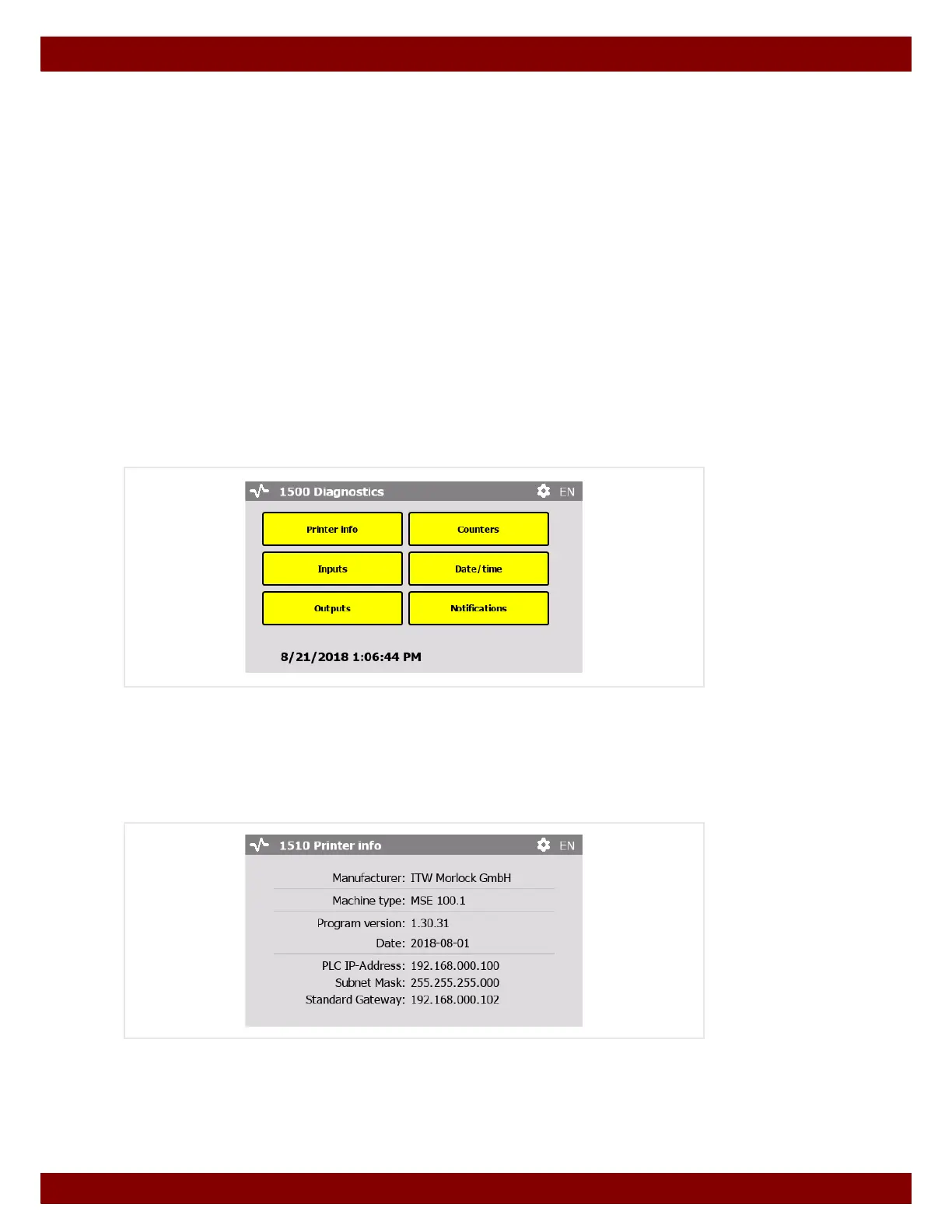
This menu provides access to functions for which a diagnostics menu should be dis-
played.
Each selectable function is described on the following pages.
28.3 Printer info
Display of the hardware and software characteristics of the machine.



 To Next Page