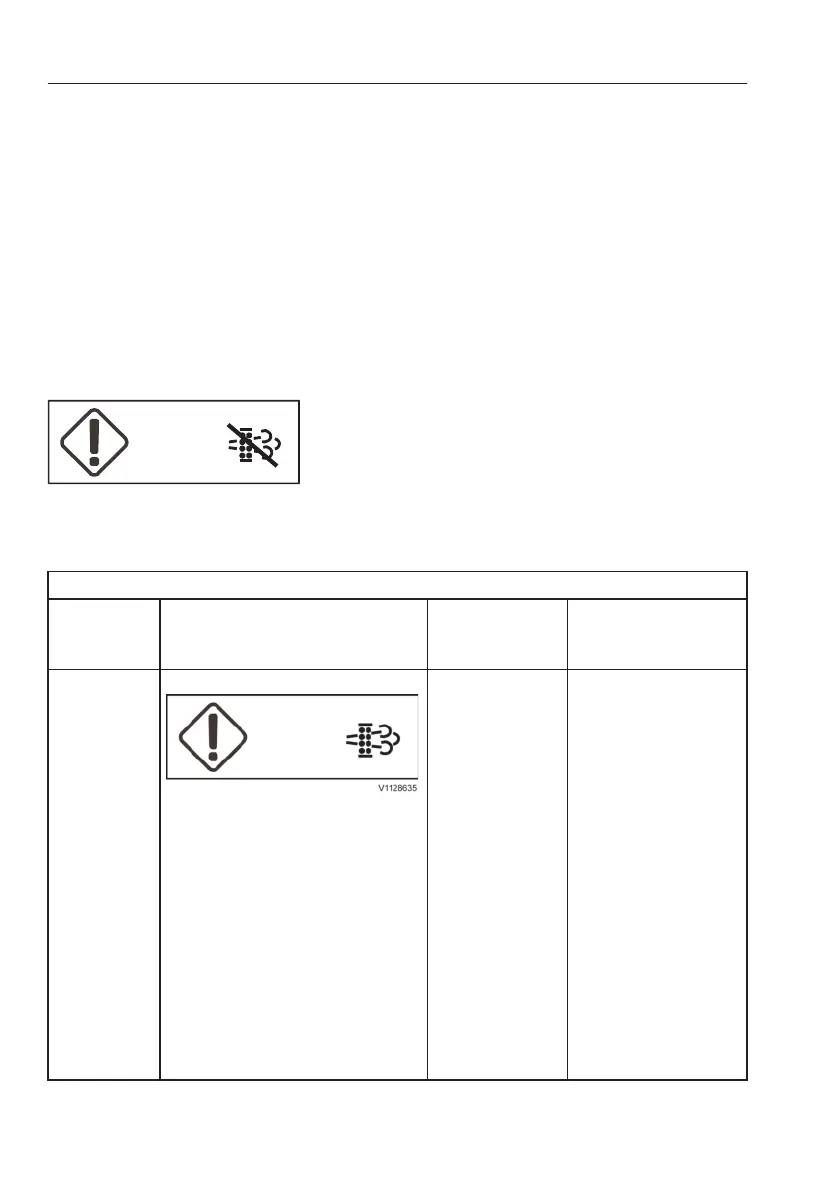
It is important to not delay regeneration
unnecessarily.
Possible consequences of delaying regeneration:
- engine derate.
- higher fuel consumption.
- shorter diesel particulate filter service life.
- damage to the aftertreatment system.
Cancelling parked regeneration
NOTE!
Only cancel in an emergency.
1 Select “Stop” in the regeneration menu on the IC
(Instrument Cluster).
An alarm indication on the instrument panel
confirms that regeneration has been cancelled.
Regeneration is cancelled automatically when:
- a malfunction occurs
- machine operation starts and a parked
regeneration is in progress
- the machine is turned off
Alarms that require specific action
Text on
display
panel
Display indication Alarm level Action
Park soon
Parked
regeneration
needed
Warning, amber
- buzzer sounds
- amber central
warning on
1 Park the machine in a
non-heat-sensitive
area.
2 Move the control
lockout lever down to
lock the system.
3 Start regeneration.
NOTE!
Regeneration is
cancelled if the
control lockout lever
is set to unlocked
position or the engine
is turned off.
NOTE!
The idle speed will be
increased during the
entire regeneration
process.
Regeneration cancelled
186
Operating instructions
Exhaust aftertreatment system



 To Next Page