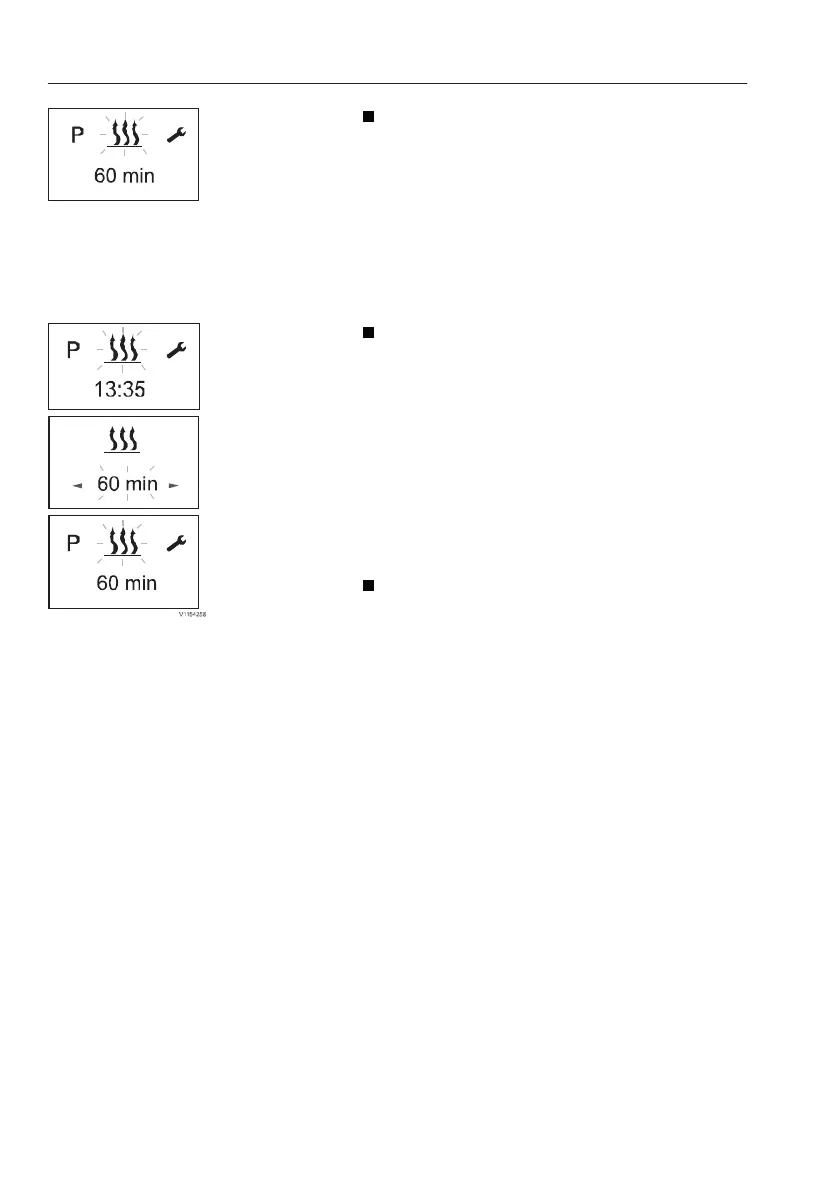
1 Heating ON / OFF
Heating immediately with LONGPRESS
(without settings)
1 Press the LONGPRESS button (1) for longer
than 2 seconds.
2 Screen shows remaining operating time.
3 If LONGPRESS is pressed during heating
mode, the display switches to the heating
submenu set and set operating time. During
heating mode it is possible to switch to
another menu item.
Heating on with SHORTPRESS and with
settings
1 Press the SHORTPRESS button (1) for less
than 2 seconds.
NOTE!
The following settings and confirmations (operating
time) are always required.
2 If necessary, use the BACKWARD or
FORWARD button to set the operating time.
Press the confirm button (1) to confirm the
operating time.
Heating OFF
- Press the button (2) for longer than 2 seconds.
→ all active functions are ended.
- Press the button (2) for less than 2 seconds.→
heater OFF.
After the heating off the start display appears.
if the vehicle lighting is off the display lighting
goes out after 10 seconds.
The following actions are possible during the
heating off display:
- Use the forward or backward button to select
a menu item. Press the SHORTPRESS
button (2), the start display appears.
- Press the SHORTPRESS button (1), the
heating submenu is displayed.
142
Other controls
Operator comfort



 To Next Page