Alarm texts
The information to the operator is shown in the
display unit in the form of alarm texts, which are
divided into three classes: Warning, Check and
Information.
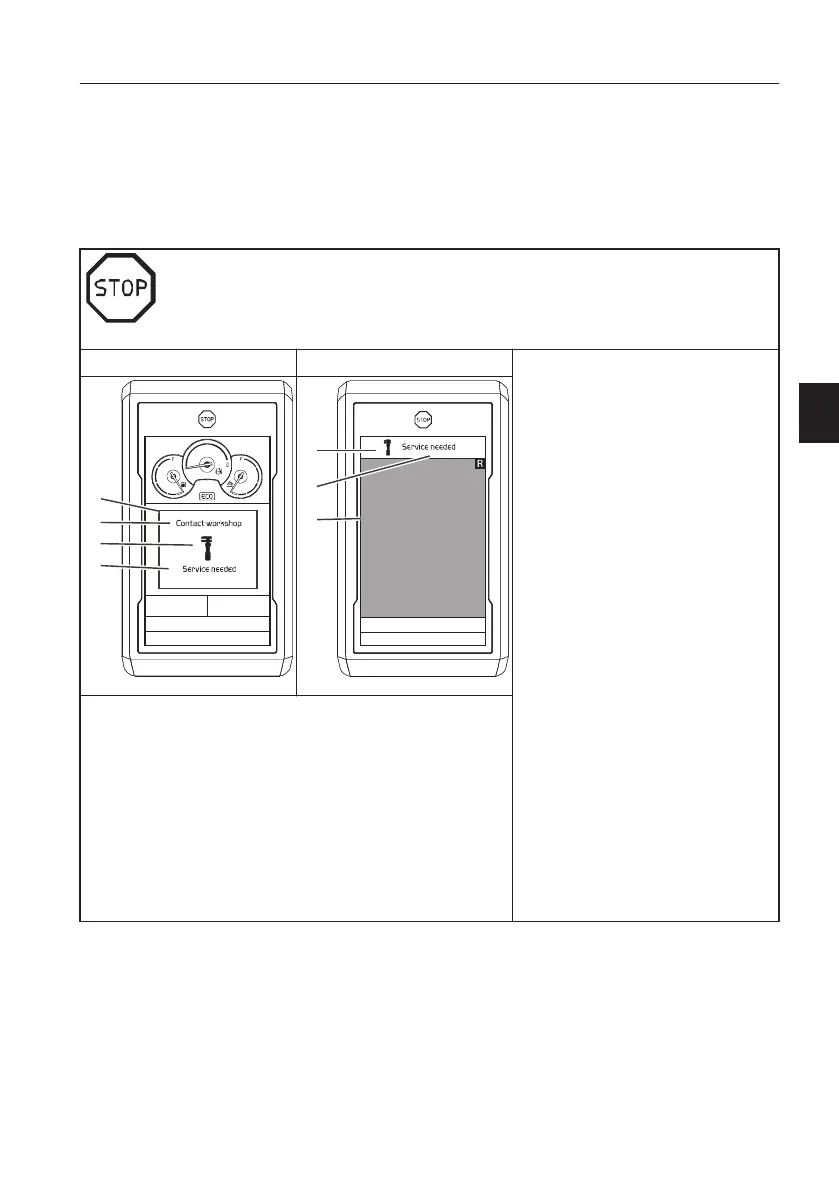
Warning (red)
Alarm in main screen Alarm in camera screen
- This screen is used to warn the
operator when the electronic
system senses a machine
malfunction or a safety related
failure.
- The red central warning symbol is
shown.
- The buzzer will sound until the
required action has been taken.
- The alarm text will be shown until
the required action has been
taken.
-
Check the alarm text in a red box
for the cause of the alarm and the
required action.
- Very time-critical information/high
priority or safety-related
procedure.
Immediate action needed.
1 Stop the machine or operate
equipment in a safe way as
soon as possible.
2 Perform a requested action
before any operation.
3 Turn off the engine if required.
-
Repair if possible or contact a
qualified service technician.
A Information box (red)
B Text area for action
C Symbol area (red)
D Text area for cause or detailed information
E Camera screen
Instrument panels
Display unit
65



 To Next Page