Example:
Current day / preselected day: Mon
Current time: 06:45
Departure time: 07:00
Operating time: 60 minutes
Duration: 06:00 to 07:00
The current time lies within the time period,
the heater is not switched on.
The program will be run during the next
week.
Program preset times
1 Use the backward or forward button to select
the Program symbol in the menu bar.
2 Confirm the Program menu by pressing the
confirm button (1).
If the Program symbol is marked with , a or
several program memories is/are already
activated.
Activated program memories are marked in
the display with a
.
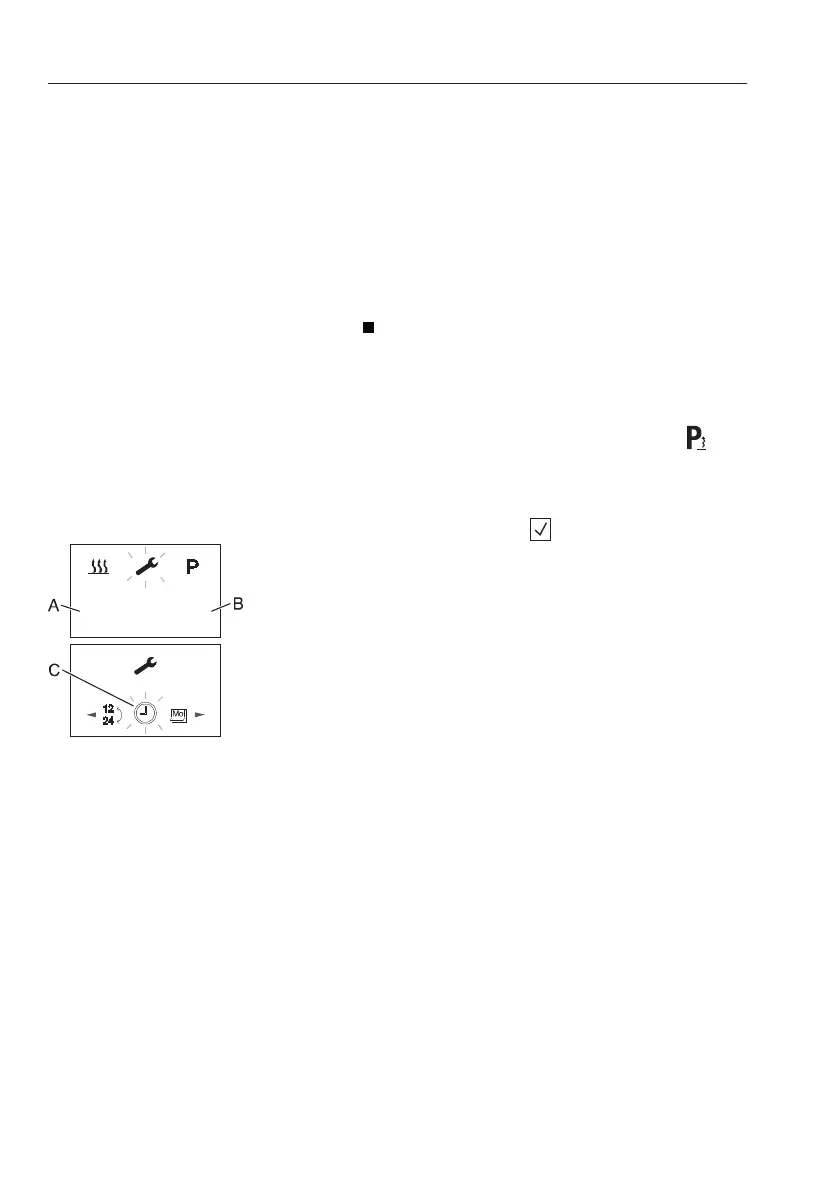
3 Settings
This function is for setting current day and time.
1 Use the backward or forward button to select
the setting symbol in the menu bar.
2 Confirm the setting menu by pressing the
confirm button.
3 Use the backward or forward button to select
the submenu which want to change the
setting.
4 Press the confirm button to confirm the setting
value.
A Current day
B Current time
C Settings submenu bar
144
Other controls
Operator comfort



 To Next Page