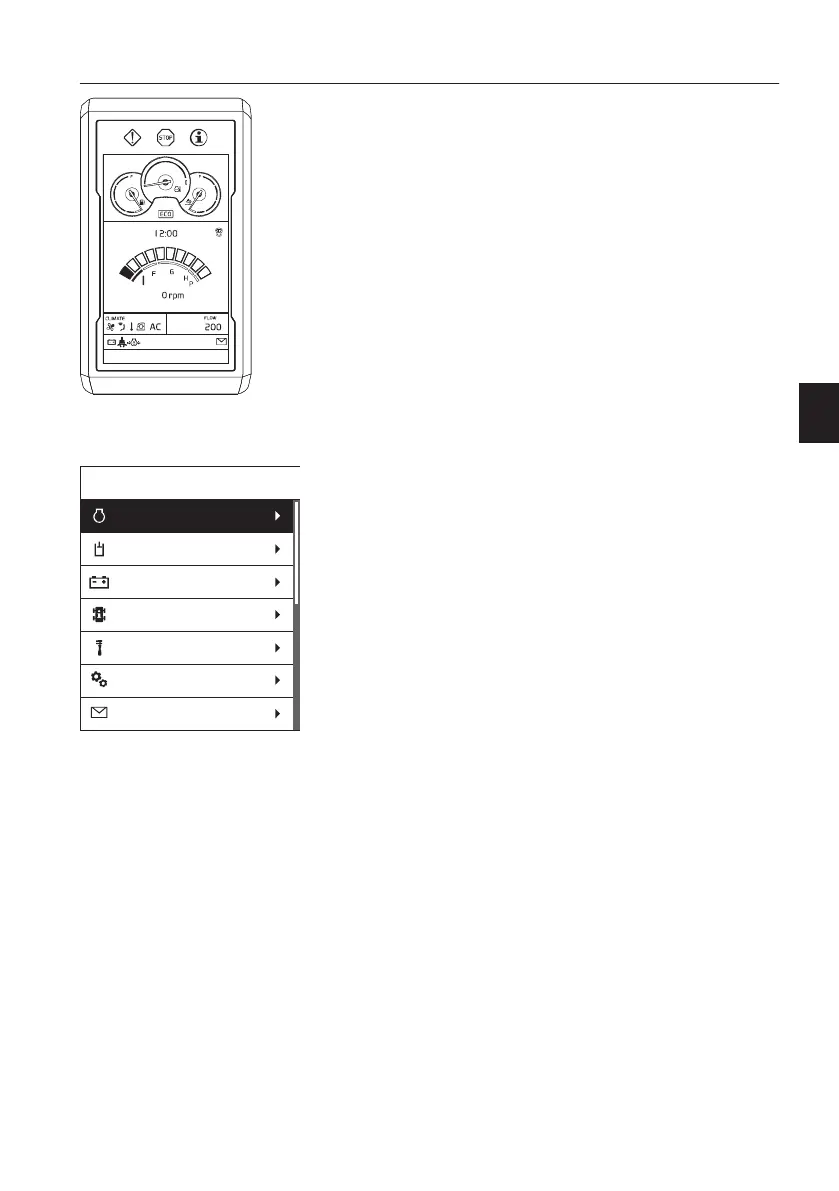
D Main screen
After the camera screen is dismissed, the main
screen is displayed.
NOTE!
Indicator for seat belt will be displayed for 3 seconds
on the "Daily maintenance" screen or main screen.
Fasten the seat belt before operating the machine.
NOTE!
Camera screen can be shown again
- when camera button is pressed or
- when operating control lever (joystick) / pedal
or
- no keypad signal during 10 seconds.
This function is always to check for obstacles or
person near the machine. For detailed information
about camera control, see page
134
.
Main menu
The main menu is reached by pressing the SELECT
button on the keypad.
Scroll the list by using the arrow buttons on the
keypad. When a folder is highlighted, its
subscreens are shown when pressing the SELECT
button. Use the arrow buttons to scroll between the
subscreens. Cancel the action at any time by
pressing the ESC button on the keypad.
V1137861
MENU
Hydraulics
Electrical system
Vehicle information
Vehicle messages
Service
Setup
Engine
Instrument panels
Display unit
45



 To Next Page