Display unit
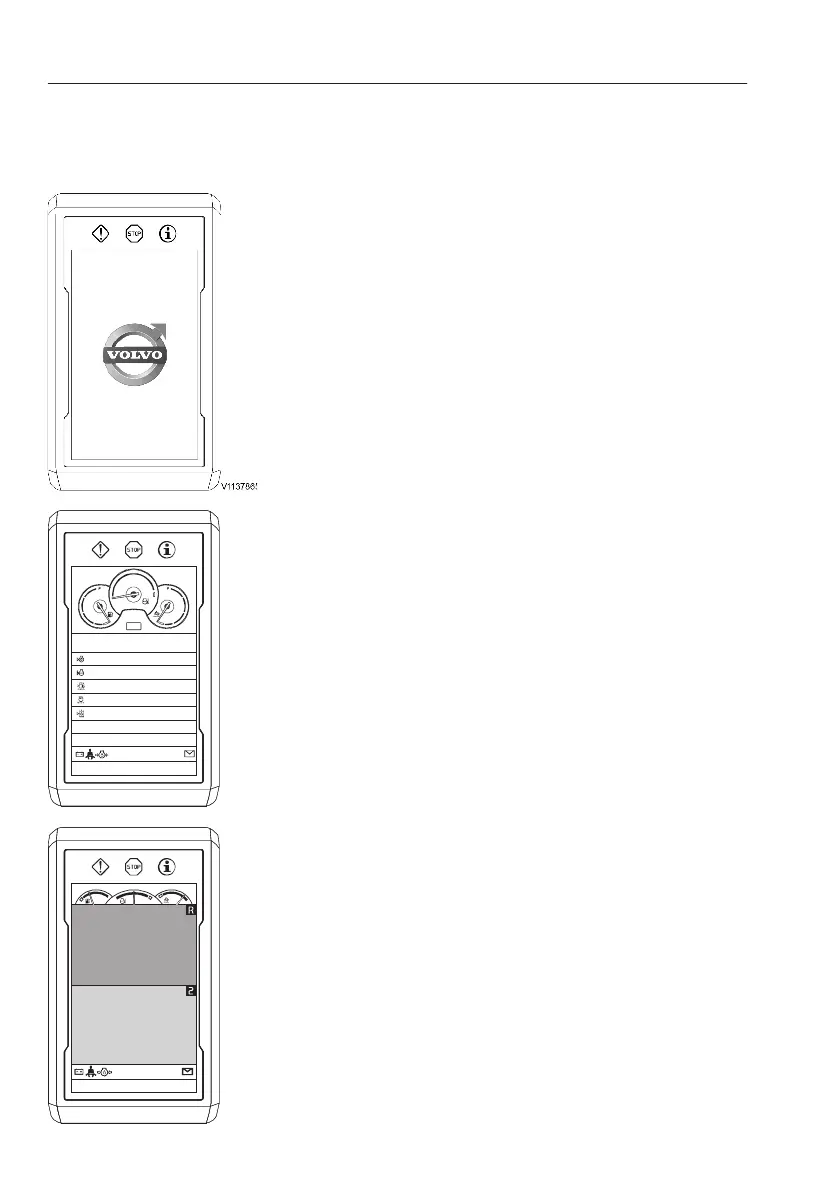
Start sequence
Initial start sequence is performed as follows.
A
Volvo logo
If the operator turns the ignition switch to the
operating position, the Volvo logo on the IC
(Instrument Cluster) screen lights up for a few
seconds.
NOTE!
Enter the code for the anti-theft system (if
installed), see page
69
. If the engine is
restarted within 15 seconds (time is adjustable
with Volvo's service tool, Tech Tool) after having
turned it off, the code does not have to be
entered again.
B
Daily maintenance
The user can see daily maintenance items once
a day. This screen is dismissed by pressing the
ESC button or SELECT button and disappears
automatically after 5 seconds if there is no button
input.
- Engine oil level
- Coolant level
- Water separator
- Air cleaner
- Hydraulic oil level
C
Camera screen (if installed)
All the cameras installed on the machine will be
displayed on the IC (Instrument Cluster) when
engine is running. The camera screen is
dismissed by pressing the ESC button on the
keypad.
V1137866
DAILY MAINTENANCE
Engine oil level
ECO
Coolant level
Water separator
Air cleaner
Hydraulic oil level
Travel/working light
44
Instrument panels
Display unit



 To Next Page