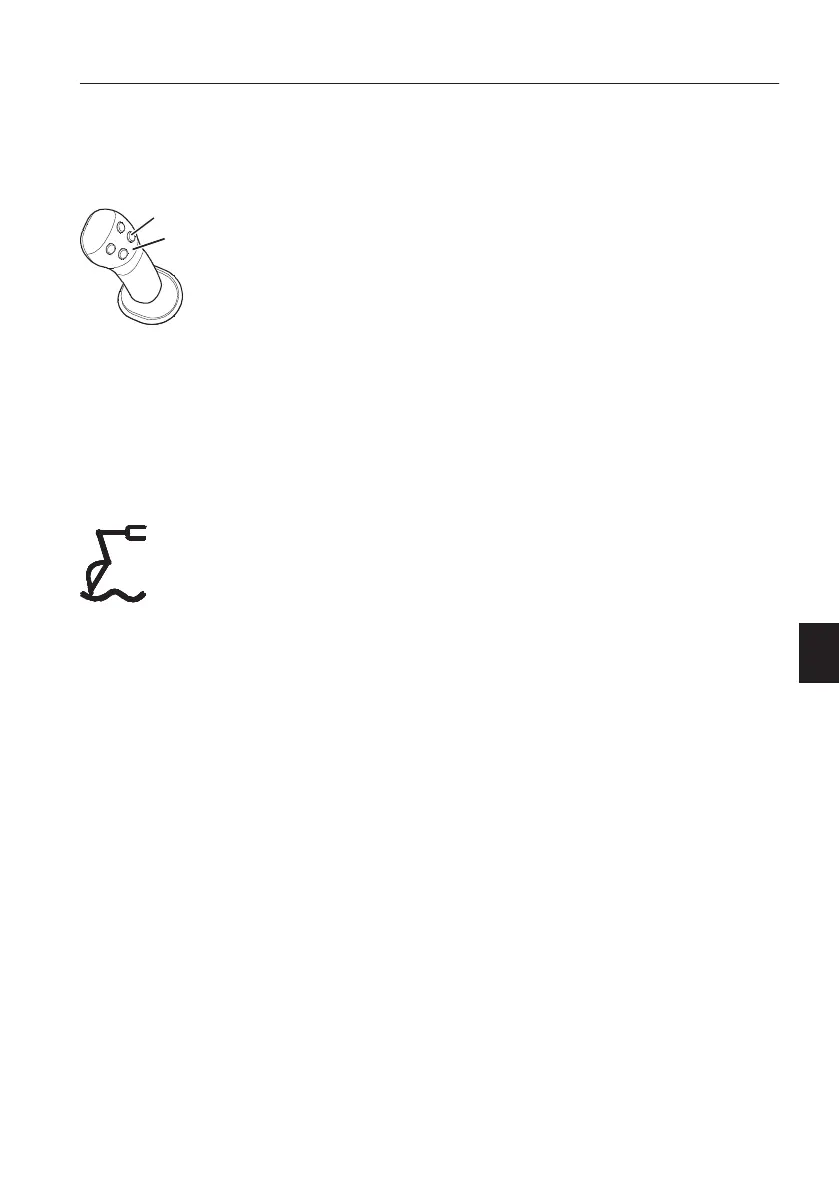
Use the float position when the attachment has to
follow the irregular ground, such as for bedrock
clearance, grapple handling and when unloading
barges and flatbeds. Float position also makes
unloading more manageable.
1 Select the float position using button 1 on the
right control lever in order to activate the float
function. The control lever should have the float
function, see page
95
. The float operation
indicator on the front instrument panel lights up.
2 Float position is only in operation when you push
the boom operating lever forward. When the
attachment is to follow the ground, the boom
operating lever must therefore be held forwards
all the time. The boom can then move upward
and downward freely depending on the state of
the ground.
3 Deactivate the float position by pressing the
button 1 again. The indicator on the instrument
panel will go out.
NOTE!
When the boom float function is on, the function will
remain even if the ignition switch is off and on again.
The indicator on the instrument panel will be also
displayed.
1 Float On / Off button
2 Control lever with four buttons
Indicator on the instrument panel
Operating techniques
Attachments
225



 To Next Page