Information (blue)
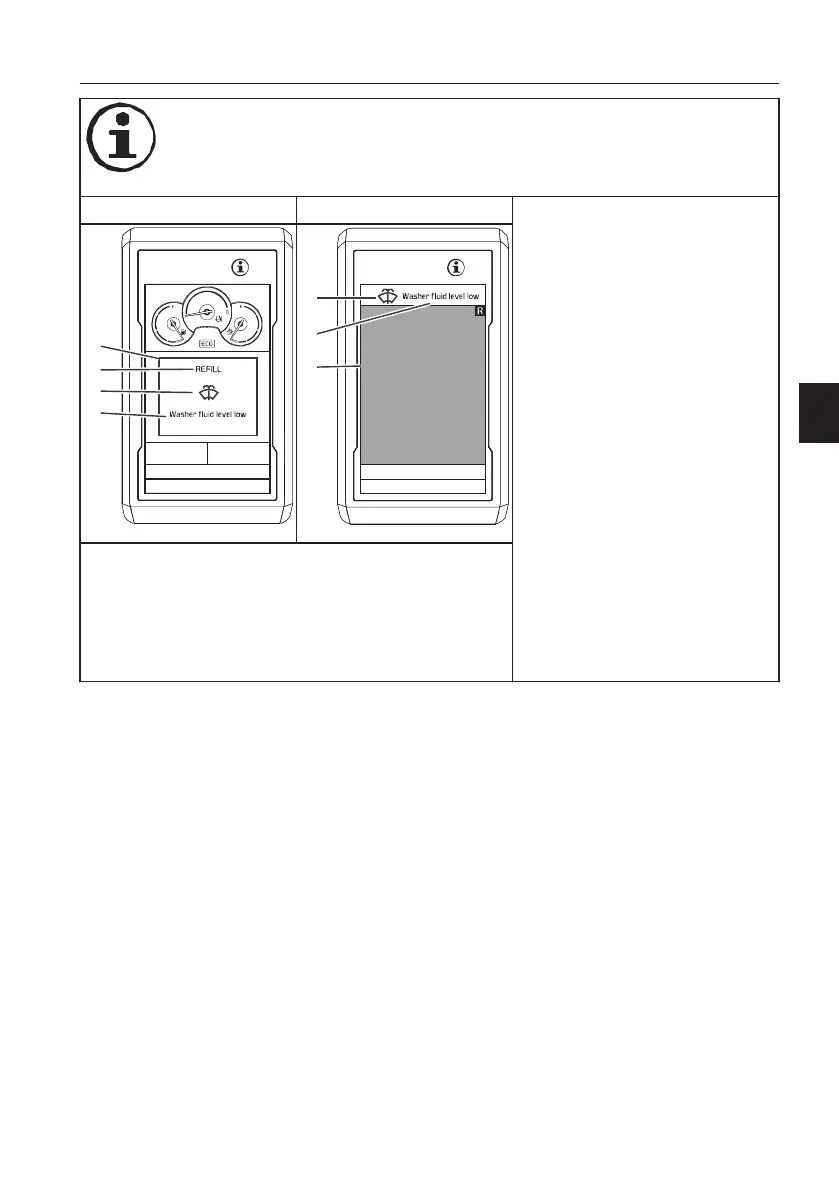
Alarm in main screen Alarm in camera screen
- This screen is used to give useful
information about the machine.
- The blue central information
symbol is shown.
- The buzzer sounds twice.
- The alarm text is shown for eight
seconds and then changes to the
operating display or can be hidden
immediately by pressing the ESC
button.
-
Check the alarm text in a blue box
for the cause of the alarm and the
required action.
- Low time-critical information/low
priority.
- Need to be alerted, but active
attention or system monitoring is
not required.
-
Check the machine before next
operation. Repair if possible or
contact a qualified service
technician.
A Information box (blue)
B Text area for action
C Symbol area (blue)
D Text area for cause or detailed information
E Camera screen
Instrument panels
Display unit
67


 To Next Page
 Loading...





