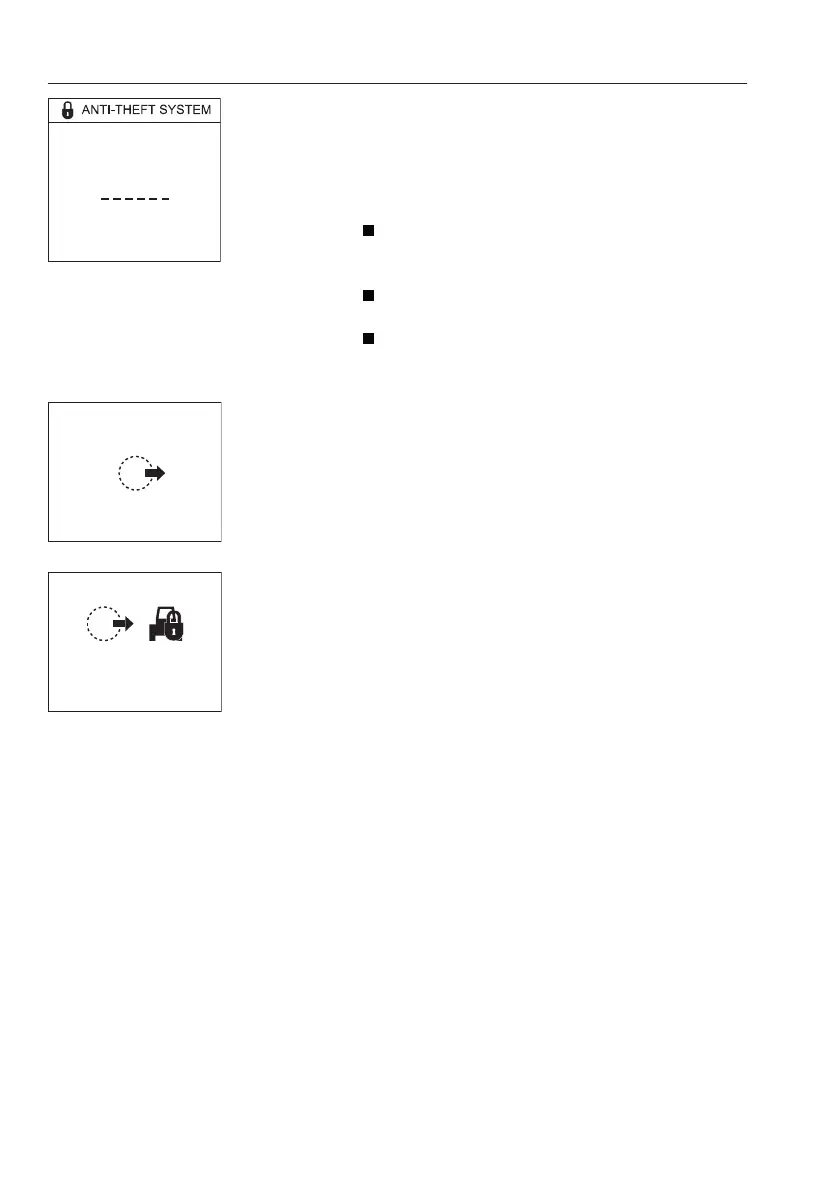
NOTE!
When the delay time is shown, press and hold the
SELECT button to enter the owner code.
- There are 3 levels for authorizing machine
operation.
Level 1: This is the operator code with 4 digits
which are set by the machine owner in IC menu
or CareTrack portal.
Level 2: This is a machine owner PIN code with
6 digits which are set using Volvo's service tool.
Level 3: This is a one-time code with 8 digits
which are obtained from the CareTrack portal.
Geofence broken
- When the machine owner activates a geofence in
the CareTrack portal and the machine is outside
the geofence, the geofence broken message will
appear on the IC.
- When the machine owner activates a geofence
and configures automatic immobilization in the
CareTrack portal and the machine is outside the
geofence, the geofence broken warning message
will appear on the IC and the machine is
immobilized at the next stop.
- WECU sends the warning message to the
CareTrack portal.
- The warning condition is revoked when the
machine is inside the geofence.
V1137932
0
Enter owner code:
Enter owner code
V1137933
Geofence broken
GO BACK TO SITE
V1137934
Geofence broken
Immobilization at next stop
70
Instrument panels
Display unit



 To Next Page