Operating the Autosampler 106
4
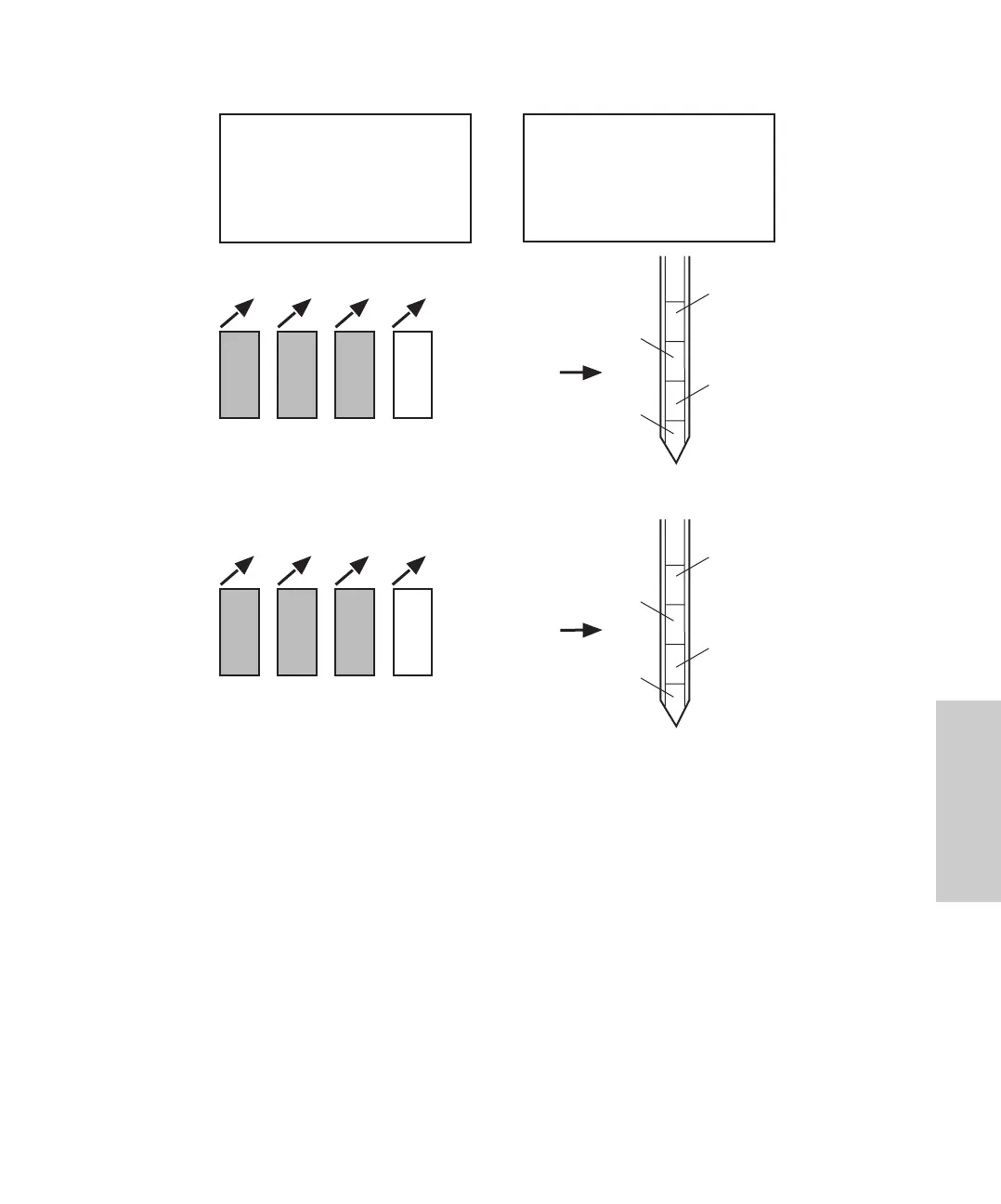
Figure 4-16 Auto Addition Example
4.6.5 Using Auto Transfer
This section describes:
• Overview of Auto Transfer
• Programming and running Auto Transfer
• Example Auto Transfer run
Vial
1
Vial
10
Vial
20
Auto Run
Auto Addition
Step
1
From
2
To
3
Common Vials
1
10
20
Withdraw
Vial
2
1
10 20 2
Inject total of
all withdrawn
volumes
Vial
1
Vial
10
Vial
20
Withdraw
Vial
3
1
10 20 3
Inject total of
all withdrawn
volumes
Total volume sent to column
From
Vial 10
From
Vial 2
From
Vial 1
From
Vial 20
From
Vial 10
From
Vial 3
From
Vial 1
From
Vial 20
Total volume sent to column















 To Next Page