Operating the Autosampler 92
4
Overview of Programming
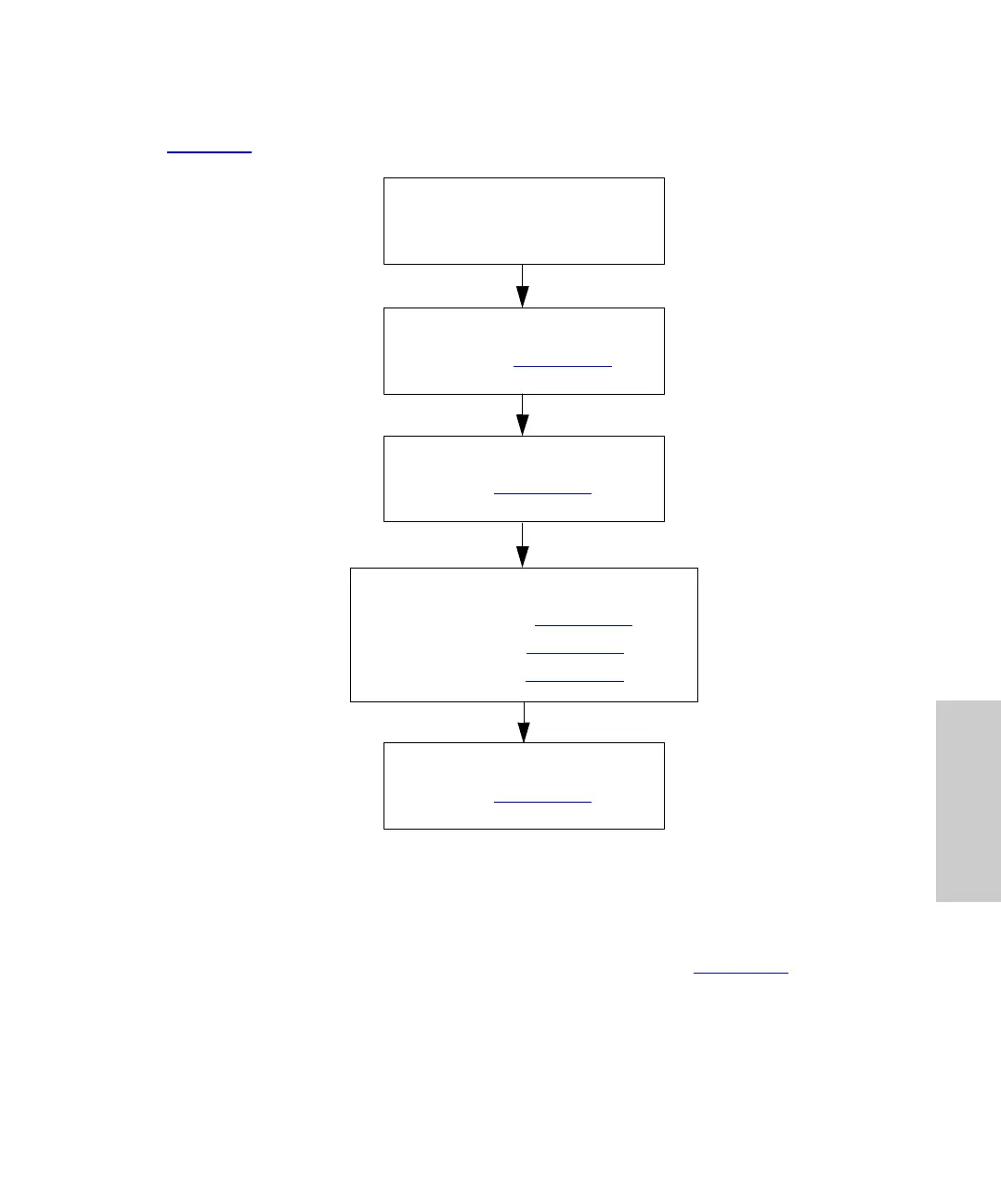
Figure 4-9 is an overview of the steps involved in programming and running an auto run.
Figure 4-9 Overview of Programming
4.6.1 Programming Auto Run
Program and start an Auto Run from the Edit: Auto Run screen (Figure 4-10).
This section describes:
• Using the Auto Run screen
• Entering step parameters
Load Samples
Program the Step on the Auto
Run Page (Section 4.6.1
)
Program Step Functions for the
Step (Section 4.6.2
)
Program the Event Output for the
Step (Section 4.6.6
)
Program the Option for the Step:
Auto Standards (Section 4.6.3
)
Auto Addition (Section 4.6.4
)
Auto Transfer (Section 4.6.5
)















 To Next Page