Loading the Carousel 85
4
Note: The carousel release is not active when the autosampler is performing a
purge or a pre-injection sequence.
2. Before loading the sample vials into the carousel, ensure that the carousel is clean
and the holes on top are not blocked.
3. Place the assembled sample vials in the carousel and note the location. The vial
number is located on the rim of the carousel.
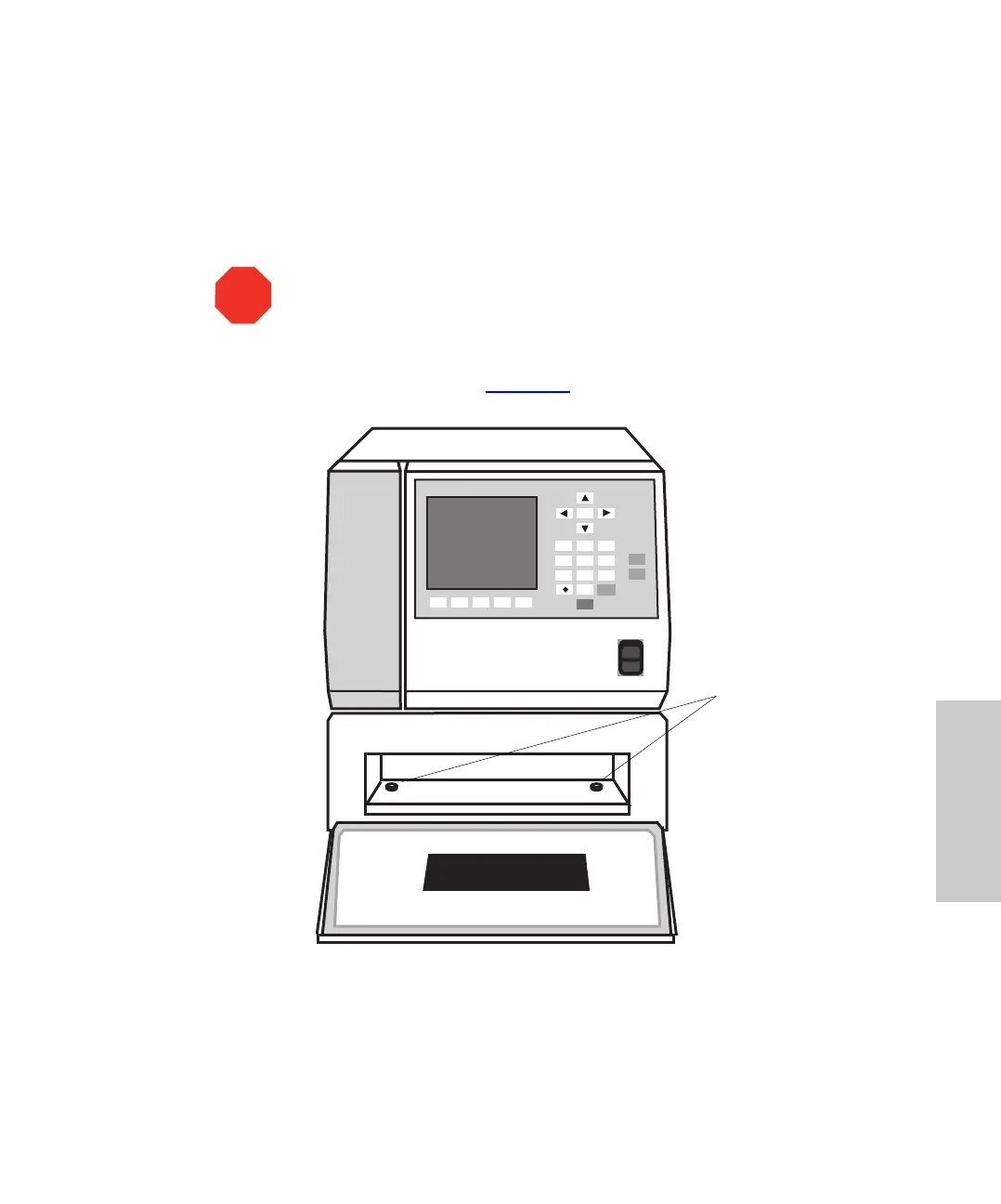
4. Slide the carousel into the sample compartment until it reaches the two positioning
stops on the compartment floor (Figure 4-5
).
Figure 4-5 Inserting the Carousel
5. Close the sample compartment door. The autosampler homes the carousel.
STOP
Attention: Use of non-Waters
sample vials, low-volume inserts, and septa
may result in damage to the needle.
1
2
3
4
56
7
8
9
Home
Enter
CAROUSEL
Engage
Release
0
Clear
Positioning
Stops















 To Next Page