Startup and Configuration 68
3
3.6.2 Setting Parameters for LC System Operation
To communicate with other LC system components:
• Set Report Delay for data integrators
• Set terminal strip signal parameters for Hold, Injection Start, and Injection Stop
• Set IEEE-488 address
Setting Report Delay
The Report Delay provides time for the data integrator to process data from a run before a
new injection begins.
If a data integrator is attached to the LC system, set the delay as follows:
1. From the 717plus Main Menu, press Config Page.
2. On Configuration Page 1 (Figure 3-9
), highlight the Report Delay field and enter the
delay time in minutes.
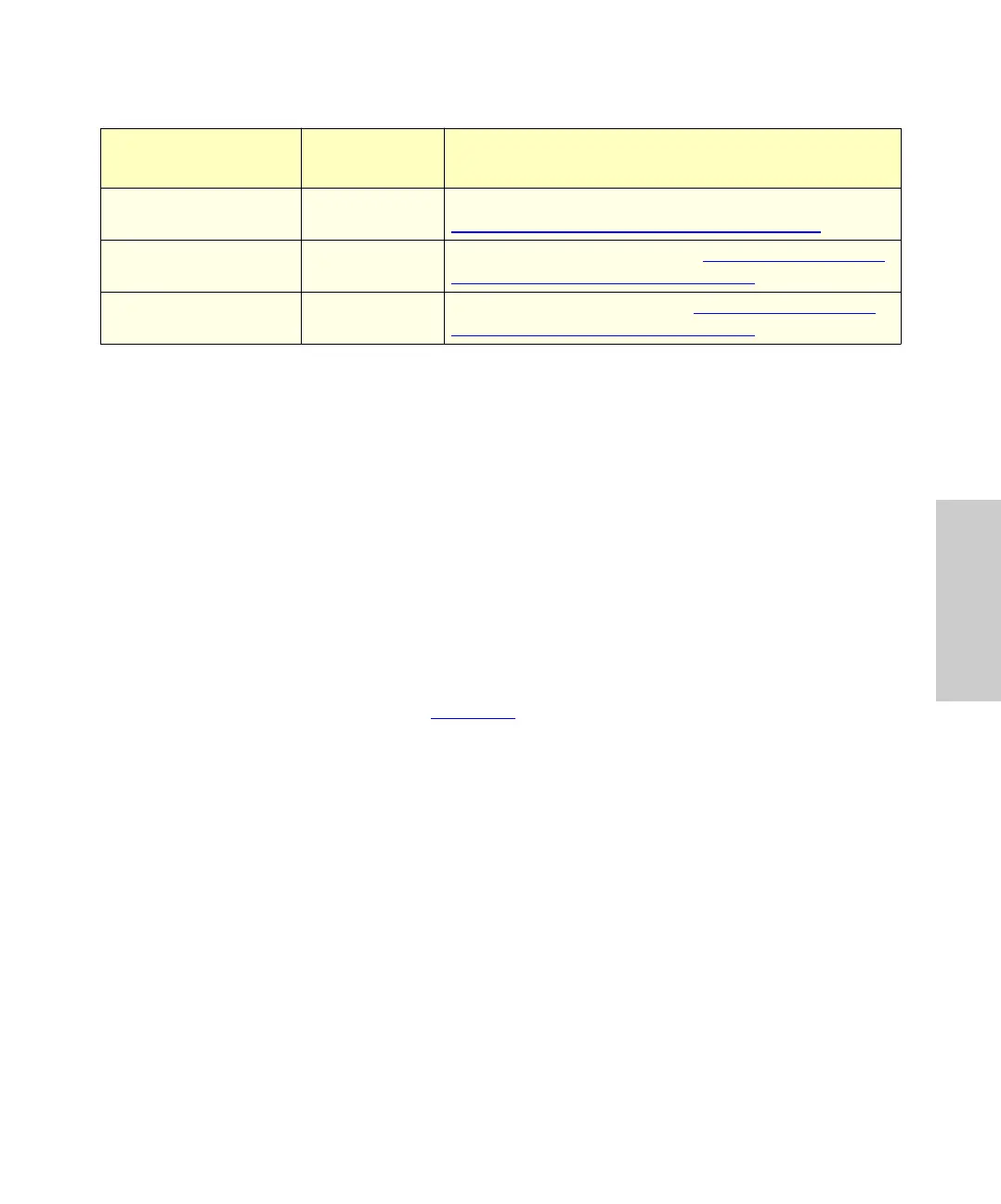
Loop Volume? 3 Set equal to installed sample loop size. See
Section 4.8.2,
Microbore/Semiprep Injections.
Installed IEEE
Address
4 Displays current address. See Section 3.6.2, Setting
Parameters for LC System Operation.
Desired IEEE Address 4 Sets new IEEE address. See Section 3.6.2, Setting
Parameters for LC System Operation.
Table 3-2 Configuration Parameters (Continued)
Parameter
Configuration
Page
Description















 To Next Page