Configuring the Autosampler 73
3
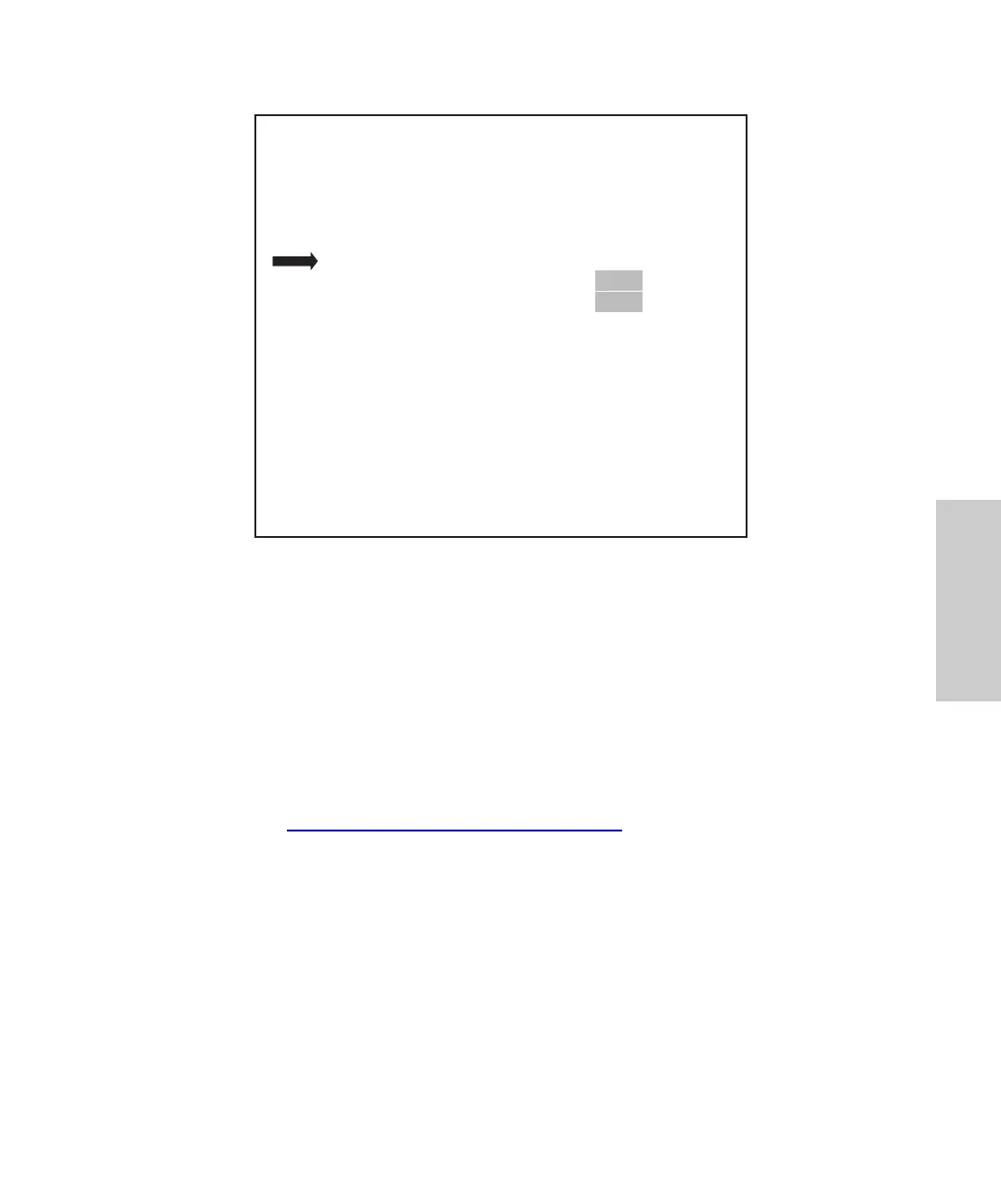
Figure 3-12 Configuration Page 3
Entering Syringe Size
To record a change in the syringe size:
1. From the 717plus Main Menu, press Config Page.
2. Press Next Page twice to access Configuration Page 3.
3. Select the appropriate Syringe Volume, and press Enter.
The autosampler automatically updates the draw rate to adjust to changes in
syringe volume. If you require a different draw rate, change the rate on Configuration
Page 3 (Section 4.8.3,
Injecting Viscous Samples).
Entering Sample Loop Size
To record a change in the sample loop volume:
1. From the Main Menu, press Config Page.
2. Press Next Page twice to access Configuration Page 3.
3. Select the applicable Loop Volume and press Enter.
IDLE
Edit: Configuration Page 3 of 4
Draw Rate ( 1/sec) :
Syringe Volume ( 1) ?
Loop Volume ( 1) ?
Halt Bad Comp Check?
Report Delay (min) :
PrevCfg
Page
Yes
250
200
Yes
3.0
2.50
2500
2000
No
20
NextCfg
Page
Main
Page
Yes
25
0
Yes
3.0















 To Next Page