Operating the Autosampler 122
4
Making Semiprep Injections
Semiprep chromatography involves large samples and high flow rates.
To make semiprep injections:
1. To increase sample injection volume, replace the standard 250-µL syringe with a
2500-µL syringe (Section 5.2,
Replacing the Syringe).
2. Connect the auxiliary loop to the standard sample loop (Section 2.6.3,
Installing the
Large Sample Loop).
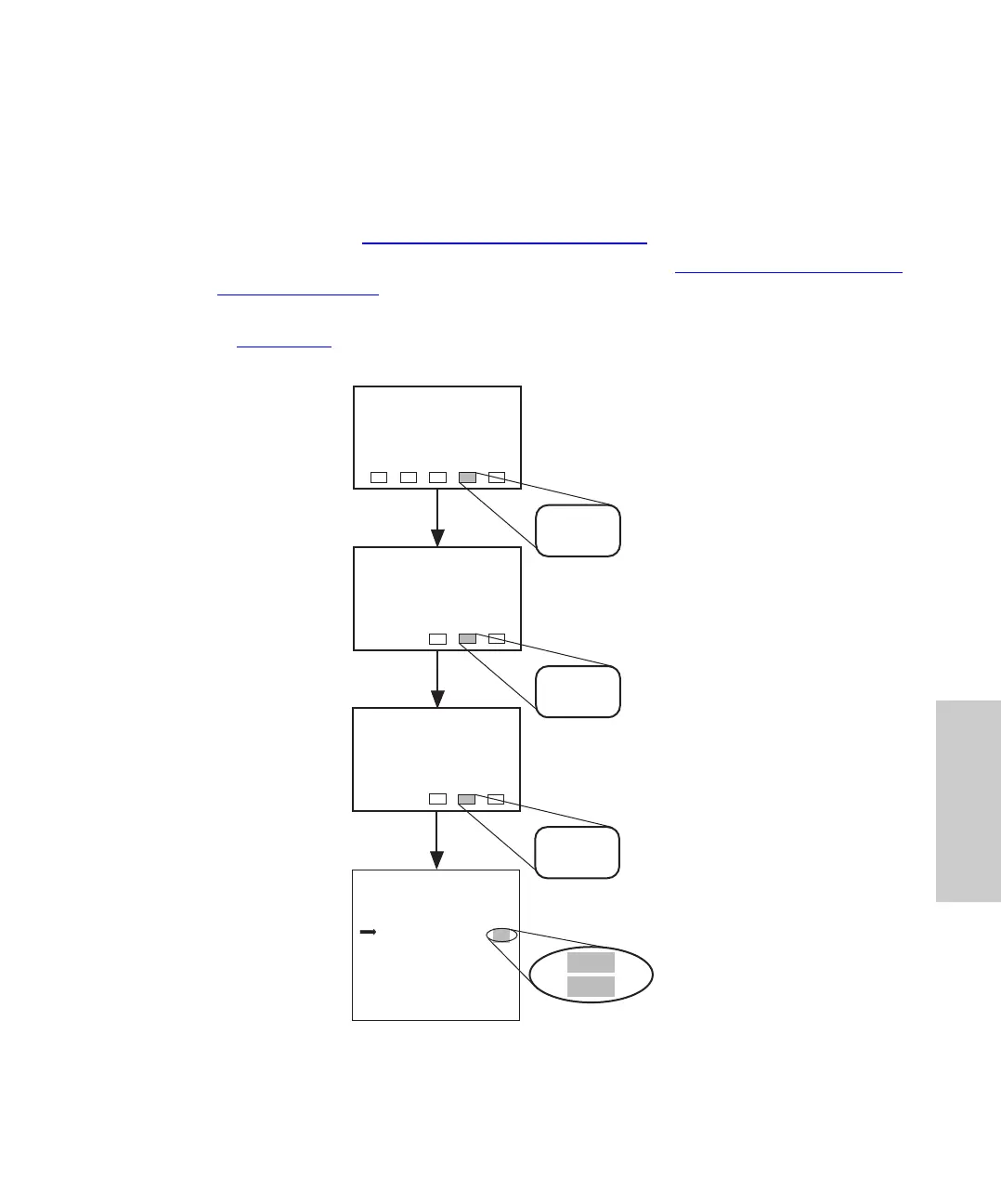
3. Enter the hardware change on Configuration Page 3 by pressing the keys indicated
in Figure 4-27
.
Figure 4-27 Entering the Semiprep Configuration
Menu: Main
Configuration
Page 1
Config
Page
NextCfg
Page
Configuration
Page 2
NextCfg
Page
IDLE
Edit: Configuration Page 3 of 4
Draw Rate ( 1/sec) :
Syringe Volume ( 1) ?
Loop Volume ( 1) ?
Halt Bad Comp Check?
Report Delay (min) :
PrevCfg
Page
Yes
250
200
Yes
3.0
2.50
2500
2000
No
20
NextCfg
Page
Main
Page
Yes
25
0
Yes
3.0
2500
2000















 To Next Page