Replacing the Syringe 133
5
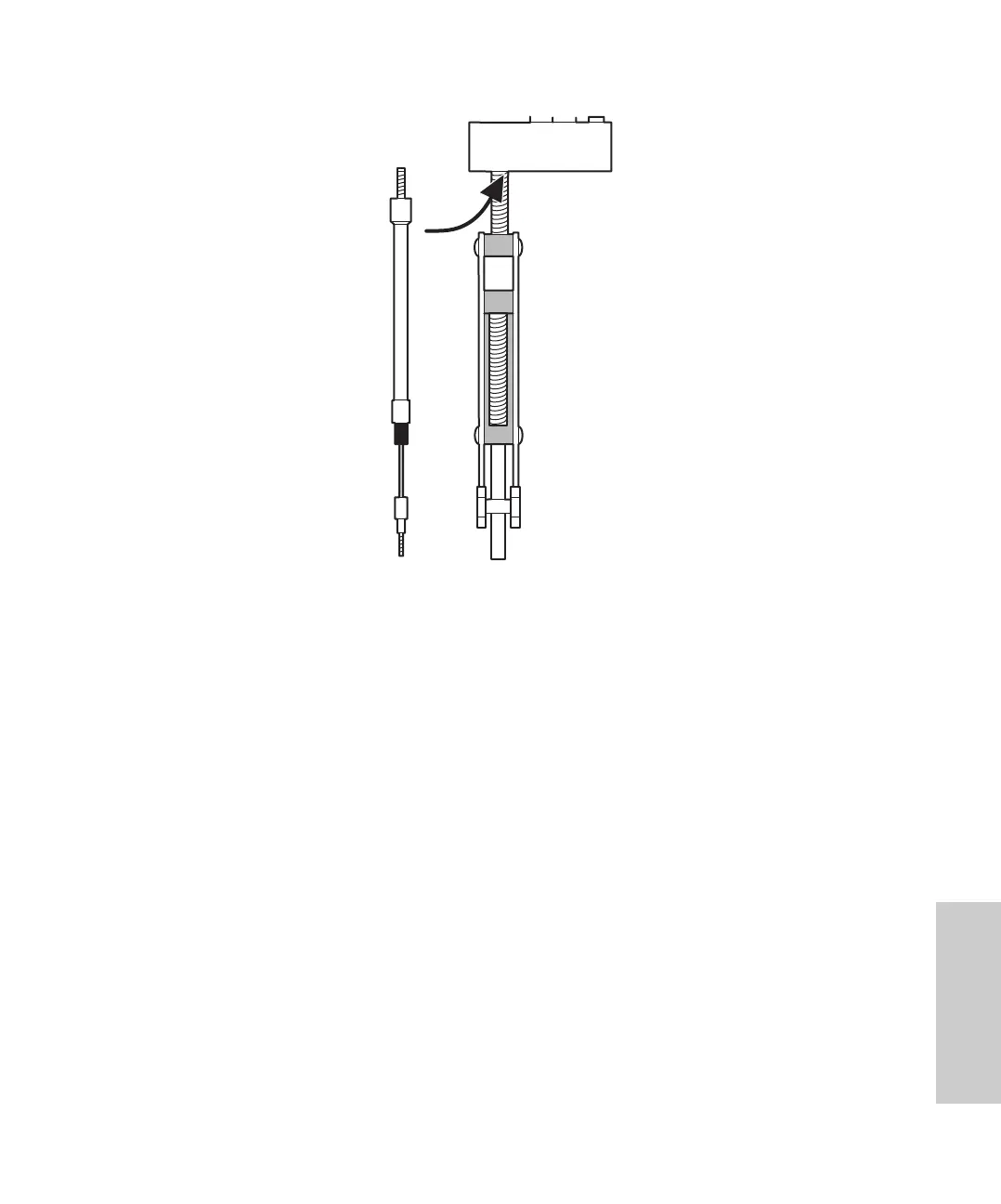
Figure 5-4 Installing the Syringe
2. Taking care to maintain the alignment of the plunger with the syringe, slide the
plunger down so that the threaded end slides through the syringe guide mounting
bracket.
3. Tighten the syringe hand tight.
4. At the 717plus keypad, use the arrow keys to move to the Syringe field. Highlight the
Empty entry, and press Enter. The mounting block moves upward to allow you to
install the knurled nut.
5. Install the knurled nut.
6. To reset the Valve and Motor Operations screen to the original state, move the
screen arrow to the field:
To execute Normal State press Enter.
and press Enter.
7. To return to the Main Menu, press UserMaint Page, Diag Page, and Main Page.















 To Next Page