Sampling Considerations 125
4
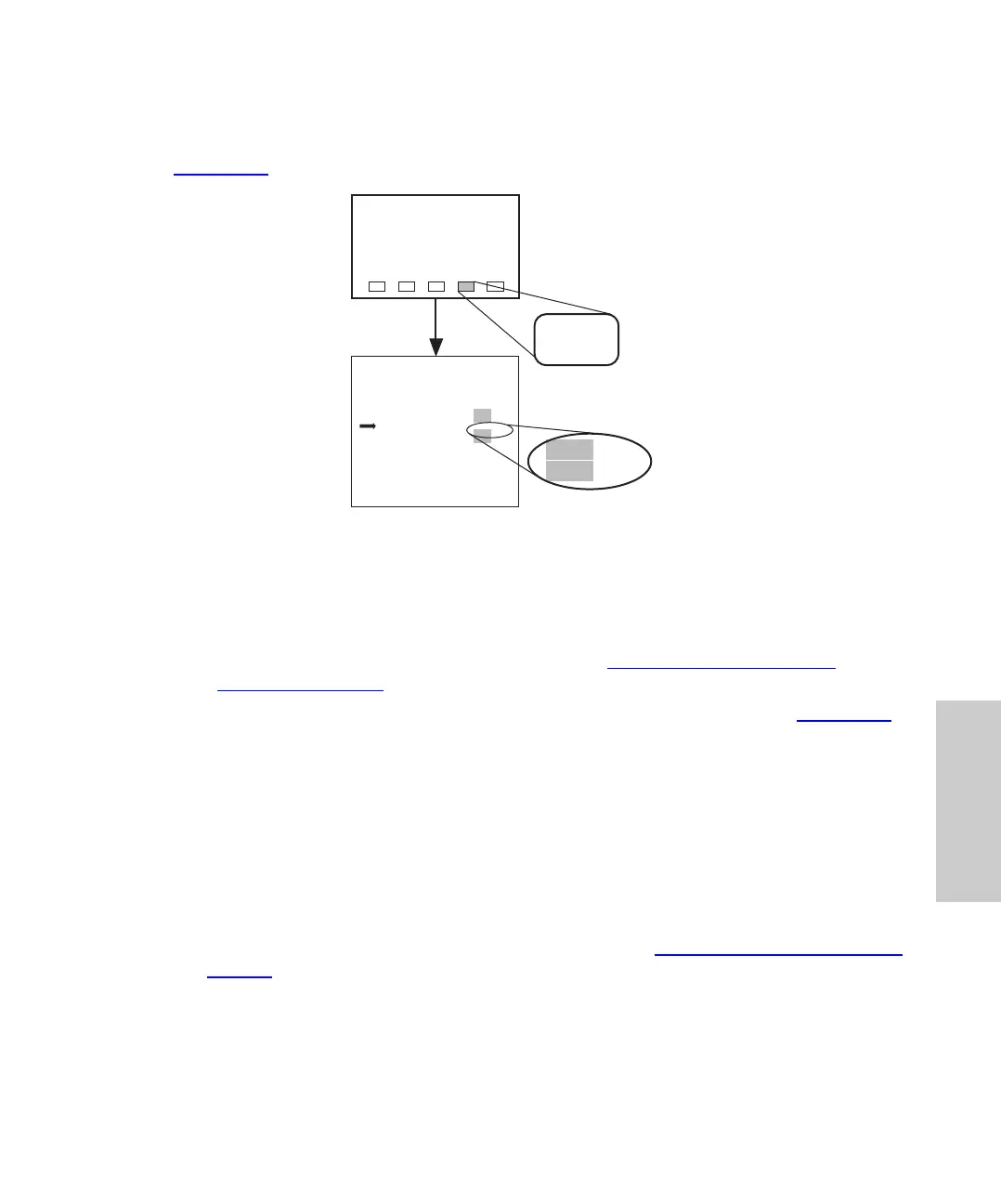
Enabling Auto Purging
To enable auto purge between sets of vials, enter the number of vials between purges
(Figure 4-29
).
Figure 4-29 Enabling Auto Purge
Enabling Halt on Bad Compression Check
To stop the next injection if the mobile phase fails the compression check:
1. Ensure that the compression check is enabled (Section 4.5.3,
Performing a
Compression Check).
2. Use the arrow keys to select Yes for Halt on Bad Compression Check (Figure 4-29
).
4.8.5 Using Buffered Mobile Phase
When using buffered mobile phases:
• Do not make abrupt changes from buffered aqueous solutions to organic solvents.
• Do not let the buffered mobile phase sit in the system. Always maintain a minimal
flow.
• Enable the purge in idle mode during unattended operation.
• Remove the mobile phase before powering down (see Section 3.8,
Power Down and
Storage).
Note: Program the pump for a minimal flow after the last run to prevent damage to LC
components.
IDLE
Edit: Configuration Page 1 of 4
Use Door Sensor?
Purge In Idle?
Vials Between Purges :
Halt Bad Comp Check?
Report Delay (min) :
LED Contrast Adjust?
PrevCfg
Page
Yes
Yes
0
Yes
3.0
No
No
30
No
20
NextCfg
Page
Main
Page
Menu: Main
Config
Page
10
Yes
No
25















 To Next Page