Powering Up the Autosampler 55
3
Chapter 3
Startup and Configuration
This chapter provides procedures for starting up, calibrating, configuring, verifying, and
powering down the Waters 717plus Autosampler.
3.1 Powering Up the Autosampler
Note: If the 717plus Autosampler is part of an IEEE-488 system, power up the 717plus
Autosampler before powering up the system controller.
Powerup
To power up the 717plus Autosampler:
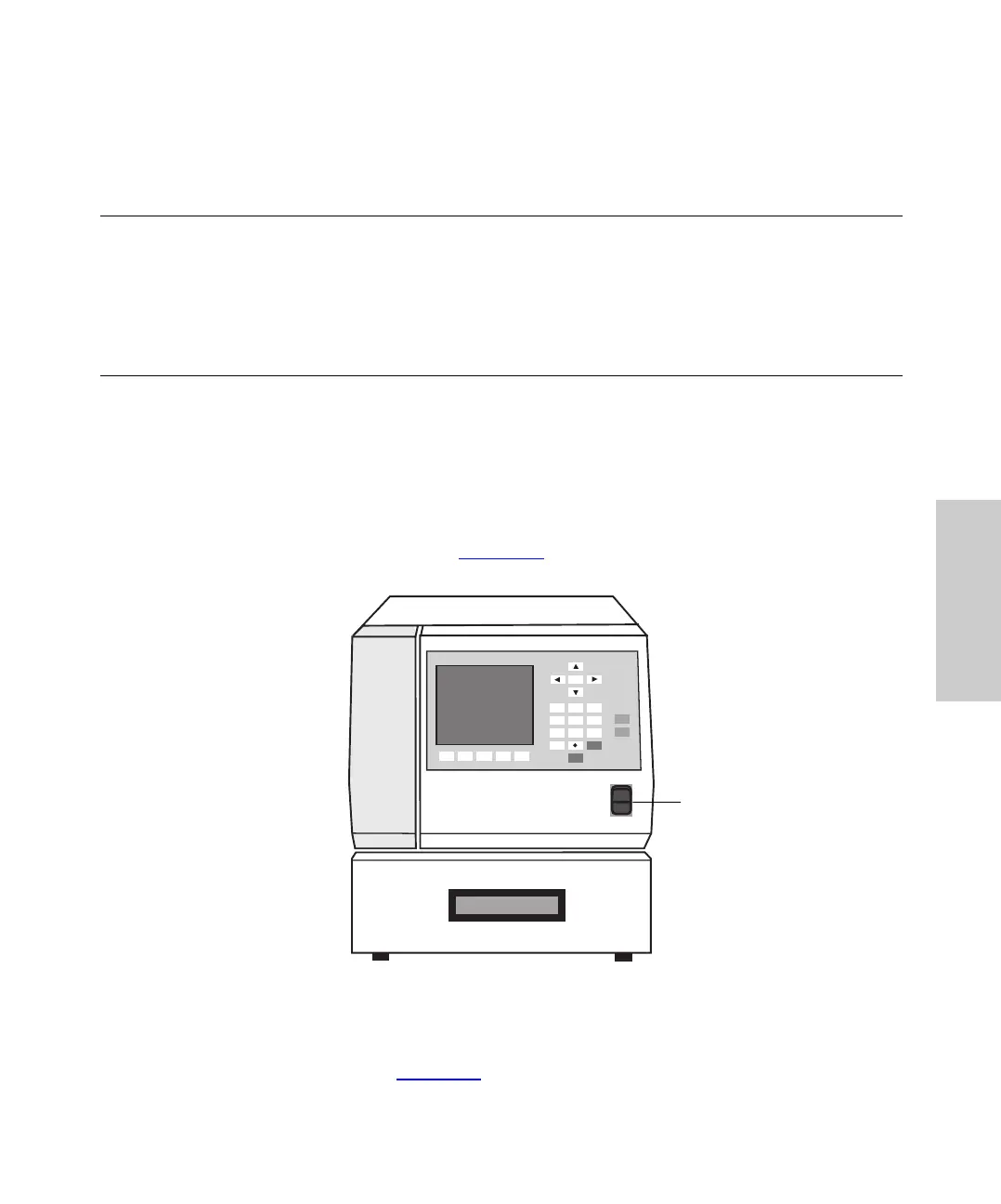
1. Press the 1/0 (on/off) switch (Figure 3-1
) on the front panel.
Figure 3-1 Power Switch Location
2. Wait for the initializing sequence to complete and the IDLE message to appear in
the upper-left corner (Figure 3-2
).
1
2
3
4
56
7
8
9
0
Home
Clear
Enter
CAROUSEL
Engage
Release
Waters 717plus Autosampler
I
0
Power
Switch















 To Next Page