Operating the Autosampler 96
4
Step Functions
6. Program step functions (described in Section 4.6.2,
Programming Step Functions).
Note: You can program only one set of step functions and one option per step.
4.6.2 Programming Step Functions
Use the Step Function screen to select the following parameters for each Auto Run step:
• Needle Position
• Purge After Step
• Options for an Auto Run step
• Programmable Event outputs
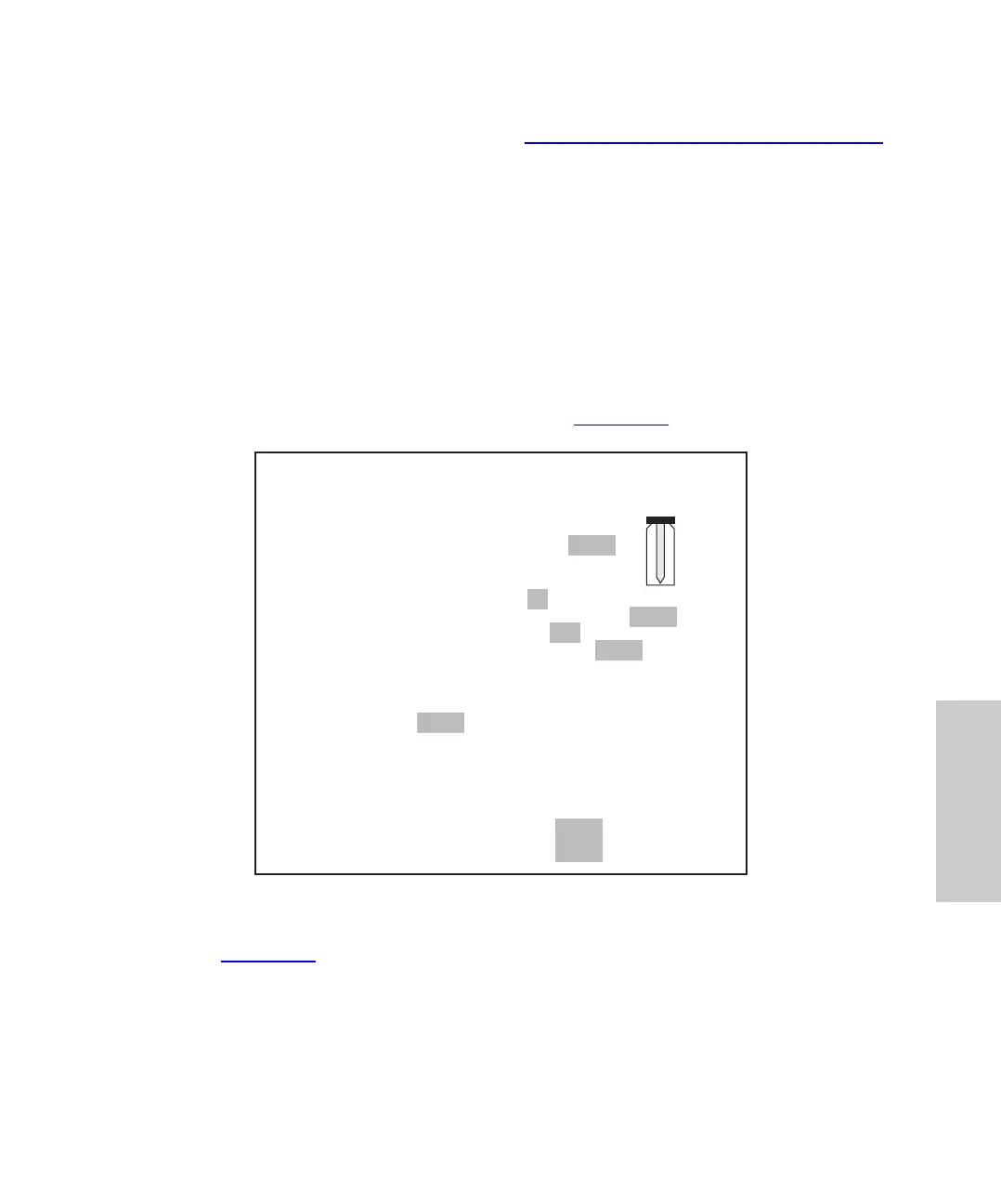
This section describes the Step Function screen (Figure 4-11
).
Figure 4-11 Edit: Step Function Screen
Note: Figure 4-11
is an example of the Edit: Step Function screen with the Auto Transfer
option selected. When other options are selected, keys for the selected function appear.
If no option is enabled, the option field displays “None”, and no option key appears.
IDLE
Edit: Step Function 1 of 1 Trns
Editing Step: 1
Needle Position (%) 25 50 75 100
Purge After Step? Yes No
Option? None Stds Addn Trns
Run Event (0=Off 1=On)
Time Time Prog Event
10.0 1.0
2.0
3.0
4.0
1
0
1
0
Trns
Page
Auto
Page















 To Next Page