Ensuring Reproducibility 87
4
4.5.2 Performing a Purge
Perform a purge from the Purge and Compressibility Page.
Purging the Autosampler
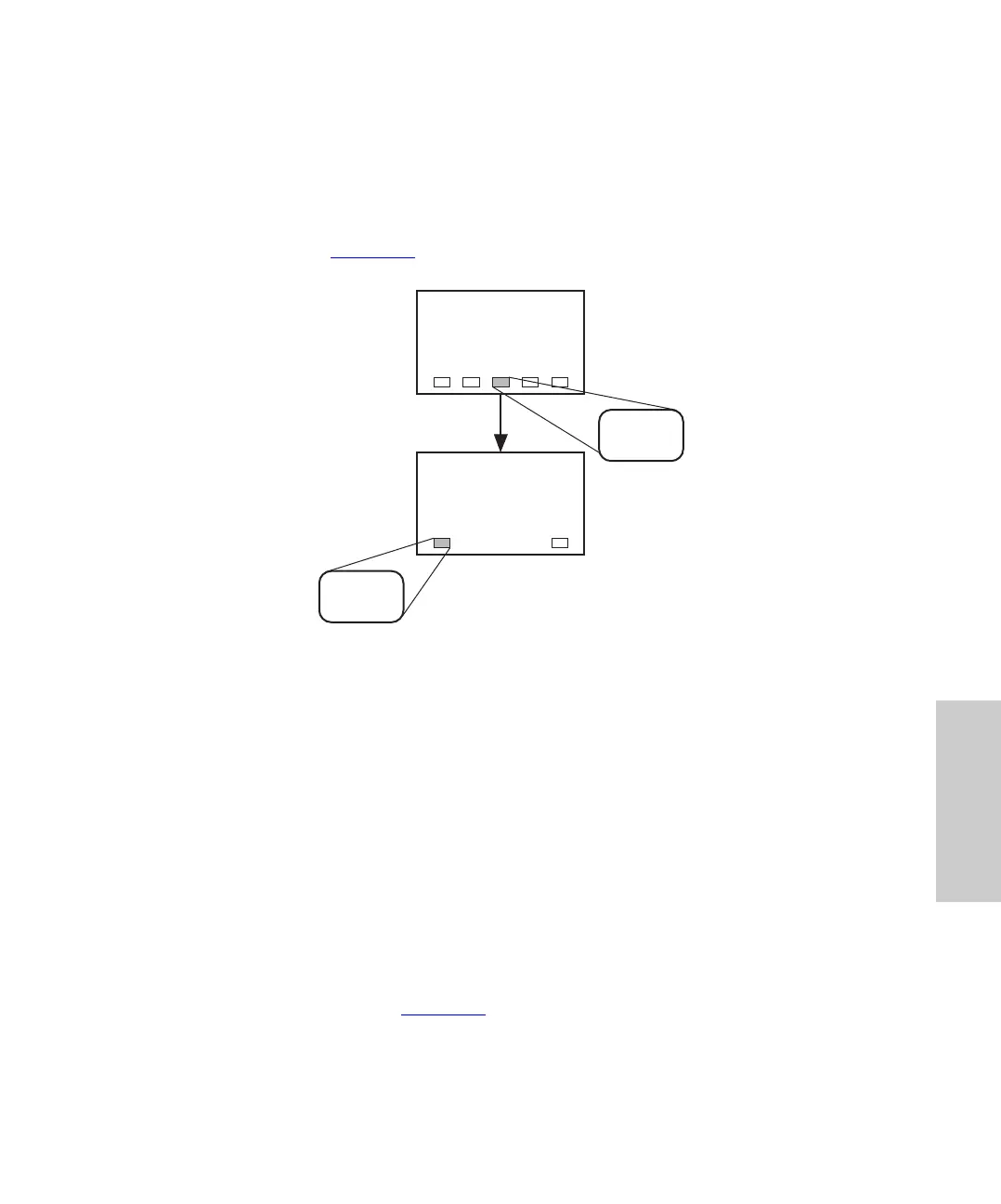
To perform a purge using the default values, press the Waters 717plus Autosampler keys
as indicated below (Figure 4-6
):
Figure 4-6 Purging the Autosampler
Changing Purge Time
Change the Purge Time if:
• System flow rates are less than 1 mL/min
• The auxiliary loop is installed
The purge time setting depends on:
• Flow rate of the mobile phase
• Sample loop size
To change the Purge Time:
1. From the 717plus Main Page, press Purge Page to display the Purge and
Compressibility page (Figure 4-7
).
TP01951
Main Page
Purge and
CompressibilityPage
Purge
Page
Start
Purge















 To Next Page