Startup and Configuration 58
3
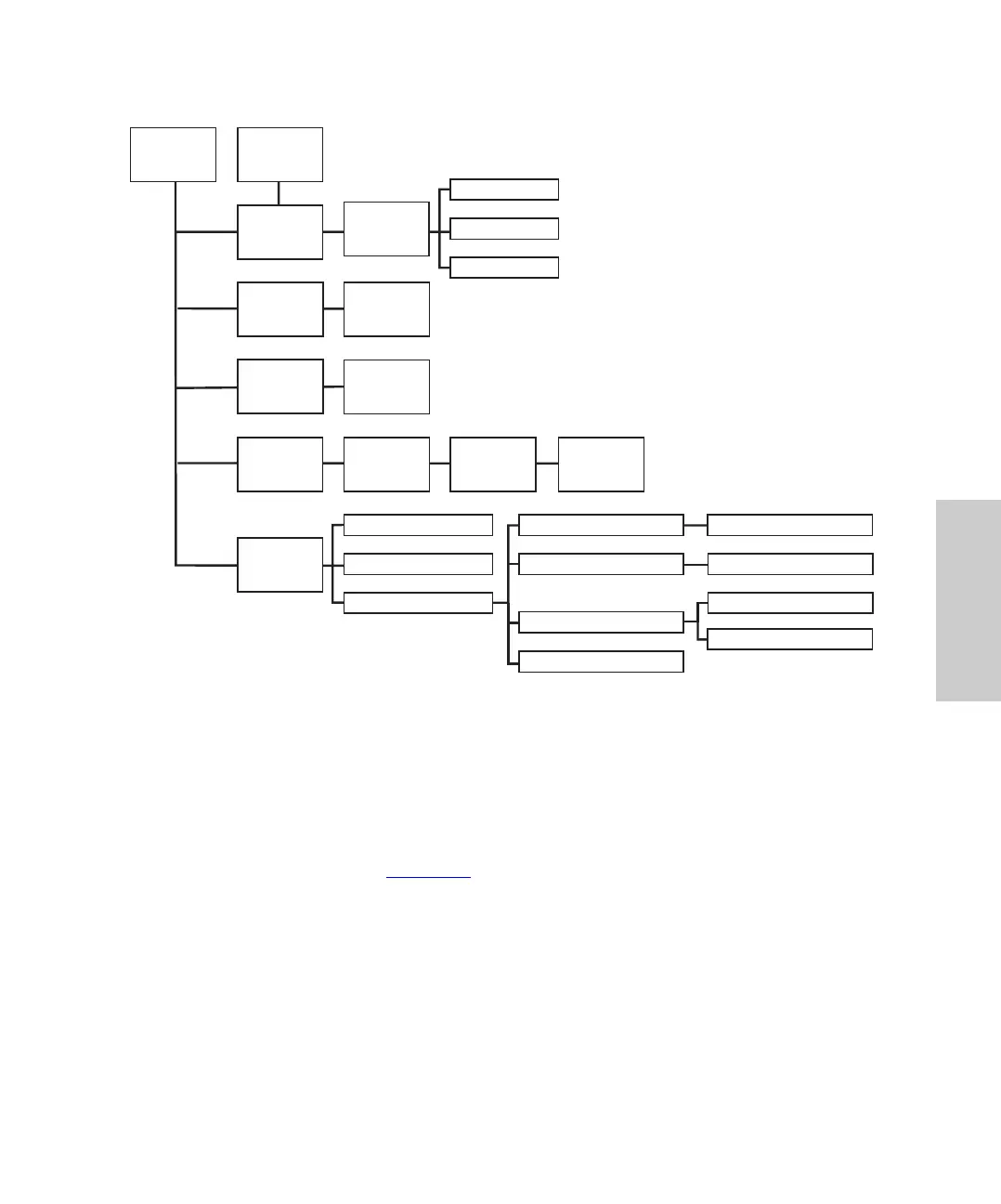
Figure 3-4 717plus Autosampler Menu Flowchart
3.2.2 Entering Operating Parameters
To enter operating parameters:
1. Access the appropriate menu by pressing the screen function key.
2. Use the arrow keys (Figure 3-2
) to highlight the parameter you want to change.
3. If the parameter has two or more values, highlight the desired value and press
Enter.
4. If there is one value, use the number keys to type a value and press Enter to record
the new value.
5. If you make a mistake, press Clear to erase the value in the current parameter field.
Edit:
Configuration
Page 3
Edit: Auto
Edit: Stat
Edit: Purge &
Compressibilit
Edit:
Configuration
Page 1
Status: Stat
Status:
Edit:
Configuration
Page 2
Edit:
Configuration
Page 4
Menu: User
Status: Error
Diagnostic:
Diagnostic: Service
Status:
Status: Needle Wash
Diagnostic: Auto Zero
Status: Auto
Menu: Calibration
Diagnostic: Valve & Motor Operations
Diagnostic: Injector Calibration
Diagnostic: Prime Needle
Main Menu
Edit:
Step
Edit: Auto Addition
Edit: Auto
Edit: Auto
Menu :
Diagnostic















 To Next Page