Using the Front Panel 57
3
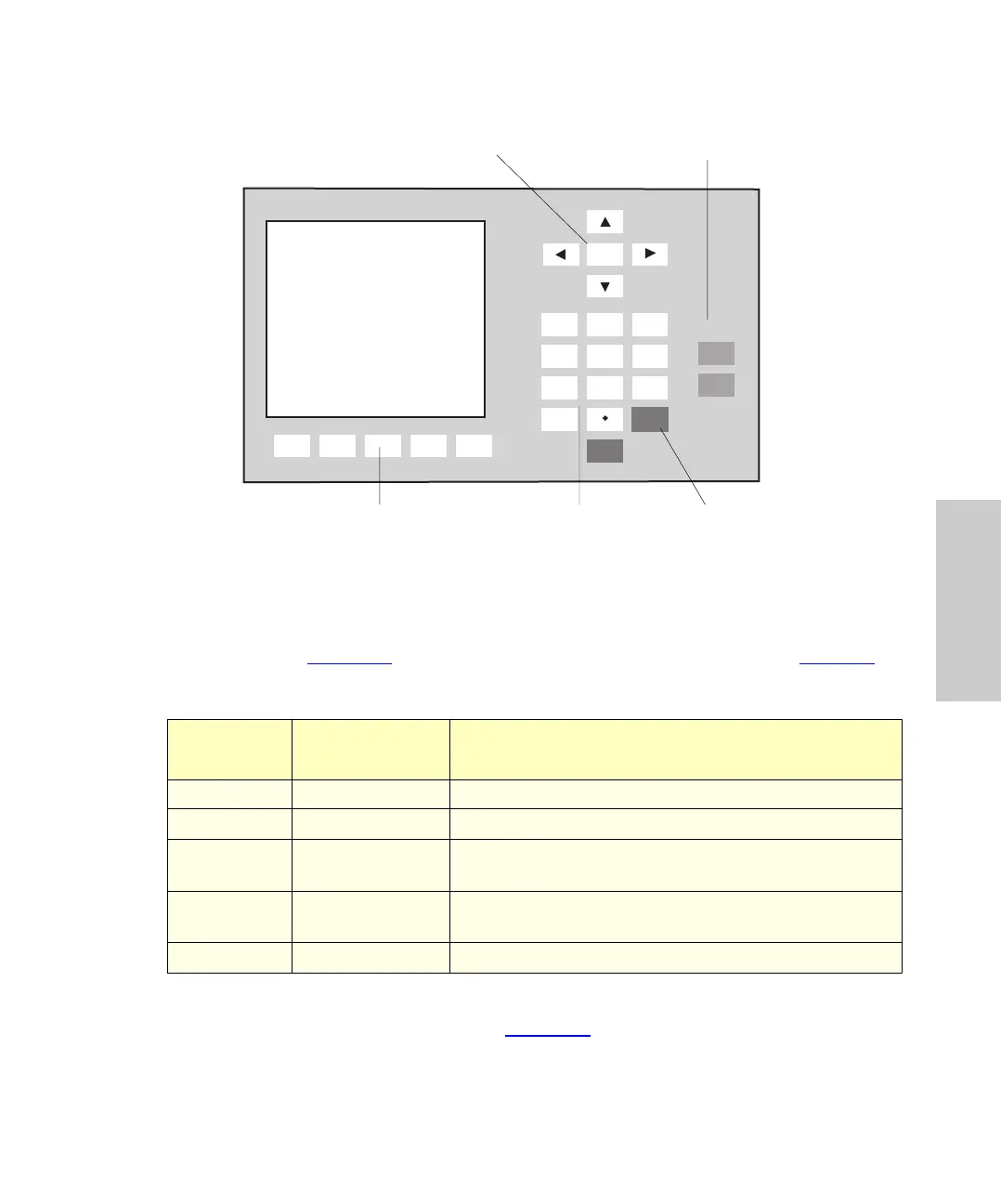
Figure 3-3 Front Panel
3.2.1 Accessing Menus
The Main Menu (Figure 3-2) provides access to the main system operations (Table 3- 1).
Access additional menus using the function keys below the screen. Menus are arranged
as shown in the System Menu flowchart (Figure 3-4
).
Table 3-1 Menu Functions
Function
Key
Menu Function
Auto Page Auto run Program and run sampling methods
Stat Page Stat run Interrupt a programmed run for priority samples
Purge Page Purge and
compressibility
Purge sample loop and test compressibility of mobile
phase
Config Page Configuration Set hardware and LC system configuration
parameters
Diag Page Diagnostics Calibrate injector, test valves, perform maintenance
1
2
3
4
56
7
8
9
0
Home
Clear
Enter
CAROUSEL
Engage
Release
Auto
Page
Stat
Page
Purge
Page
Config
Page
Diag
Page
Menu: Main
Waters 717plus Autosampler
Rev 2.0 2/1/93
Copyright(C) 1991, 93
Waters Corporation
Heater / Cooler Not Installed
INIT
Homing syringe
Menu Function Keys Numeric Keys Clear Key
Arrow Keys
(Cursor Control)
Carousel
Release/Engage















 To Next Page