Chapter 4 Tools
Configuration
116 WCDMA Options Version 6.20
Service and software
update
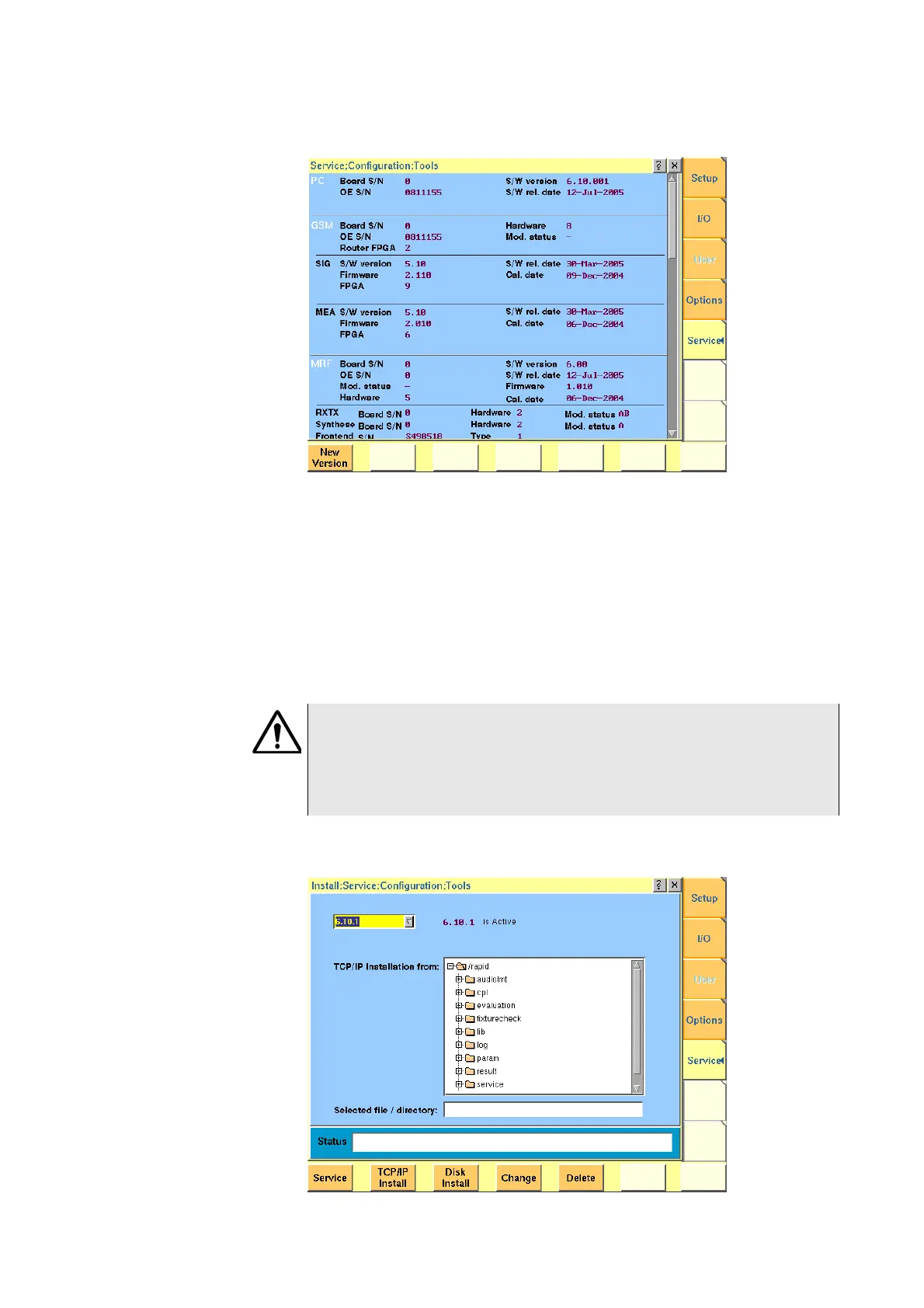
Push the [Service] marker tab to gain access to this menu.
This menu provides all relevant information on the hardware and software revi-
sions of the various subsystems of your 4400.
The information on display here is very important when tracing problems or
discussing upgrade possibilities with the Willtek product specialists.
Changing the version of the
system software
Willtek seeks to permanently improve its products and makes new software
versions available on the Internet at www.willtek.com. Several different methods
exist to upgrade the software of your 4400: From floppy disks, from a remote PC
over the LAN (TCP/IP required) and from a remote PC over GPIB.
A push on the
New Version softkey provides access to the following menu:
HAZARD
Be very careful using the functions provided in this menu. If used the wrong
way, functions described below may leave your test set in a condition where it
is not operable anymore.
Never ‘play’ with this menu!



 To Next Page